Proxima, Libra firmware ver. 2.12.xx
rev. 2.12.01
Announcements may be recorded using .wav files. This is done using the
computer program only (menu Common settings → Announcements) via LAN.
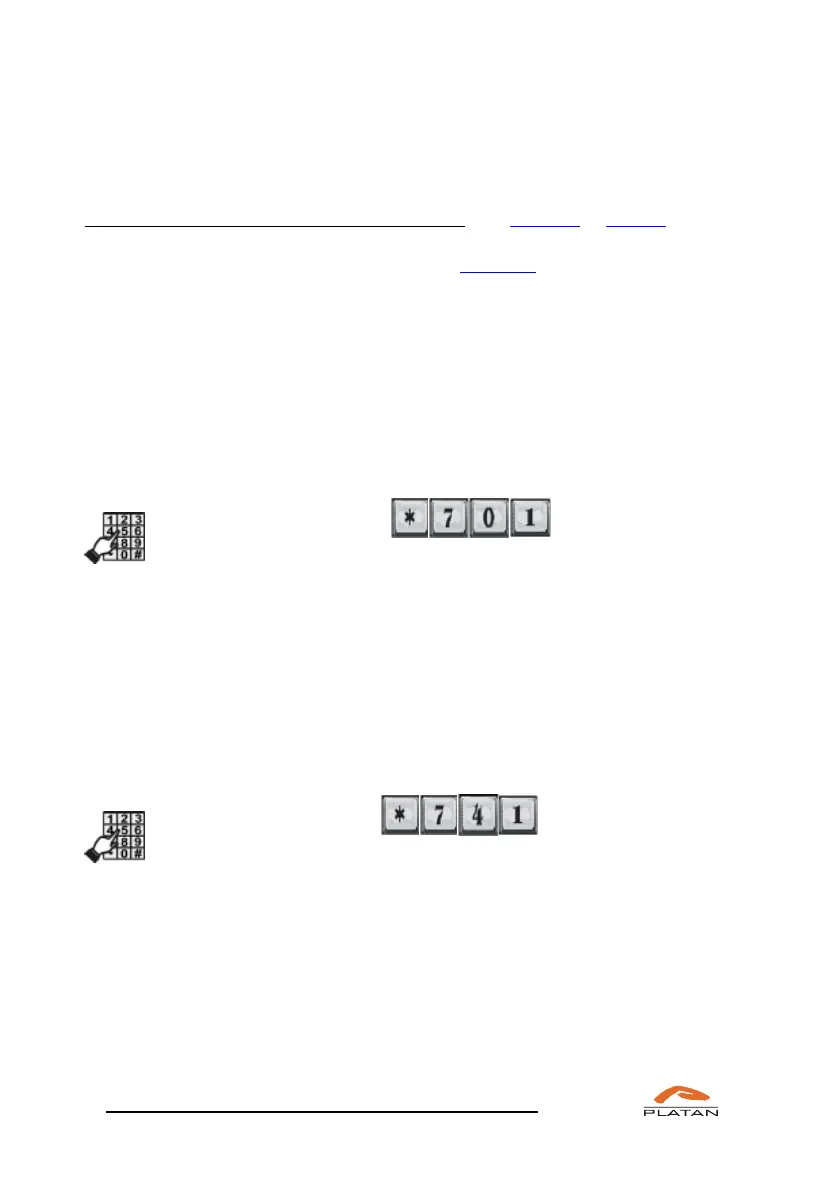
In order to listen to the recorded announcement, dial *741xxx or *701xx.
It is possible to use the same announcement to handle more than one trunk line.
Therefore, multi-layered announcements may be created.
It is recommended to record an announcement for: call booking (no “silence”).
The following message may serve as an example:
“The server is establishing the connection. Please wait...”
4.5.4 Verification of announcements recorded by the user
In order to check (listen to) the recorded announcement:
Pick up the phone and dial XX,
where: XX stands for the announcement or tune number (within the
range of 1 to 99).
The previous (by pressing “*”) or the next (by pressing “#”) announcement/tune
may be listened to while listening to a announcement or a tune without the need to
hang up the phone. Apart from that, the XX announcement/melody may be listened
to after pressing XX.
SECOND METHOD
In order to check (listen to) the recorded announcement:
Pick up the phone and dial XXX,
where: XXX stands for the announcement or tune number according to
the pattern below:
xxx=001 announcement 1; xxx=013 announcement 13;
xxx=002 announcement 2; :
xxx=003 announcement 3; xxx=098 announcement 98;
xxx=004 announcement 4; xxx=099 announcement 99;
xxx=005 announcement 5; xxx=100 melody 1;
xxx=006 announcement 6; xxx=101 melody 2;
xxx=007 announcement 7; xxx=102 melody 3;



 To Next Page