Proxima, Libra firmware ver. 2.12.xx
rev. 2.12.01
The tt time may be between 5 s and 80 s (5 s interval). The server rounds up the
entered time, i.e. if the value of 31 s is selected, the server will forward calls after
35 s. If you want the forwarding to be activated after 5 seconds, enter 05.
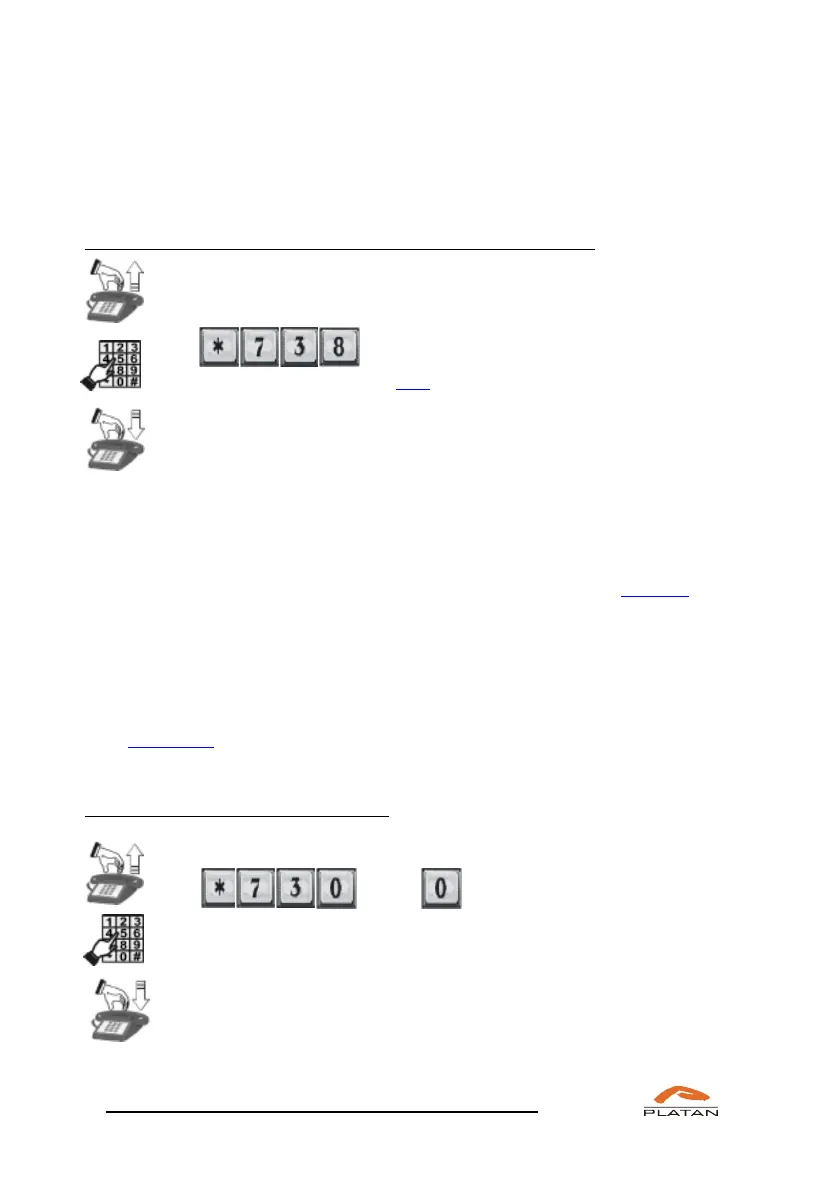
If you want to cancel the “when not reachable” call forwarding:
Pick up the phone.
Dial
You will hear a confirmation tone.
Hang up the phone.
The server will cancel the “when not reachable” call forwarding
If the function of forwarding calls to an external number is used, each call is rated
as a regular outgoing external call.
All functions connected with forwarding calls to either your or another telephone
may also be defined, modified and cancelled in the computer program (menu:
Extensions → Call forwarding).
4.1.20 Logging into and out of the Hunt Group
The server makes it possible to log out an extension user from a given Hunt Group
(see: Group call). When a user leaves their workstation, they may use this function
to prevent the server from directing incoming calls to them.
In order to log out of the Hunt Group:
Pick up the phone.
Dial XXX ,
where XXX stands for the number of a given Hunt Group.
Hang up the phone.



 To Next Page