Proxima, Libra firmware ver. 2.12.xx
rev. 2.12.01
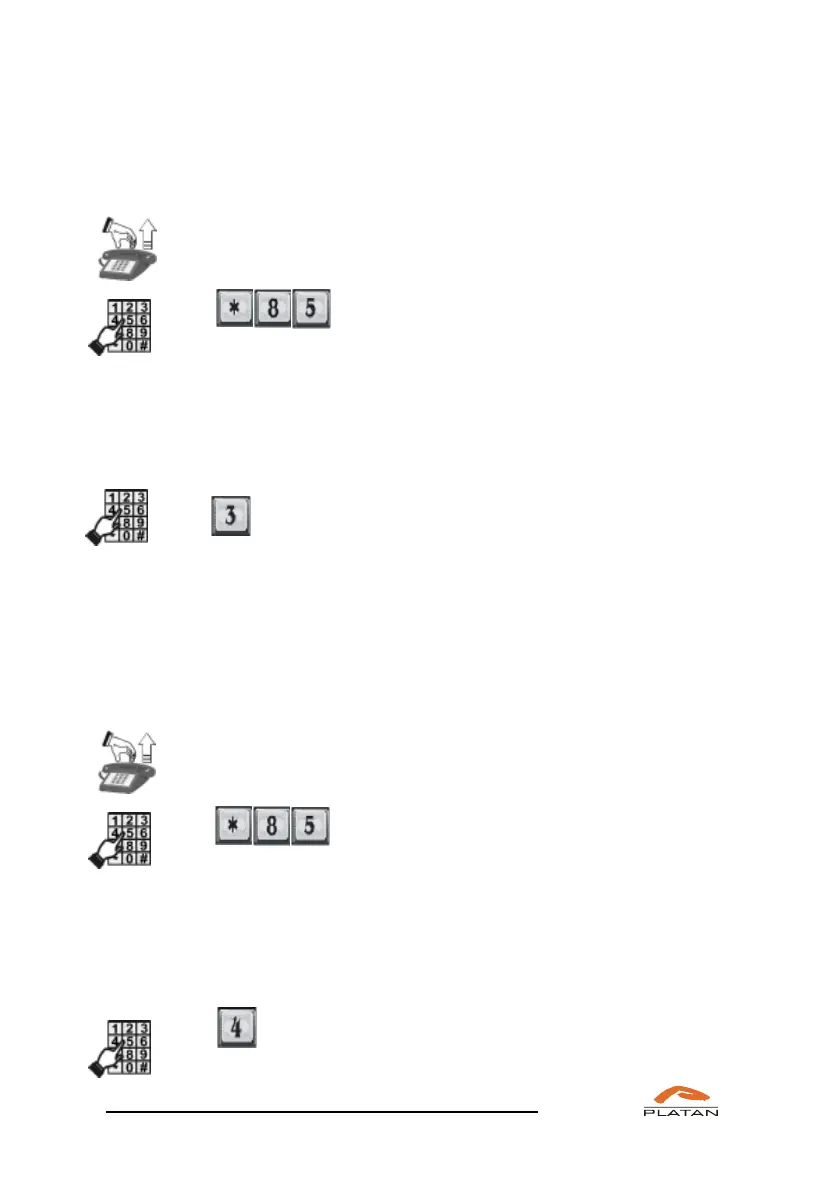
4.3.1.3 Checking active reservations
If you want to check your active conference room reservetions:
Pick up the phone.
You will hear a dialling tone
Dial
You’ll hear the announcement:
“Conference room reservation; to make a multiple reservation press 1; to make
a single reservation press 2; to check active reservations press 3; to delete
a reservation press 4.”
Dial
You will hear the information about the conference rooms you have reserved, their
numbers and PIN codes.
4.3.1.4 Deleting reservations
If you want to check your active conference room reservetions:
Pick up the phone.
You will hear a dialling tone
Dial
You’ll hear the announcement:
“Conference room reservation; to make a multiple reservation press 1; to make a
single reservation press 2; to check active reservations press 3; to delete a
reservation press 4.”
Dial
You will hear the announcement: “Enter room number”



 To Next Page