Proxima, Libra firmware ver. 2.12.xx
rev. 2.12.01
4.3.1.2 Conference room reservation
A conference room reservation can be made only by the user with the Conference
room reservation privilege (set in the computer program in: Extensions
→
Service
classes).
If you want to make a conference room reservation:
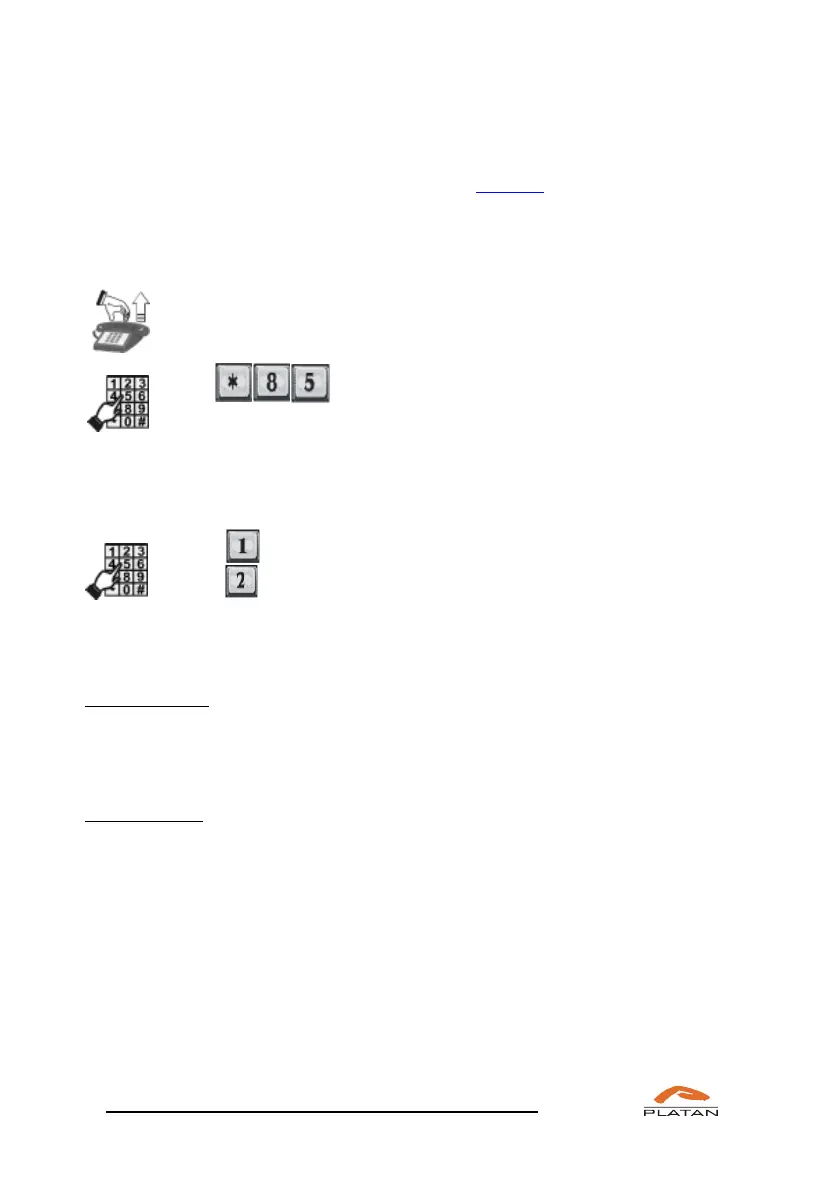
Pick up the phone.
You will hear a dialling tone
Dial .
You’ll hear the announcement:
“Conference room reservation; to make a multiple reservation press 1; to make a
single reservation press 2; to check active reservations press 3; to delete a
reservation press 4.”
Dial to make a multiple reservation
Dial to make a single reservation
You will hear the following announcements:
after dialling 1:
“Multiple reservation. Access number *86, room number [room number
automatically generated], PIN code [PIN code automatically generated], valid
[reservation time] days – reservation active.”
after dialling 2
“Single reservation. Access number *86, room number [room number
automatically generated], PIN code [PIN code automatically generated], valid
[reservation time] days – reservation active.”
The conference room reservation time (validity) is set up in: Common settings
→
Ringtone and server times
→
Server times (1-31 days, 7 days by default).
The received room number and PIN code should be distributed to the conference
participants, for instance by group short text messages (SMS) or ordinary messages
in Platan CTI app, by e-mail or any other medium.



 To Next Page