Proxima, Libra firmware ver. 2.12.xx
rev. 2.12.01
You may change your individual access code to a new one at any time.
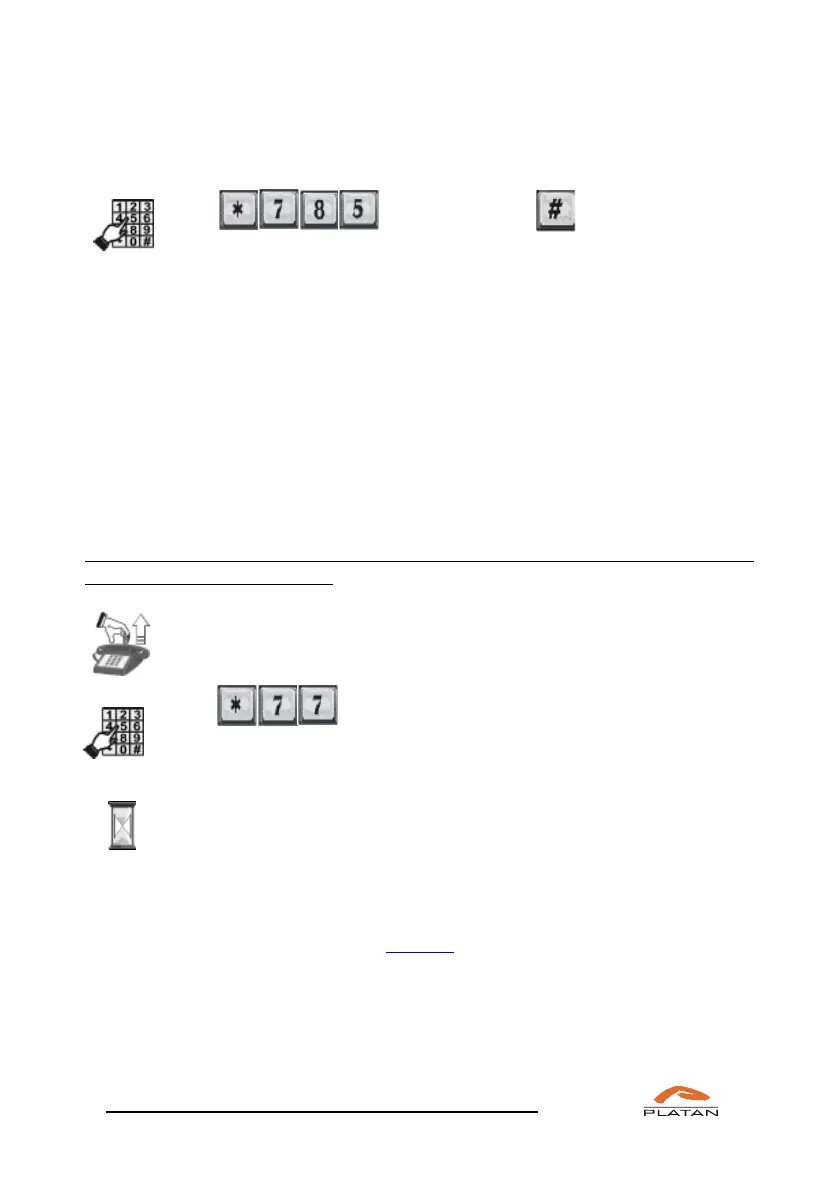
Dial CODE CODE-2 , ,
where: CODE – your old code (1-6 digits),
CODE-2 – your new code (1-6 digits).
Press # to confirm.
It is possible to activate automatic blocking and unblocking of selected extension
phones when the server operation mode is changed. This option is configured in
the server individually for each user (Extensions → Traffic classes).
4.2.18 Accessing the trunk line with bypassing the blockade
A server user may make an external phone call using a phone that is not authorised
for outgoing external calls or is blocked with an individual code. Such a call will
be ascribed to the account of the user using this service.
If you want to use (on your own account) the telephone that is blocked or
unauthorised for external calls:
Pick up the phone.
You will hear a dialling tone.
Dial TEL CODE,
where: TEL is your extension number (if you
have a 2-digit extension number, e.g. 22, dial 22. If you have a 3-digit
number, e.g. 222, dial 222).
CODE stands for your individual code (max. 6 digits) used to block the
telephone.
You will hear a dialling tone of a local exchange.
This function requires the user using this service to be authorised to use the
selected trunk lines in the computer program. Otherwise, they will not be able to
make an external call.



 To Next Page