Proxima, Libra firmware ver. 2.12.xx
rev. 2.12.01
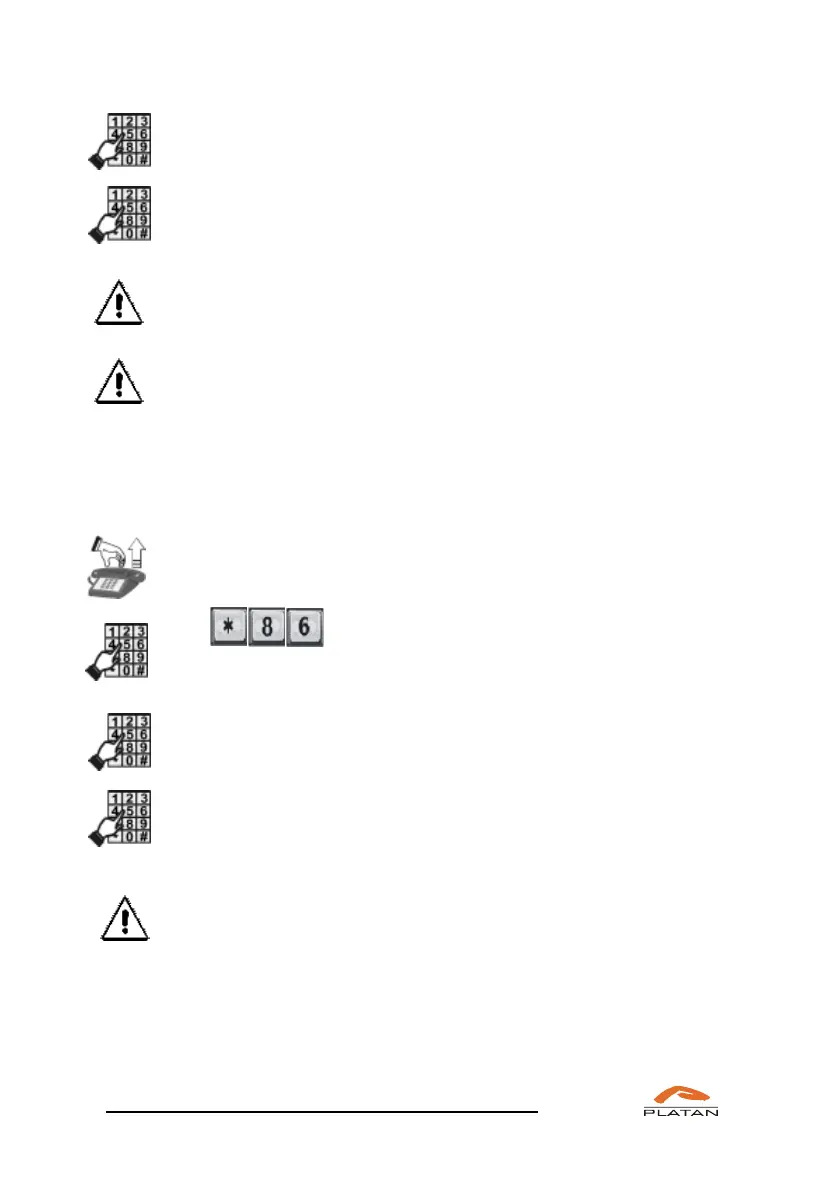
Enter room number, after which you’ll hear: “Enter PIN code.”
Enter PIN code for this room, after that you’ll hear “Reservation
deleted.”
The conference room reservation may be deleted only by the user who
has reserved a given room.
The multiple conference room reservation may be deleted during the
ongoing conference, but the conference room will not be deleted before
all conference participants hang up.
4.3.1.5 Entrance to the conference room
If you want to enter the conference room:
Pick up the phone.
You will hear a dialling tone
Dial
You will hear the announcement: “Entrance to the conference room.
Enter room number.”
Enter room number. Then you’ll be asked to enter PIN: “Enter PIN
code.”
Enter PIN code for the conference room. You’ll hear the information
depending on the conference room type and the current number of
conference participants.
If in the computer program the option “Do not require PIN when re-
entering a given conference room” is ticked, the participants, after the
first authorisation, do not have to enter the PIN code to enter the
multiple conference room. The same applies for participants who exit the
ongoing conference and want to re-join it.



 To Next Page