Proxima, Libra firmware ver. 2.12.xx
rev. 2.12.01
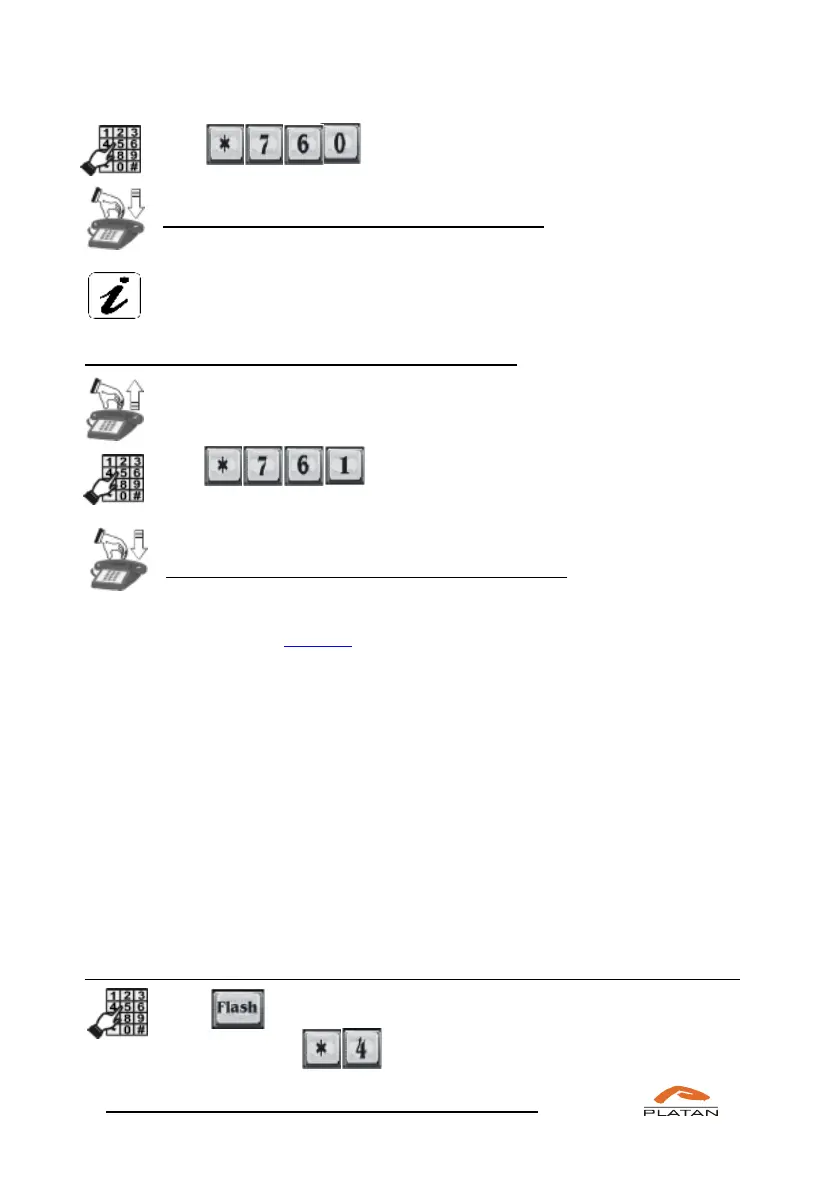
Dial
Hang up the phone.
You have activated the do not disturb function.
If you are using a proprietary phone, the DO NOT DISTURB message
will be displayed.
If you want to deactivate the do not disturb function:
Pick up the phone.
You will hear a dialling tone.
Dial
Hang up the phone.
You have deactivated the do not disturb function.
If this function is not deactivated, it will be cancelled automatically after the time
defined in the computer program (menu: Common settings → Ringtone and server
times → Server times). By default: 930 seconds.
4.4.5 MCID – Malicious Call Identification
Malicious call identification is available for digital lines only – this function makes
it possible to register the numbers of called and calling users as well as the dates
and times of calls. Malicious, troublesome or threatening calls may be registered
after this function has been activated in the telephone. The data registered by the
telecommunications operator by means of the additional MCID function is at the
disposal of the operator that makes it available to the state authorities performing
the security and public order protection tasks within the scope and on terms
stipulated by the relevant acts of law.
In order to mark a call as “malicious,” the following should be done during a call:
Dial (or symbol set as FLASH for IP phone or external port
equipment) and



 To Next Page