Proxima, Libra firmware ver. 2.12.xx
rev. 2.12.01
You have been logged out of the Hunt Group. The server will no longer direct this
Group calls to you.
If a server user has logged out when leaving their workstation, they may log into
the Hunt Group again on coming to work and the server will start directing
incoming calls to them again.
In order to log into the Hunt Group:
Pick up the phone.
Dial XXX ,
where XXX stands for the number of a given Hunt Group.
Hang up the phone.
You have been logged into the Hunt Group. From this moment on, the server will
direct Group calls to you.
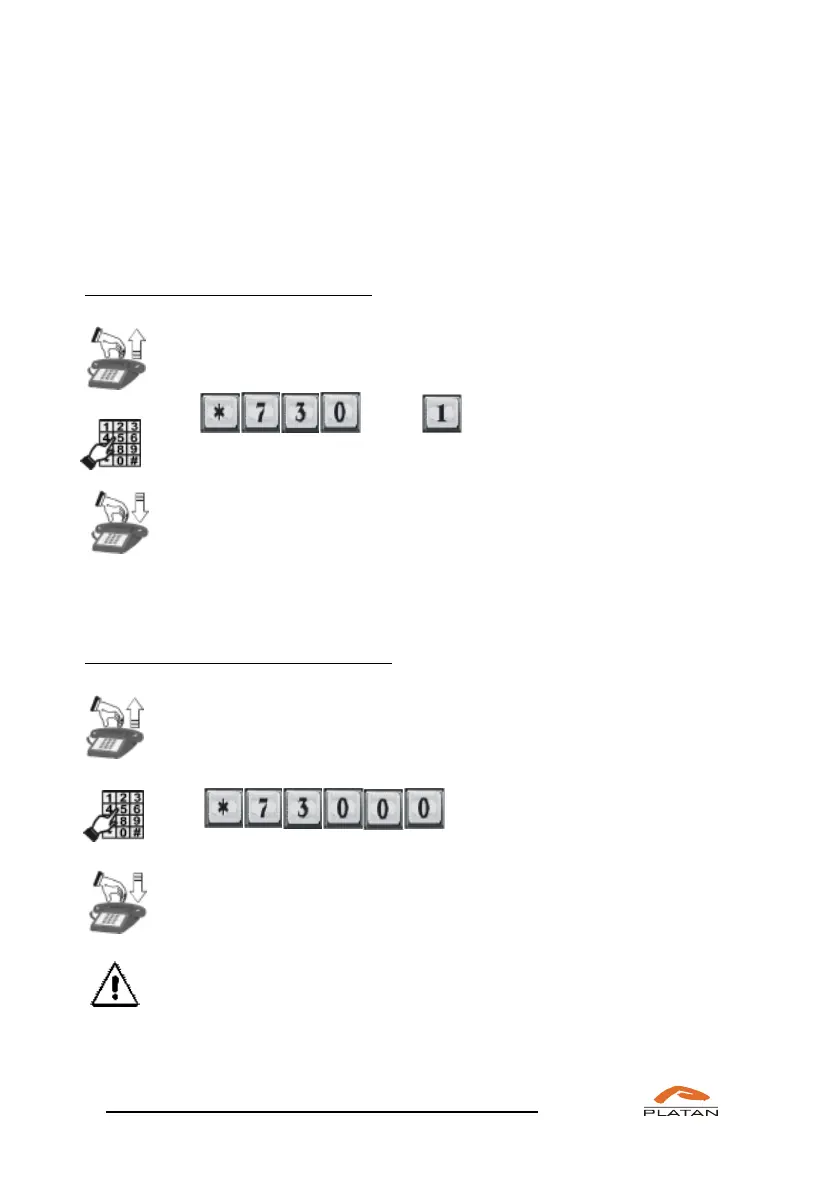
In order to log out of all Hunt Groups:
Pick up the phone.
Dial
Hang up the phone.
The fact of logging into and out of a Hunt Group is recorded in the server
operation report.
The number of the Hunt Group to which you belong should be provided by the
installer or by the server maintenance personnel.



 To Next Page