EasyManua.ls Logo

Plustek SmartOffice PS286 Plus - Quick Scan

Plustek SmartOffice PS286 Plus
220 pages
Print Icon
To Next Page IconTo Next Page
To Previous Page IconTo Previous Page
Loading...
DocAction II8
All rights are reserved.
2.5
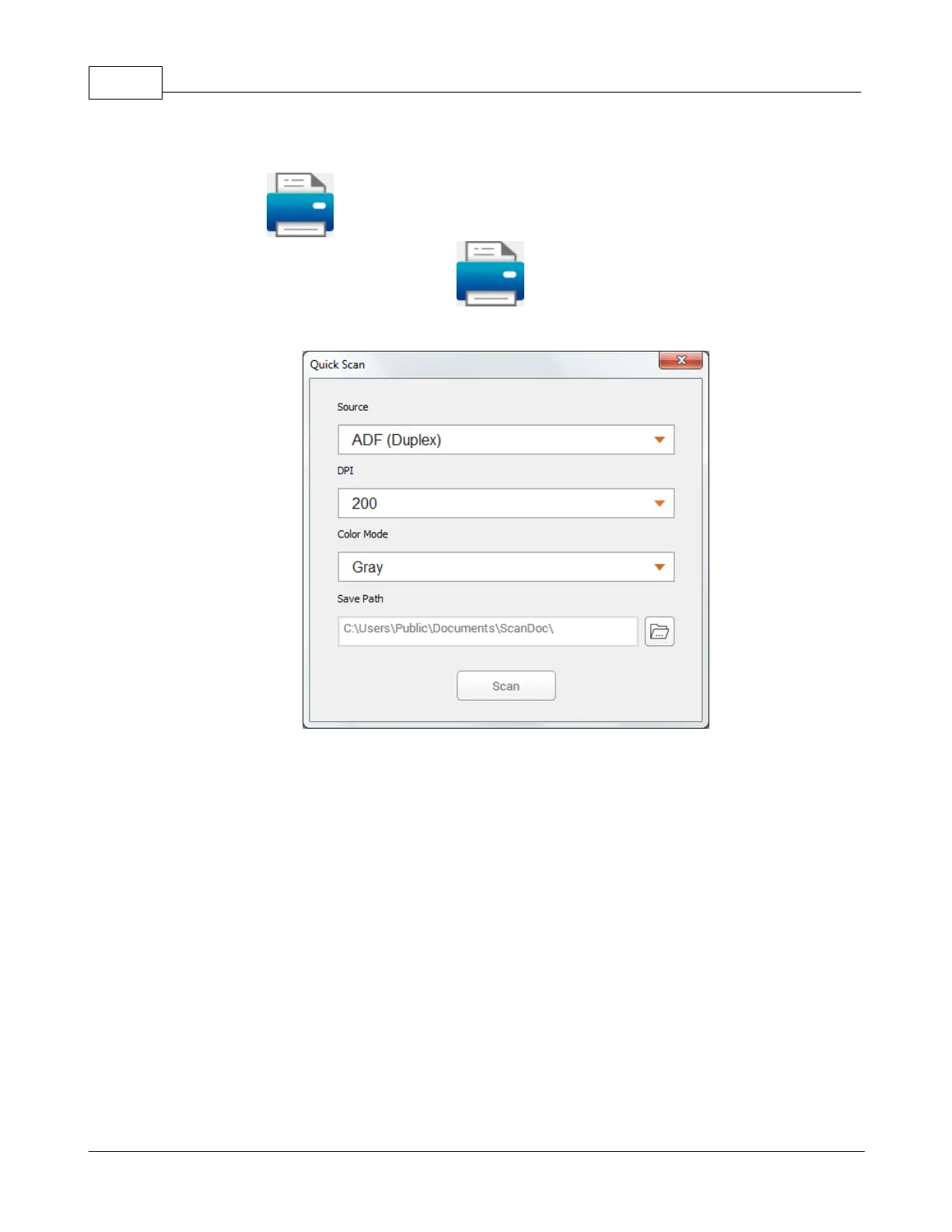
Quick Scan
The preset
Quick Scan
button allows you to perform the scanning task
simply and easily. Double-click the
Quick Scan
button to pop-up the
settings dialog.
Source
:
Tells the scanner the method you will use to scan documents or images
.
Select the desired option from the dropdown list.
DPI
:
Resolution is measured in dots per inch (dpi). The higher the resolution, the
more detailed the image and the more memory and drive space the image will
use.
Select the desired option from the dropdown list.

Table of Contents

Other manuals for Plustek SmartOffice PS286 Plus

Related product manuals