Button Configuration Window Overview 23
All rights are reserved.
2.6
Scan Button Settings
icon on the left pane in the Button Configuration window
displays its current button settings on the right pane.
The settings can be categorized into two:
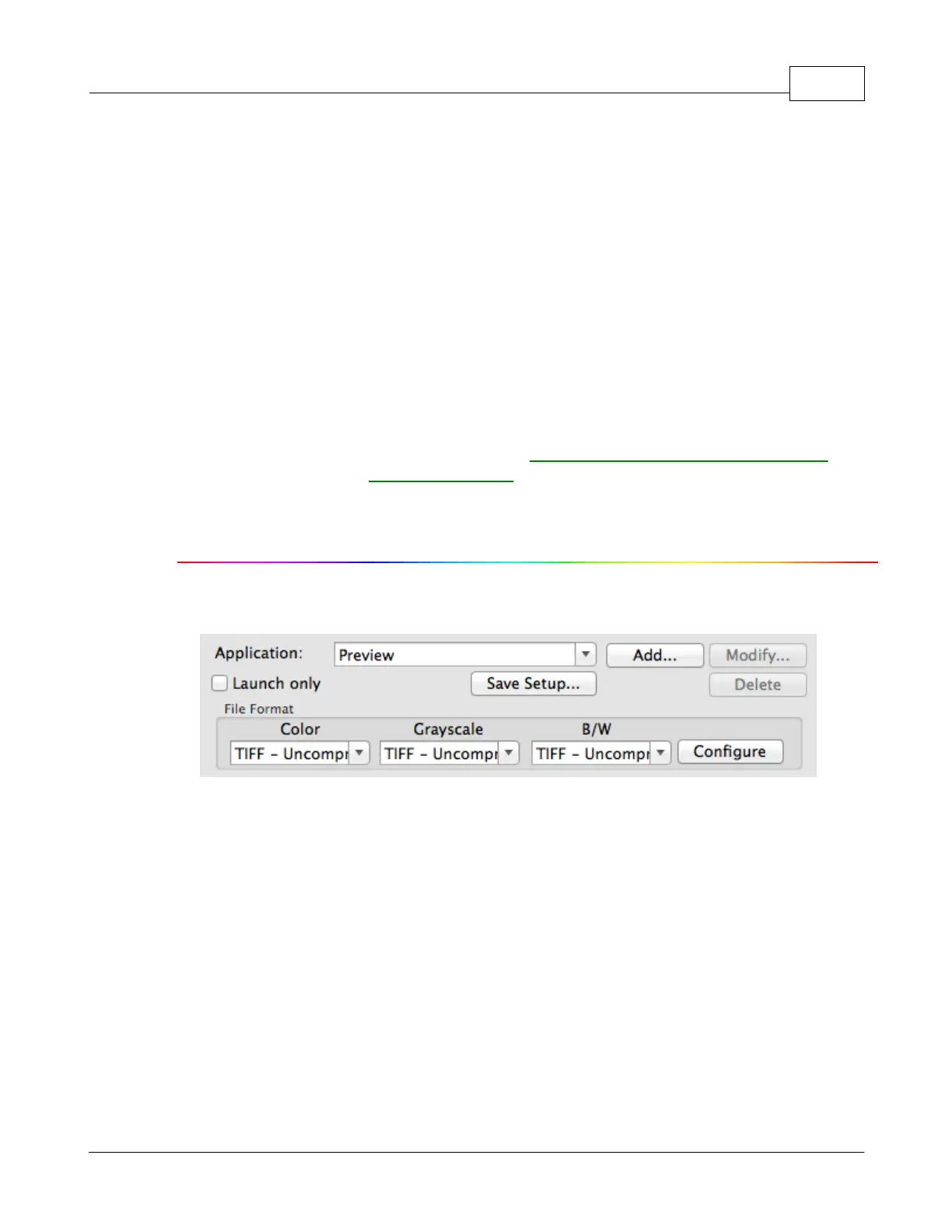
Application and File Saving Settings
The items and parameters available in the window are explained as follows:
Application and File Saving Settings
Specifies an application program to be launched and linked to the Scan
button. After the scan is complete, this application program is started up
automatically and displays all scanned images.











 To Next Page