Button Configuration Window Overview 29
All rights are reserved.
2.7
FTP Button Settings
icon on the left pane in the Button Configuration
displays its current button settings on the right pane.
The settings can be categorized into two:
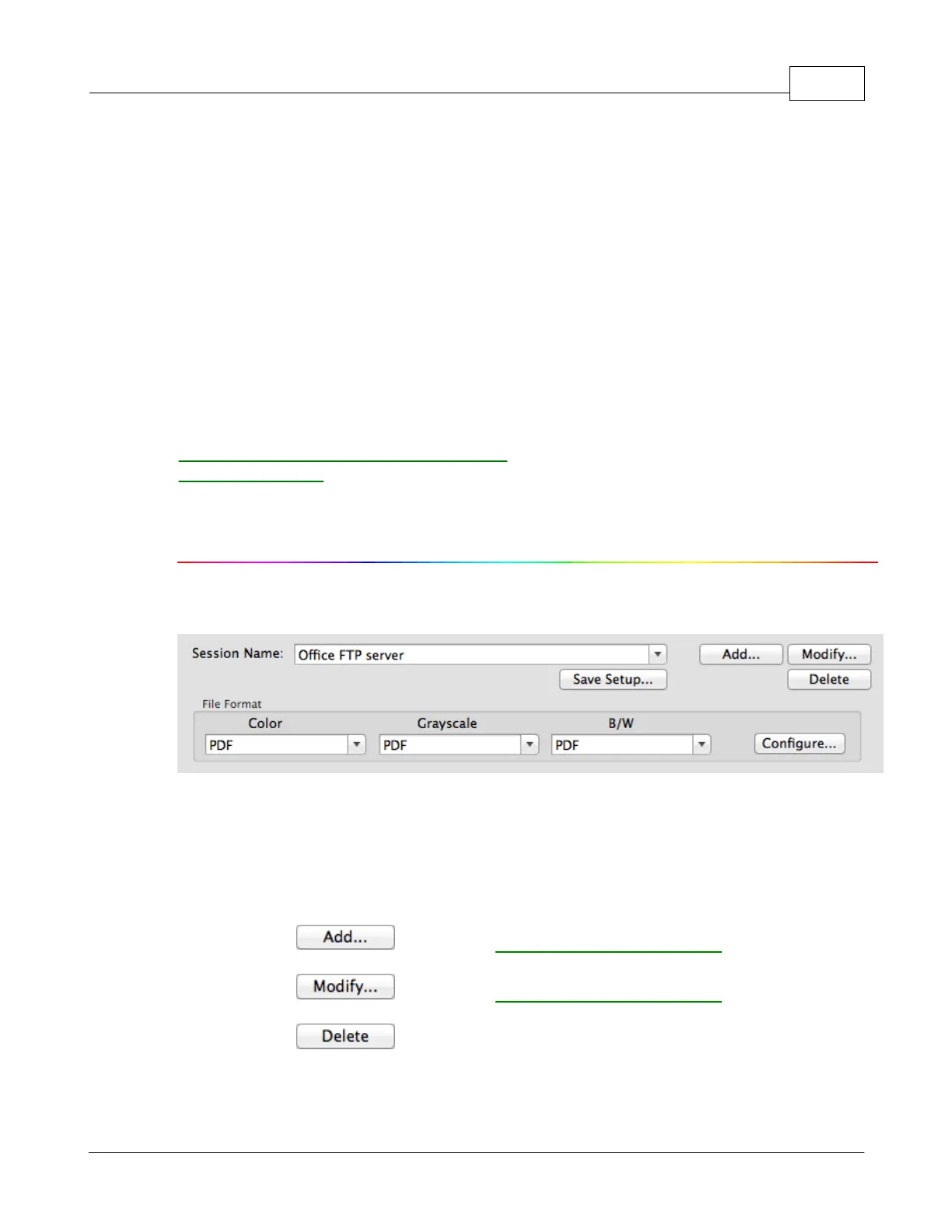
Session Name and File Saving Settings
The items and parameters available in the window are explained as follows:
Session Name and File Saving Settings
dialog box. You may select the desired FTP session from the
More than one FTP session can be added to the drop-down list.
FTP Connection Properties
where you may add frequently-used FTP sessions to the list.
FTP Connection Properties
where you may modify the FTP settings for the current FTP session.
to delete the current FTP session from the list.











 To Next Page