11
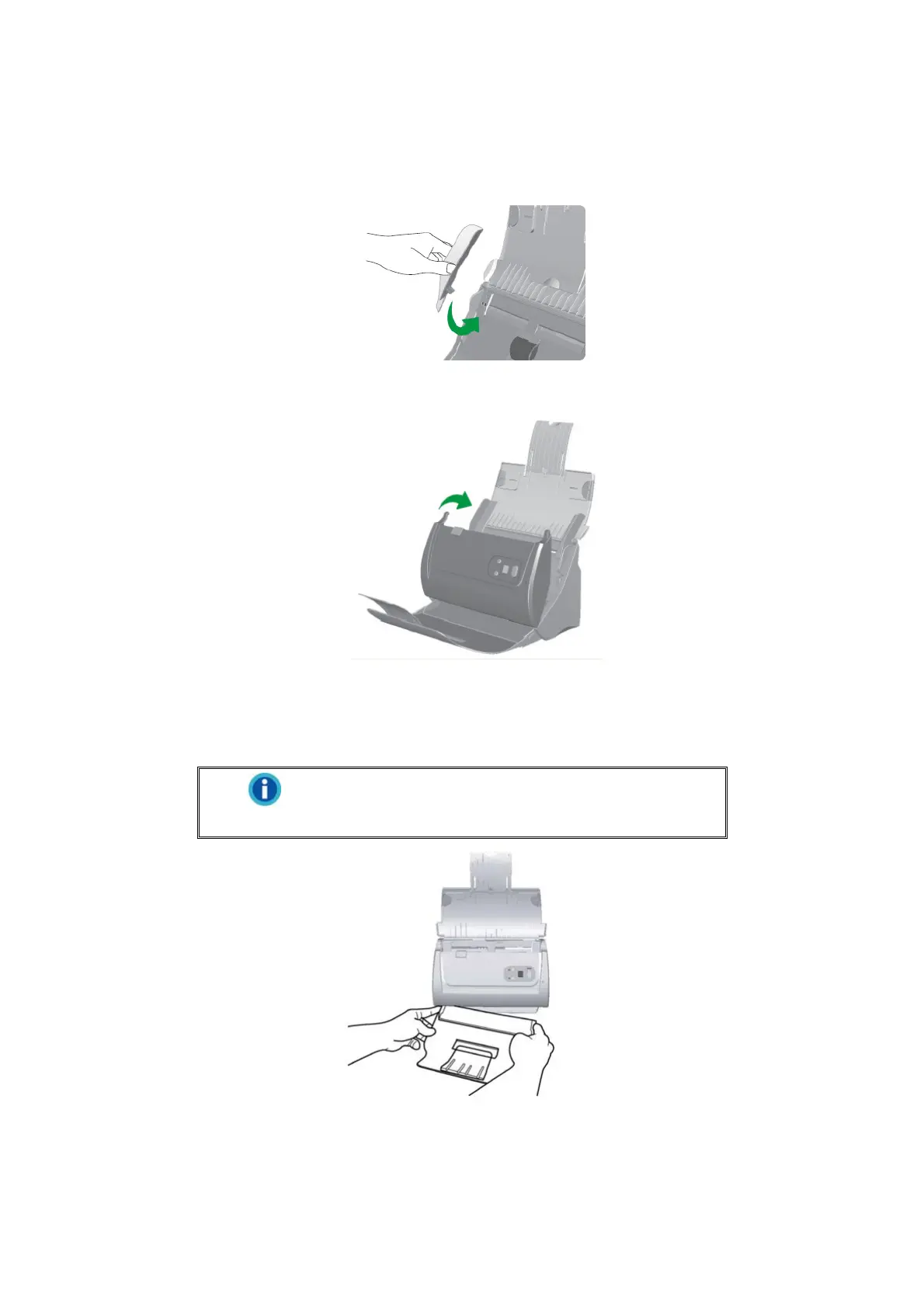
2. Align and Insert the left extended paper width slider onto the paper width slider
on the left. Position and Insert the right extended paper width slider onto the
paper width slider on the right.
3. Close the ADF cover by pushing it back down until it snaps back into place.
Step 4. Install the Stacker
Insert the tabs on the stacker onto their slots on the scanner.
Information
The installation of stacker is optional, if you have
limited desktop space.











 To Next Page