Program Window Overview 5
All rights are reserved.
2.2
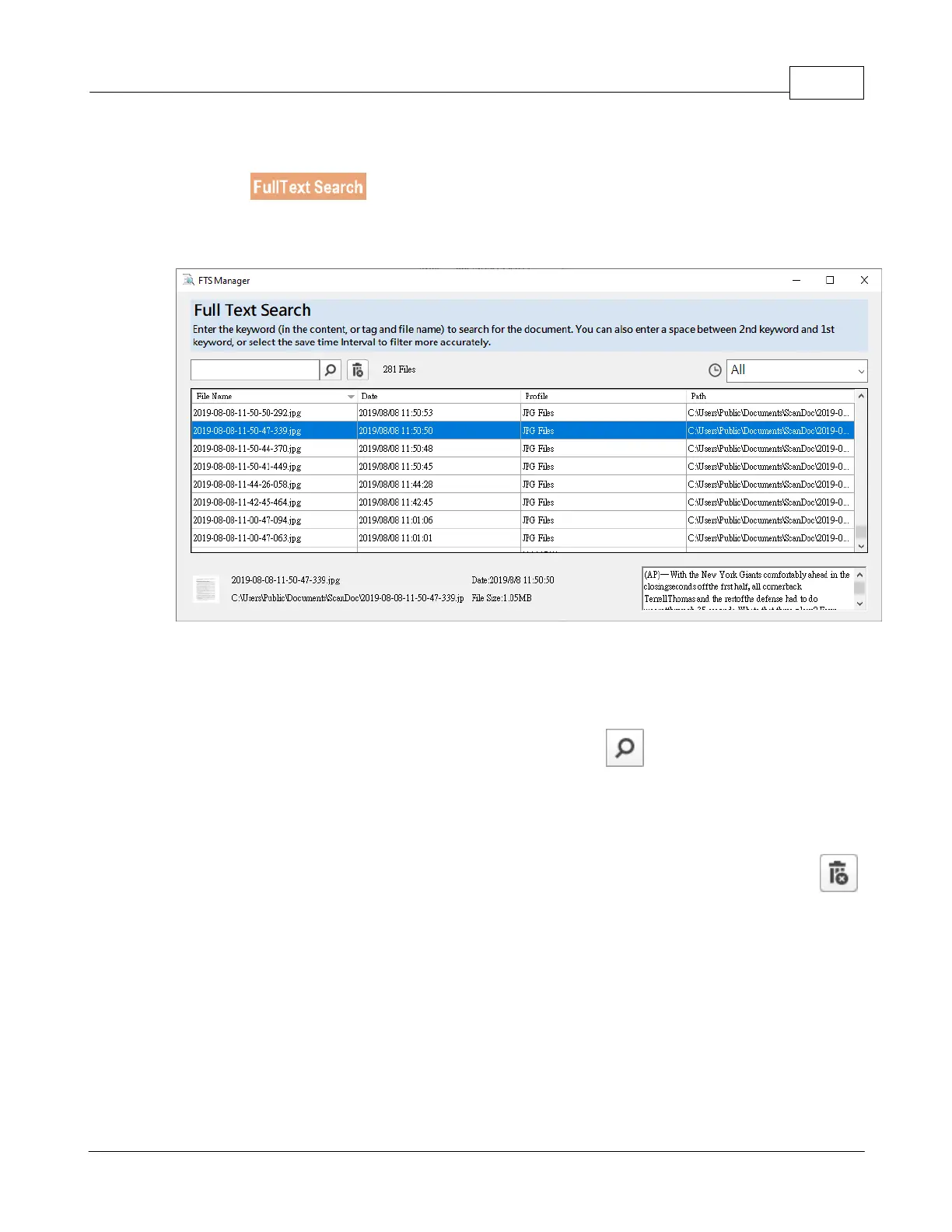
FTS Manager
is the full text search function, you may search the desired document fast
The following describes how to search the desired file:
Select the time criteria if necessary.
Enter the desired keyword or index in front of the
button, the search results
will be listed in the window.
Double-click the highlighted item to open the selected document.
If there is any unnecessary document, you may select the item then click the
button to delete the selected document.
(Note: You will also delete the selected











 To Next Page