TWAIN Help30
All rights are reserved.
2.2.3.3
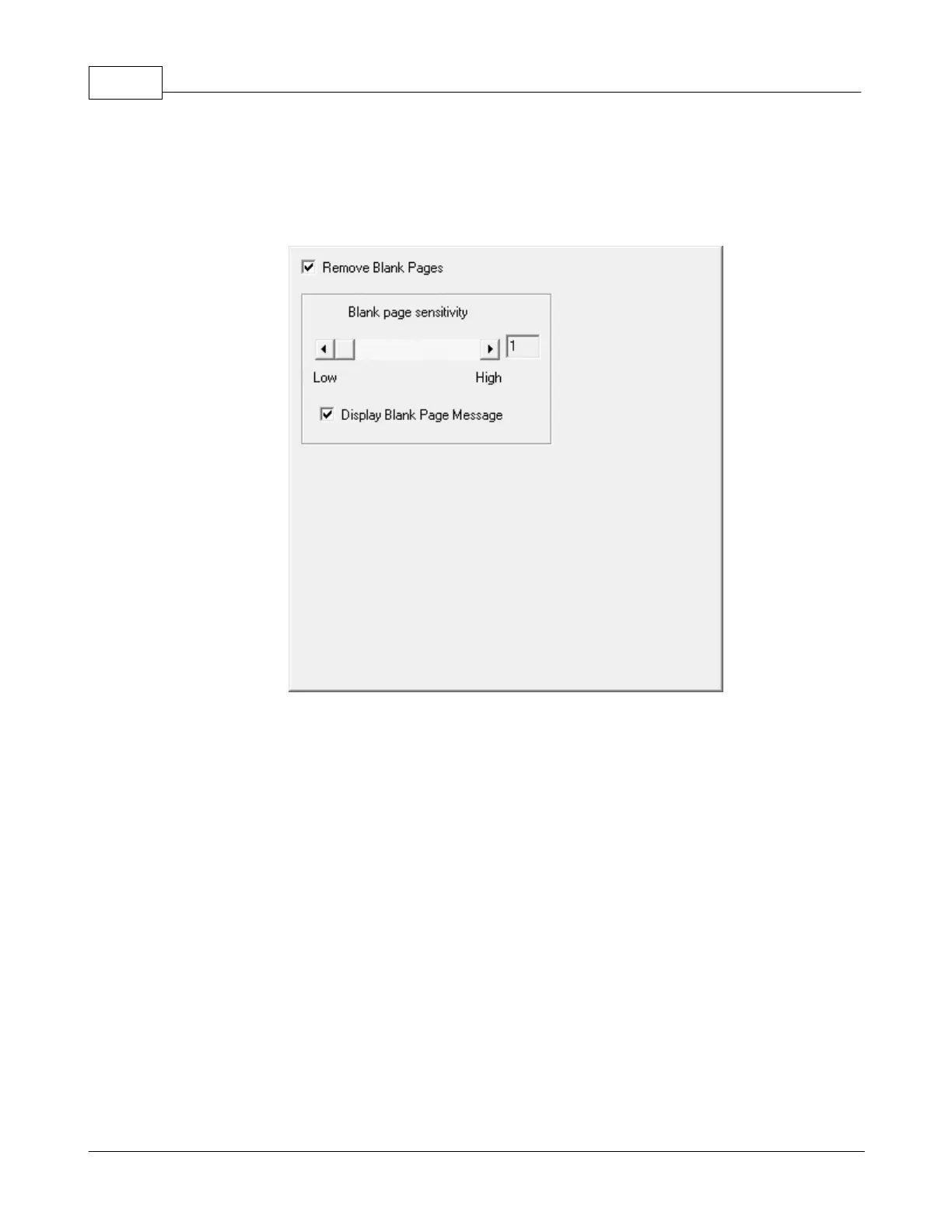
Remove Blank Pages
Tick this check box if you want TWAIN to automatically remove blank pages after
2.2.3.3.1 Blank Page Sensitivity
that will be scanned into the computer.
Sensitivity values are primarily a measure
of blank page. The larger the sensitivity value, the more scanned pages will be
treated as blank pages and removed
. Slide the thumb of the scroll bar to the right
or left, and the current value is shown to right of the scroll bar.
Display Blank Page Message
to show the blank page information.
2.2.3.4
Multi-image output











 To Next Page