EasyManua.ls Logo

Plustek SmartOffice PS286 Plus - Page 77

Plustek SmartOffice PS286 Plus
220 pages
Print Icon
To Next Page IconTo Next Page
To Previous Page IconTo Previous Page
Loading...
The TWAIN Interface 29
All rights are reserved.
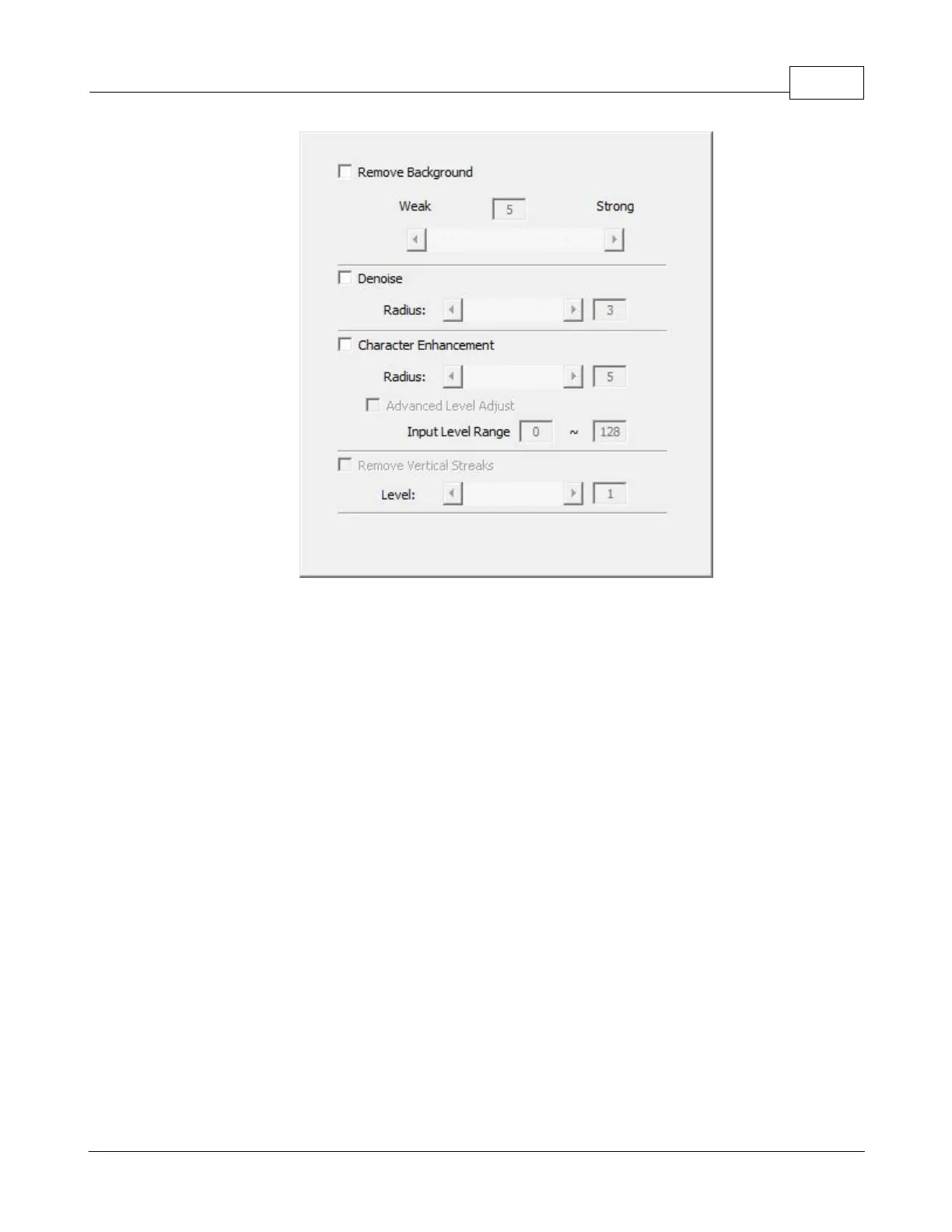
Remove Background
Tick this check box to remove the colored background of the scanned documents.
This feature is used to adjust the remove condition of colored background. The
higher the value, the greater the effect will be. Slide the thumb of the scroll bar to
the right or left, and the current value is shown above the scroll bar.
Denoise
Tick this check box to remove noises from the scanned images. This feature is
used to adjust the reduce condition of noises. The higher the value, the more
noises will be reduced. Slide the thumb of the scroll bar to the right or left, and the
current value is shown to right of the scroll bar.

Table of Contents

Other manuals for Plustek SmartOffice PS286 Plus

Related product manuals