TWAIN Help10
All rights are reserved.
documents that are longer than 14
Use this setting if you want to scan rear side of the
documents that are longer than 14
Use this setting if you want to scan double-sided
documents that are longer than 14
2.2.1.2
Individual Settings
When you scan double-sided documents, tick this check box if you want to
configure scan parameter settings of both front and rear sides individually.
2.2.1.3
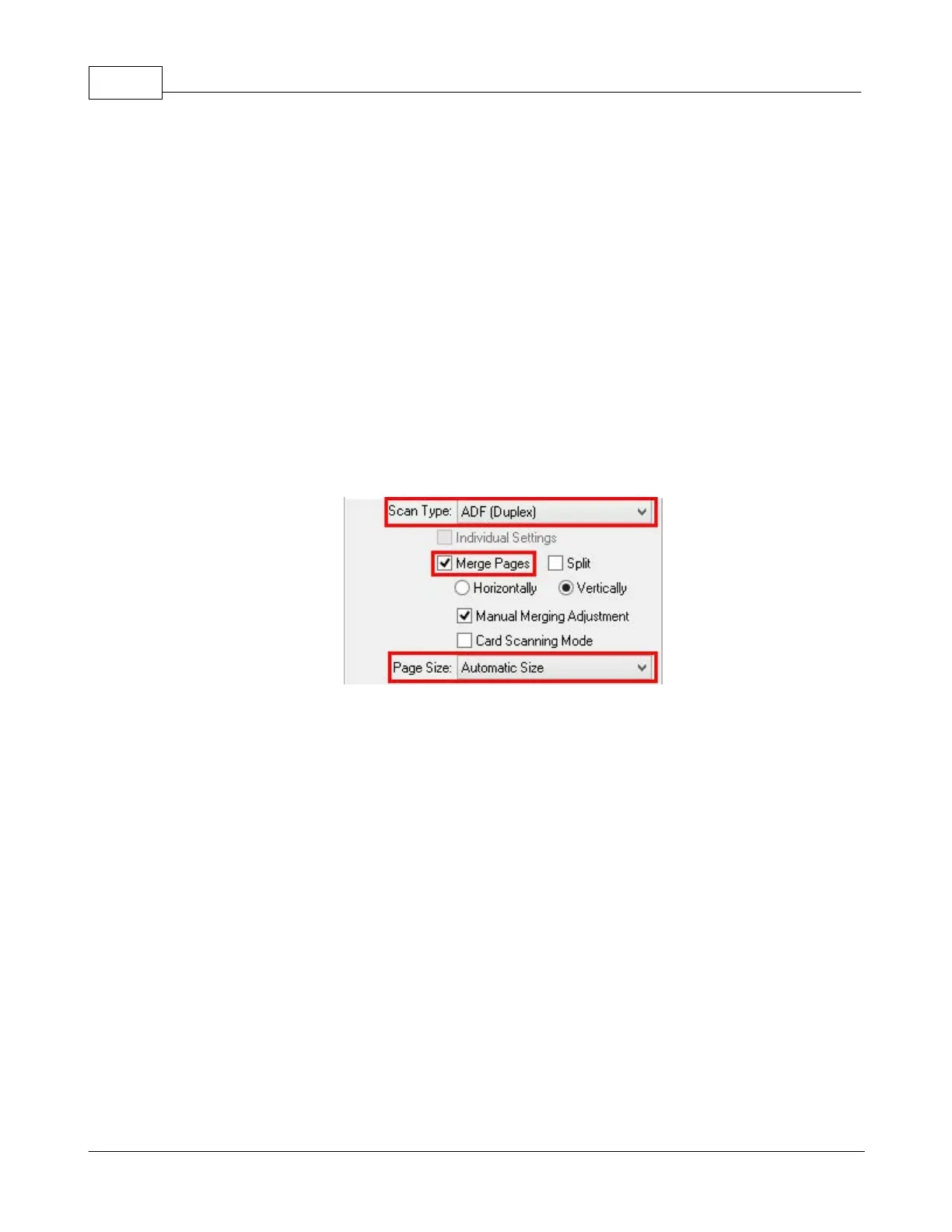
Merge Pages
When you scan double-sided documents, tick this check box if you want to output
the scan images of both front and rear sides in one image. When you scan a
document folded in half, tick this check box to generate a joined image. You can
enable this feature only when you select
This function cannot be enabled when the
function is enabled and vice versa.
Check the radio button of
, and both front and rear image data are
generated side by side in a joined image. The rear image will be placed at the











 To Next Page