37
CLEARING PAPER JAMS
If a paper jam in the ADF happens, please perform the following steps:
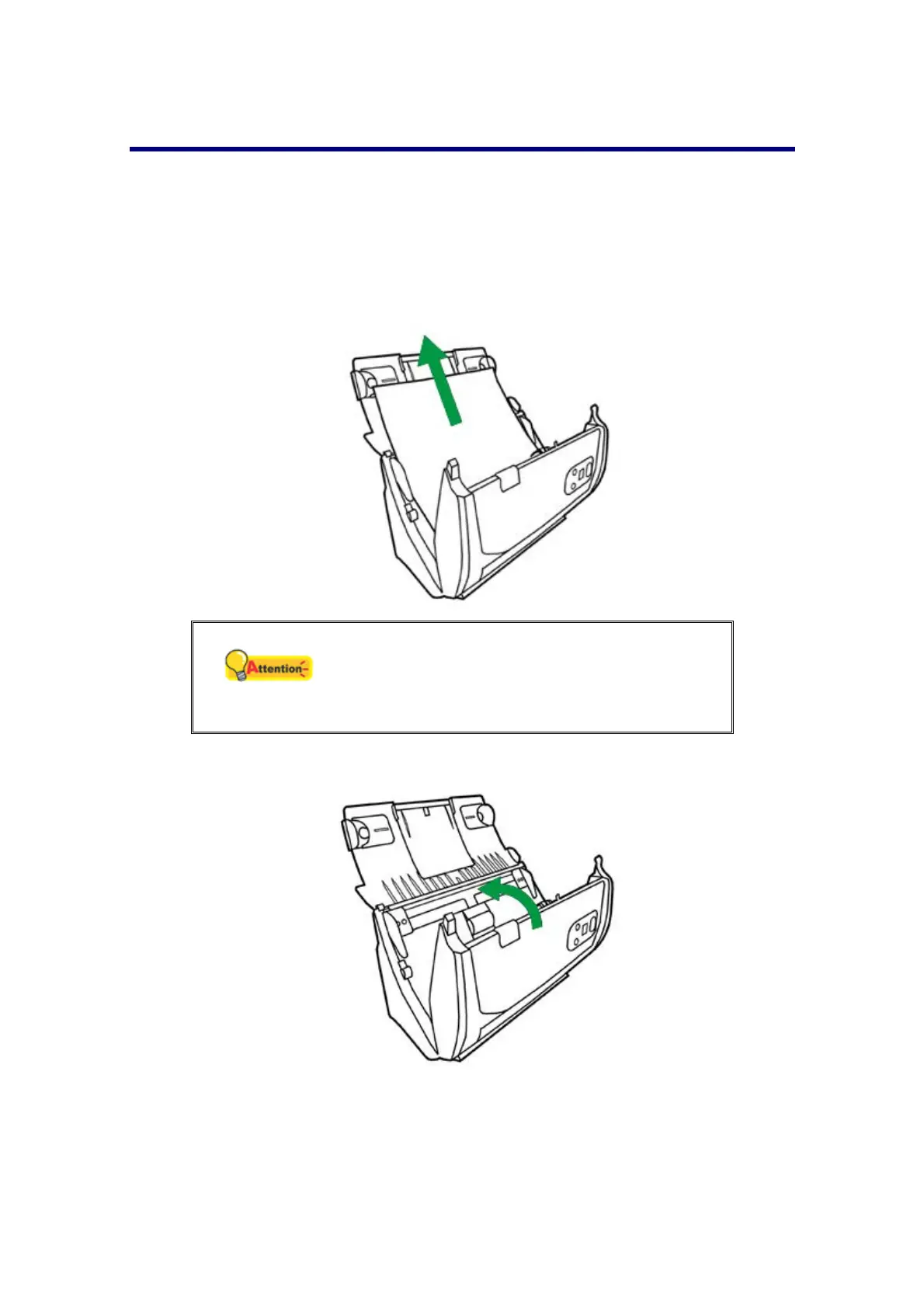
1. Remove any unjammed documents still loaded into the ADF.
2. Open the ADF cover by pulling the cover open lever.
3. Gently but firmly pull the jammed documents out of the ADF. Try to avoid
creasing or wrinkling the documents.
Attention
Do not try to pull jammed or half-scanned
documents out of the ADF without first opening
the ADF cover. Doing so may permanently
damage the ADF.
4. Close the ADF cover by pushing it back down until it snaps back into place.











 To Next Page