The TWAIN Interface 5
All rights are reserved.
2.1
Scan Profile
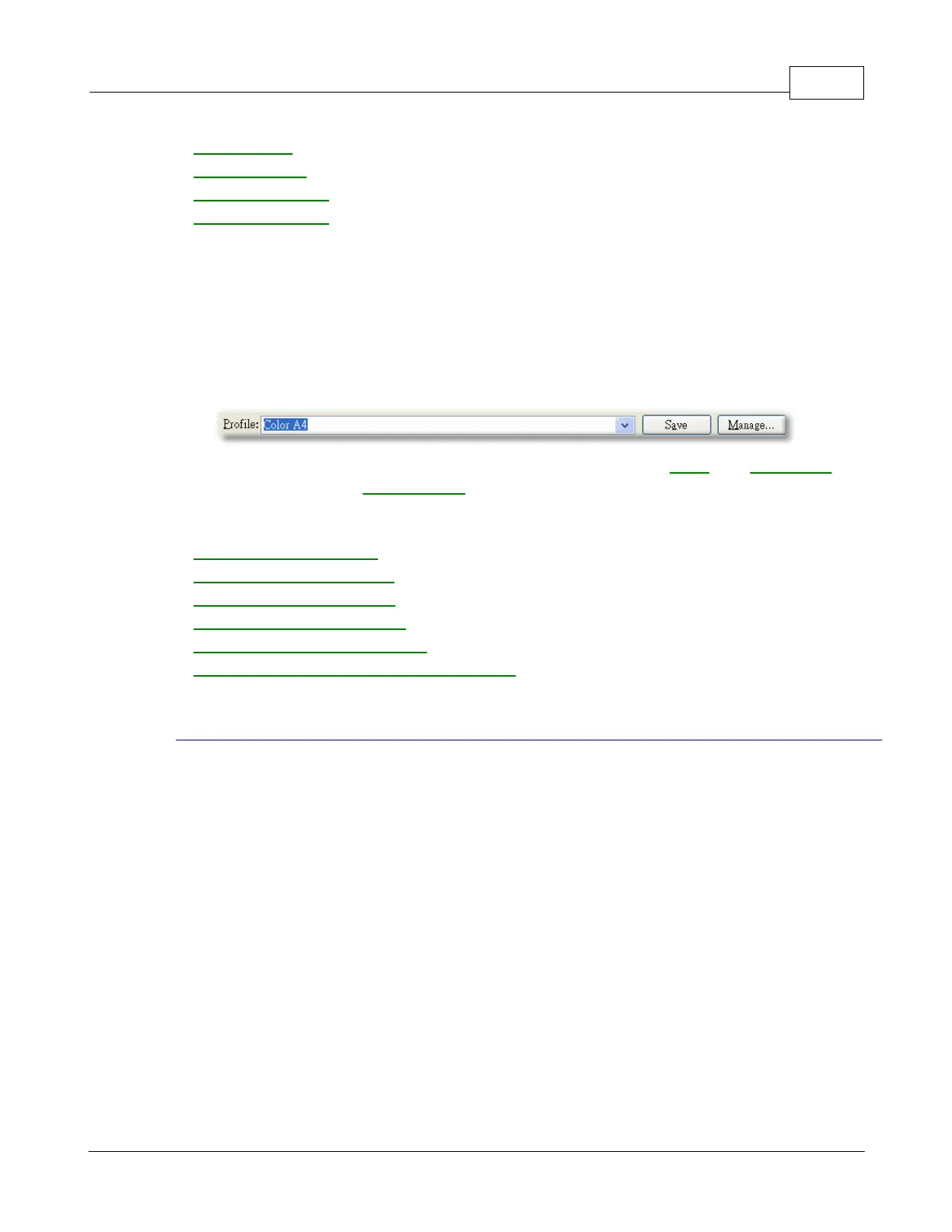
A scan profile provides a set of scanning settings for often-used scan tasks, which
achieves high efficiency when you want to scan several items with the same or
Each scan profile consists of the settings you configure in the
The following functions are available:
To use an existing profile
To edit an existing profile
To delete unwanted profile
To rename an existing profile
To save an existing profile as a new one
If you usually scan images with the same settings, you can define a scan profile to
save the settings you have configured.
Load the document(s) into the ADF.











 To Next Page