MacAction Help4
All rights are reserved.
the pop-up menu that opens.
button to begin the calibration process.
The scanner pulls the calibration sheet through the scanner, which completes
this scanner calibration. After the calibration is complete, click
1.3
Scanner Utility
To save power consumption, the scanner will enter the standby mode after it is
or define an idle time for the
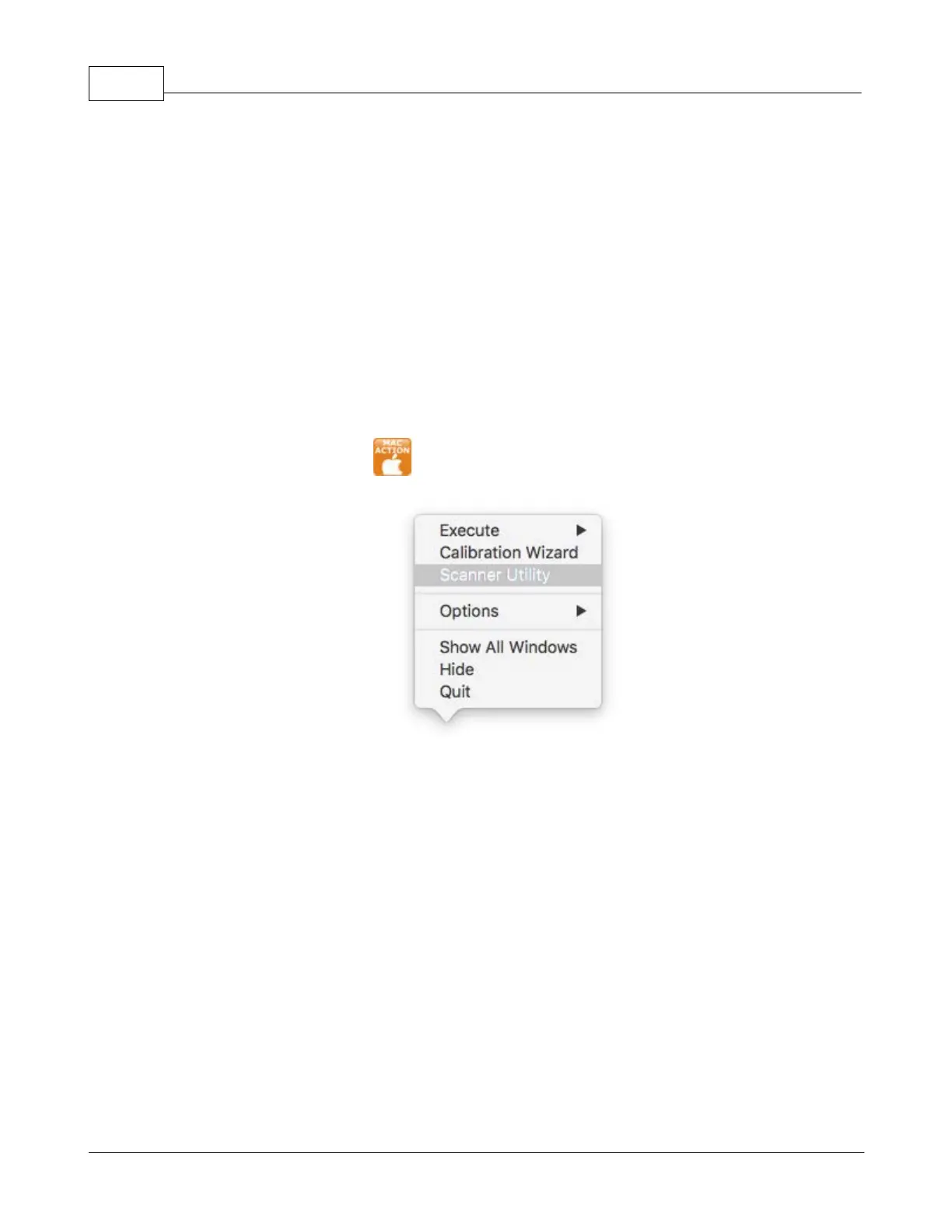
in the Dock, and then choose
the pop-up menu that opens.
section of the Scanner Utility window that opens,
click the button of your option:











 To Next Page