EasyManua.ls Logo

Plustek SmartOffice PS286 Plus - Page 171

Plustek SmartOffice PS286 Plus
220 pages
Print Icon
To Next Page IconTo Next Page
To Previous Page IconTo Previous Page
Loading...
Introduction 5
All rights are reserved.
a.
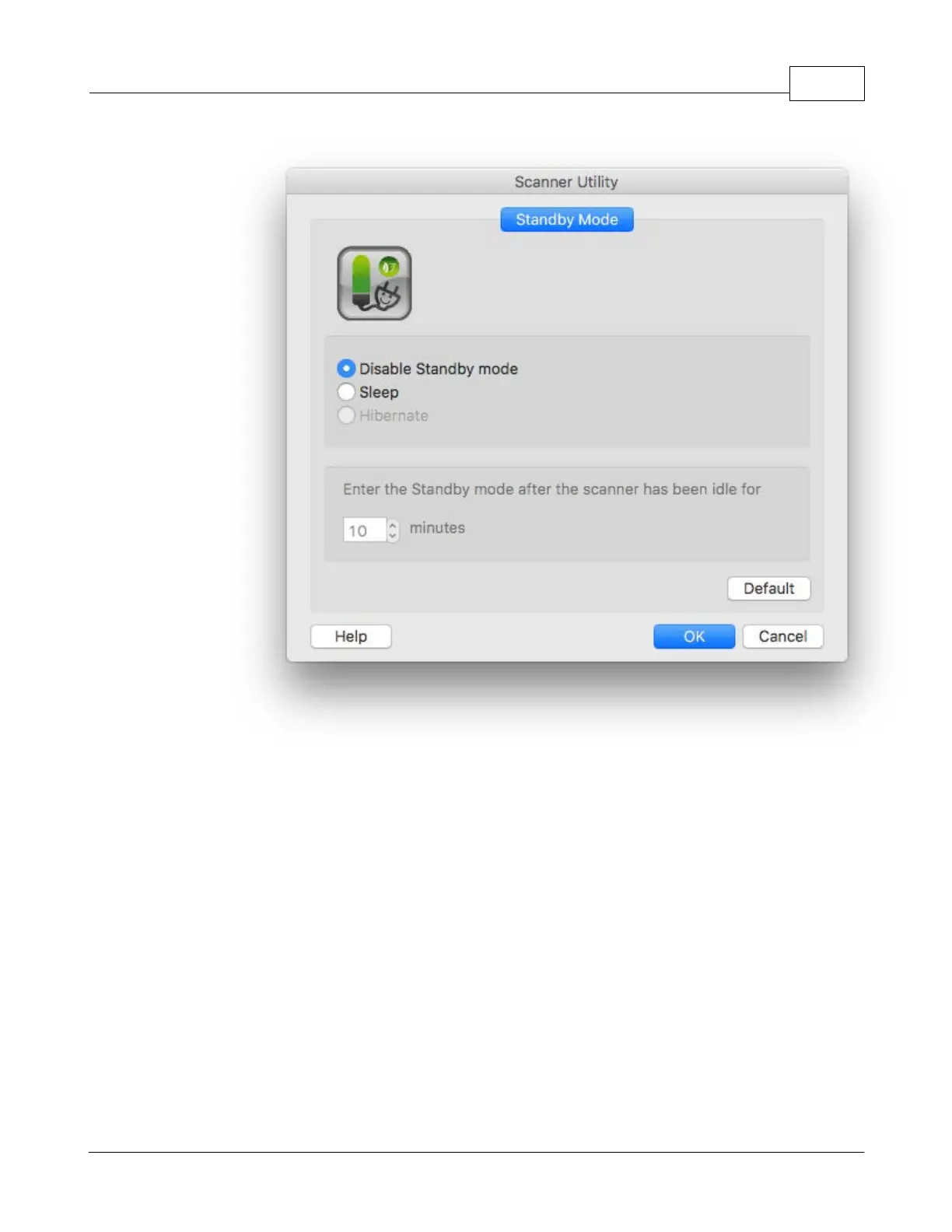
To disable the Standby Mode
: Click the button before
Disable Standby
Mode
.
b.
To automatically
enter the Standby Mode (
Sleep
)
: Click the button
before
Sleep
and then click the up or down arrows to
set a default time
for the
scanner
to automatically
enter the Standby Mode
.
c.
To automatically
enter the Standby Mode (
Hibernate
)
: Click the button
before
Hibernate
and then click the up or down arrows to
set a default
time for the
scanner
to automatically
enter the Standby Mode
.
(This
function may or may not be available depending on the scanner model
you purchase.)
3.
Click on
OK
button to save settings and exit.

Table of Contents