EasyManua.ls Logo

Plustek SmartOffice PS286 Plus - Gamma; Histogram

Plustek SmartOffice PS286 Plus
220 pages
Print Icon
To Next Page IconTo Next Page
To Previous Page IconTo Previous Page
Loading...
TWAIN Help22
All rights are reserved.
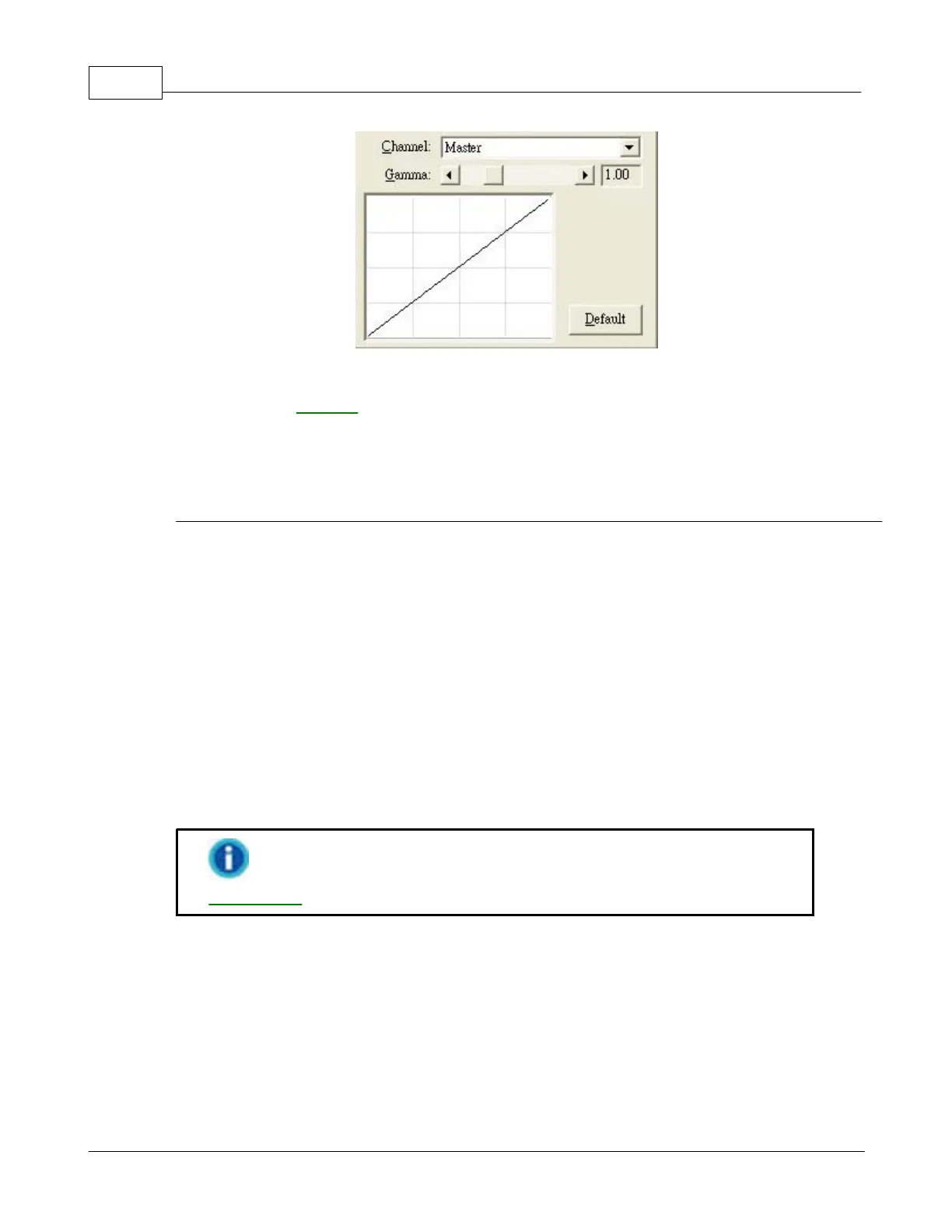
To adjust the image gamma:
1.
Select the
channel
.
2.
Slide the thumb of
the scroll bar to the right or left
, or c
lick the arrow signs on
the right and left ends.
The current value is shown to right of the scroll bar.
Gamma
Adjusting the gamma on the Master channel affects the tonal range for all colors
equally.
Adjusting the gamma for the individual Red, Green or Blue channels only affects
pixels containing that color.
Default
Clicking the Default button on the lower right corner
revert the
settings to its original
values and discard all adjustments you have made.
This feature is not available when
Black & White
is selected as
Scan Mode
.
2.2.2.6
Histogram

Table of Contents

Other manuals for Plustek SmartOffice PS286 Plus

Related product manuals