The TWAIN Interface 35
All rights are reserved.
Continue Scan (keep image):
Let the scanner continue to scan.
Let the scanner stop scanning. Make sure to clear the paper path
Tick the check box if you want TWAIN to detect the document length. You may set the
length of the document. If the scanner detects a document equal or longer than that
length, it will be determined as a multifeed.
2.2.3.8
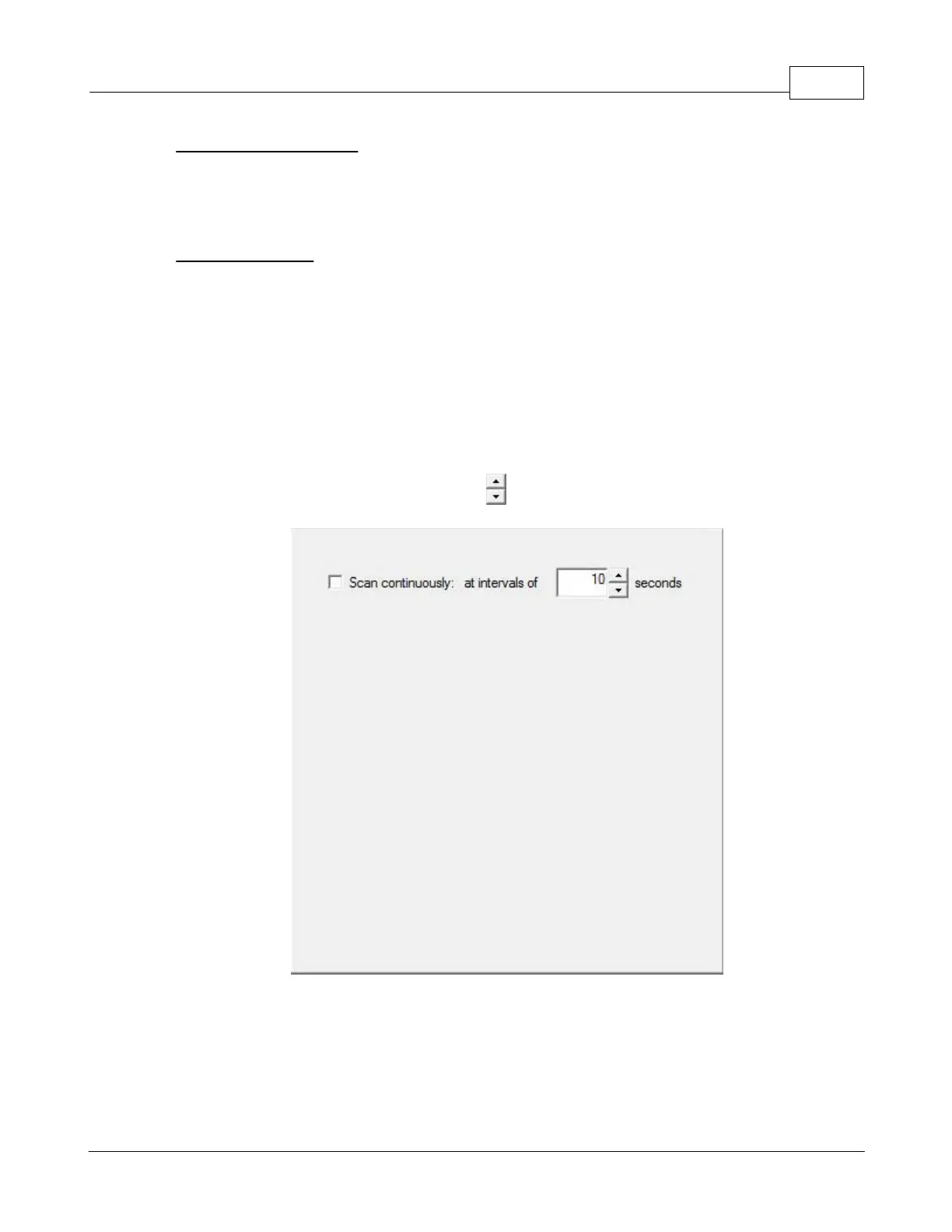
Scan continuously
Check this option if you want to scan multiple pages successively to th
After the document is scanned, a dialog will pop up asking you if you
will put in more paper to continue scanning, or if you want to end the scan.
may adjust the time interval by clicking
2.2.3.9
Split











 To Next Page