EasyManua.ls Logo

Plustek SmartOffice PS286 Plus - Profile Management

Plustek SmartOffice PS286 Plus
220 pages
Print Icon
To Next Page IconTo Next Page
To Previous Page IconTo Previous Page
Loading...
The TWAIN Interface 7
All rights are reserved.
2.1.1
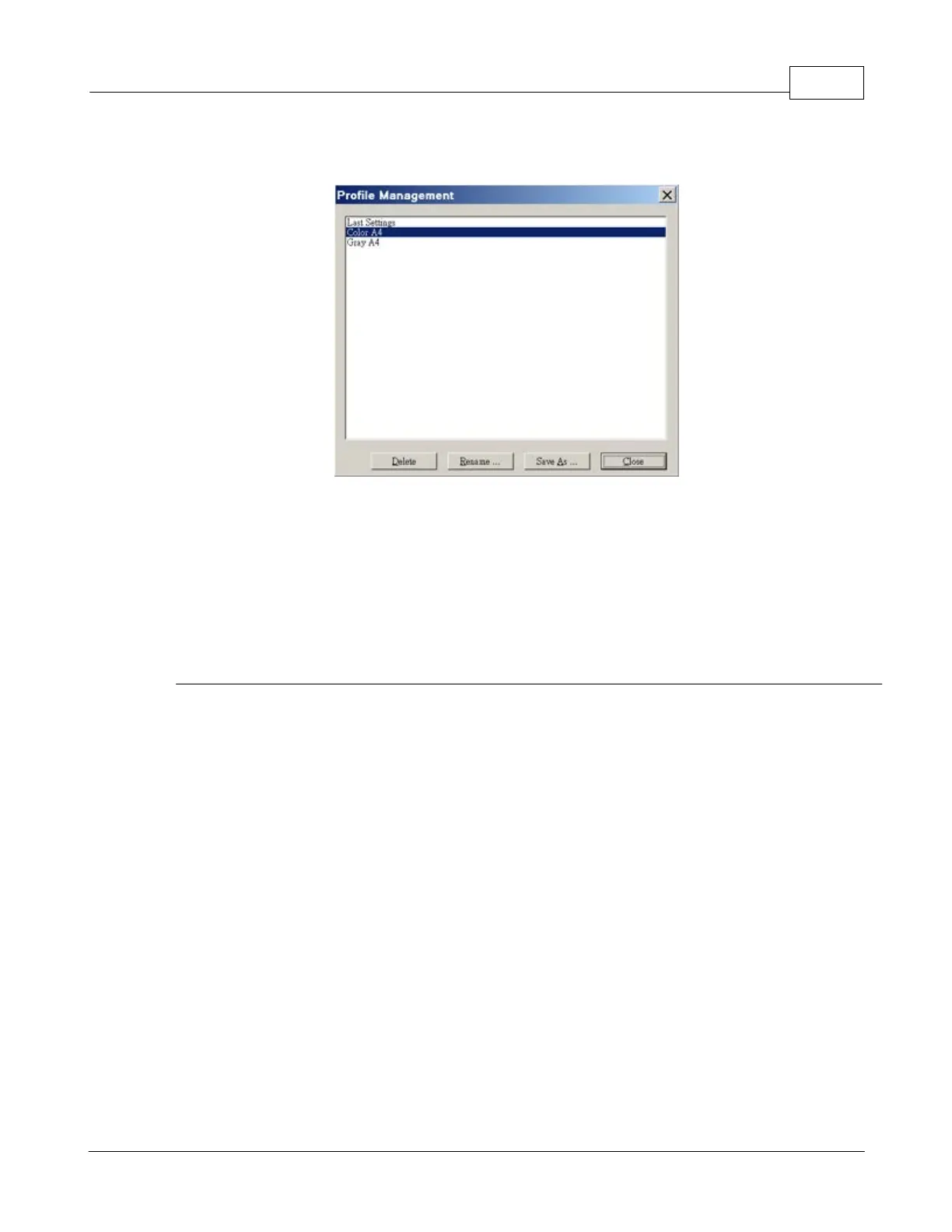
Profile Management
To delete unwanted profile
1.
Click the
Manage
button.
2.
Within the Profile Management window that opens, select the profile you
want to delete and then click the
Delete
button.
3.
Click the
Close
button to exit this window.
To rename an existing profile
1.
Click the
Manage
button.
2.
Within the Profile Management window that opens, select the profile you want
to rename and then click the
Rename
button.
3.
Type the new name in the "Profile - Rename" dialog box and then click
OK
button.
4.
Click the
Close
button to exit this window.

Table of Contents

Other manuals for Plustek SmartOffice PS286 Plus

Related product manuals