13
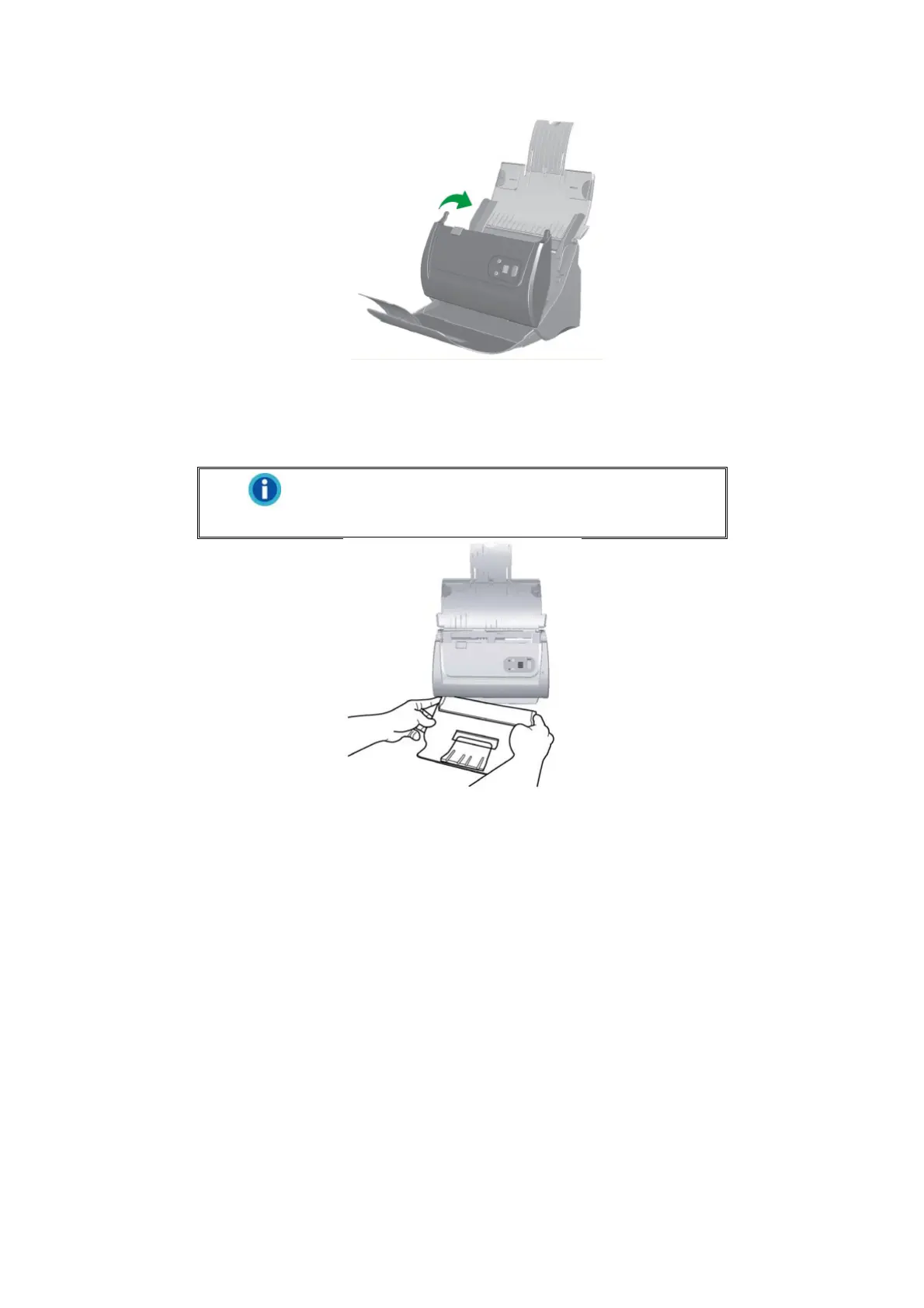
Step 4. Install the Stacker
Insert the tabs on the stacker onto their slots on the scanner.
Information
The installation of stacker is optional, if you have
limited desktop space.
Step 5. Testing the Scanner
The following describes how you can check if the scanner is properly functioning
with your computer and the scanning software. Before testing your scanner, double
check to make sure that all connections are securely fastened.
To test the ADF scanning:
1. Load a document headfirst and face down into the ADF with the text side facing
the paper chute.











 To Next Page