TWAIN Help34
All rights are reserved.
button would allow you to
choose the desired color to remove the punch hole marks.
, punch hole marks will be filled with white color if
button, or punch hole marks will be filled with black color if you click
2.2.3.7
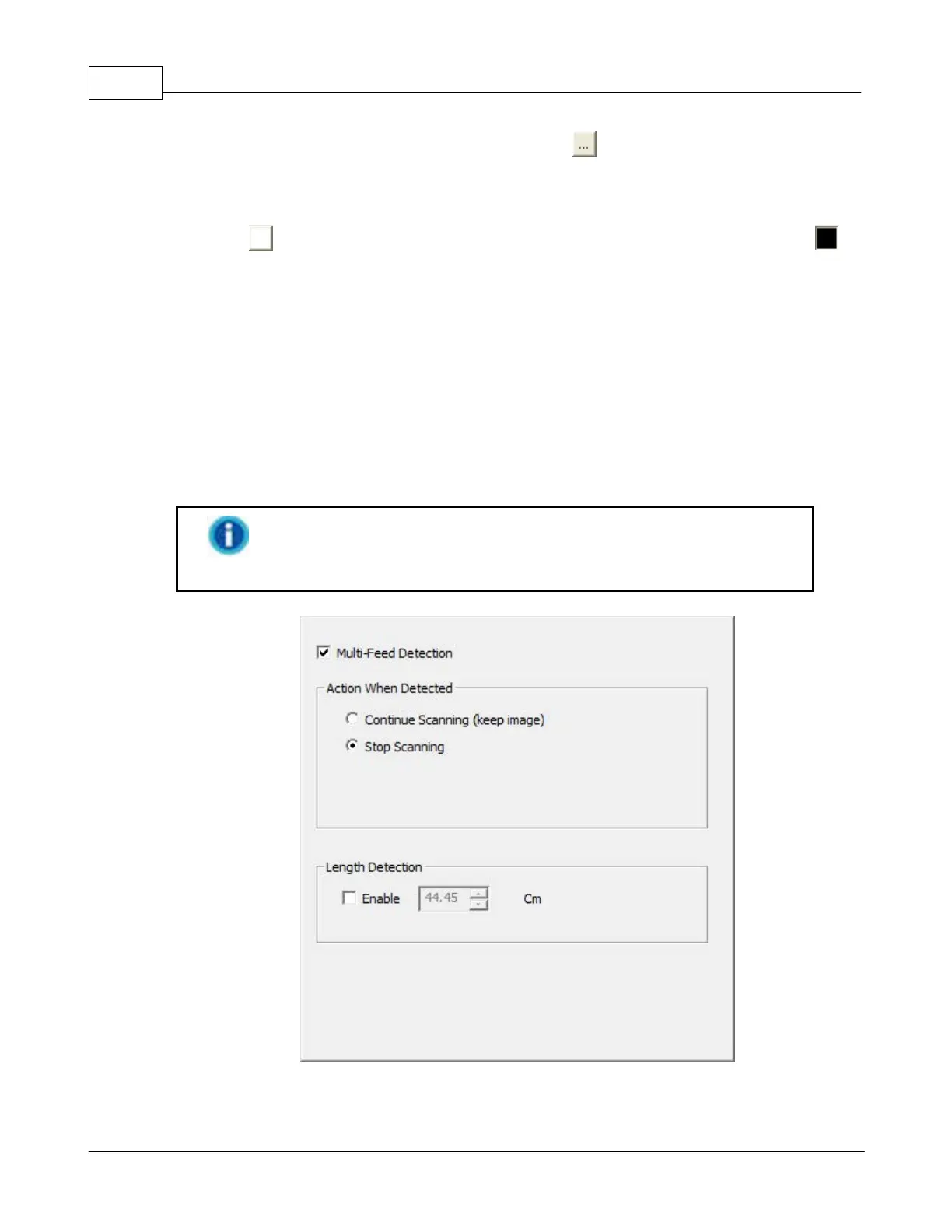
Multi-Feed Detection (This function may or may not be available depending on the scanner
model you purchase.)
box to enable the Multi-Feed Detection for ADF scan. When
scanning a stack of documents by ADF, you may enable this function to check
paper overlap (i.e., 2 or more pages stuck together when being fed through the
To prevent multi-feed errors, please follow the instructions in the
Scanner User's Guide to properly load the paper into the ADF.











 To Next Page