DocAction II10
All rights are reserved.
, ex: 2017-08-22-08-56-58-01-img.jpg.
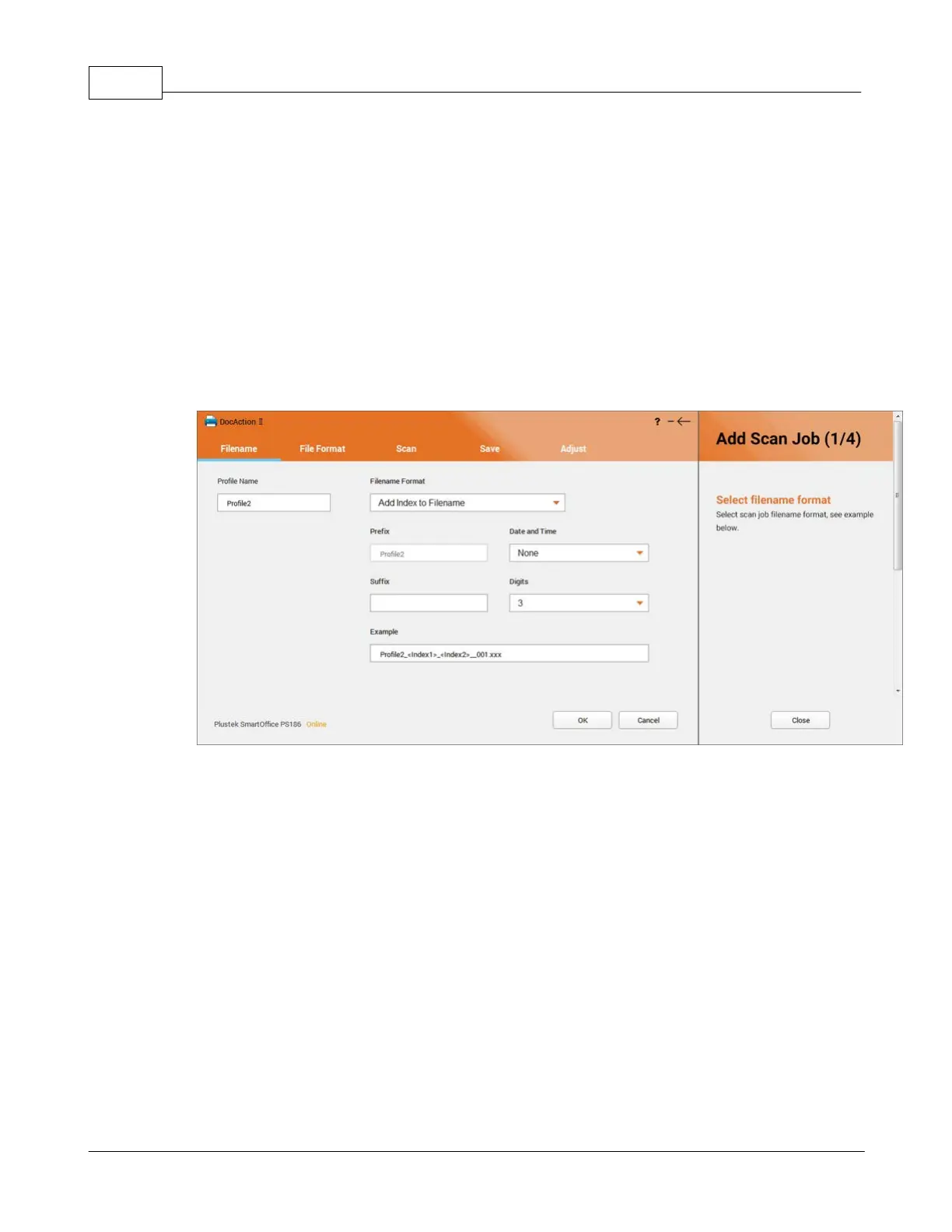
: You may combine prefix and date & time in filename
, ex: img-2017-08-22-08-56-58-01.jpg.
: DocAction II may recognize the barcode on document as the
filename, ex: 39123439.jpg.
: You may select up to 2 indexes in preview window to
add to the filename, along with the combination of date & time, prefix, suffix
and digits, ex: Plustek_<Index1>_<Index2>_2018-06-13-11-34-
Split multipages by barcode
You may select this option to split scanned
3.2
File Format
You may configure the file format settings of the scan profile in this page. If you











 To Next Page