EasyManua.ls Logo

Plustek SmartOffice PS286 Plus - Page 121

Plustek SmartOffice PS286 Plus
220 pages
Print Icon
To Next Page IconTo Next Page
To Previous Page IconTo Previous Page
Loading...
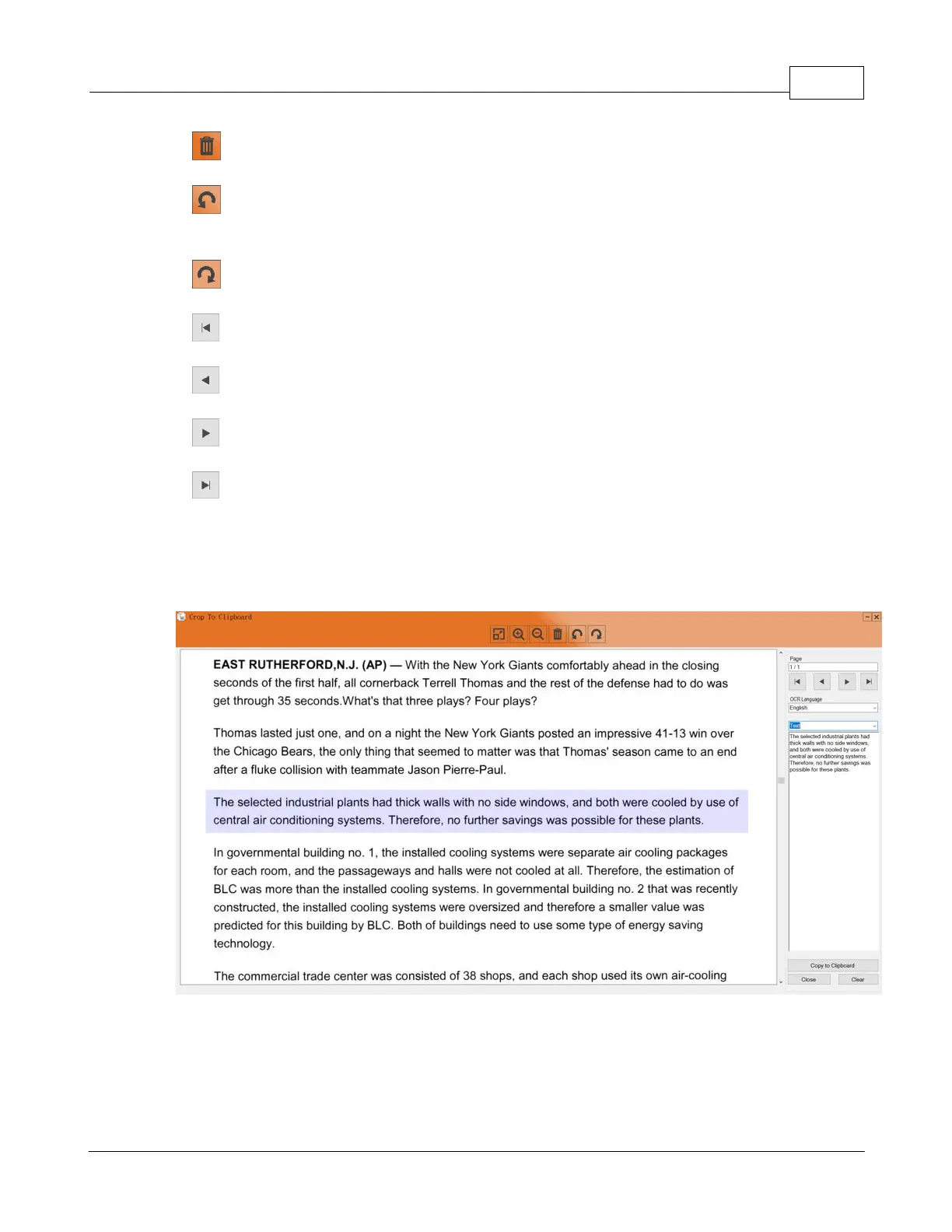
View window for Crop to Clipboard 29
All rights are reserved.
·
: Click on this button to delete the selected images.
·
: Click on this button to rotate the selected images in a counterclockwise
direction.
·
: Click on this button to rotate the selected images in a clockwise direction.
·
:
Click on this button to go to the first page
.
·
:
Click on this button to go to the previous page
.
·
:
Click on this button to go to the next page
.
·
:
Click on this button to go to the last page.
·
OCR Language
: Select the desired OCR language from the dropdown list.
Select
Text
from the dropdown list to crop text to the clipboard.

Table of Contents

Other manuals for Plustek SmartOffice PS286 Plus

Related product manuals