EasyManua.ls Logo

Plustek SmartOffice PS286 Plus - Page 220

Plustek SmartOffice PS286 Plus
220 pages
Print Icon
To Previous Page IconTo Previous Page
Loading...
MacAction Help54
All rights are reserved.
readable by your word processor
or text viewer
.
The availability of the programs may vary depending on the scanner model
you purchase.
4.
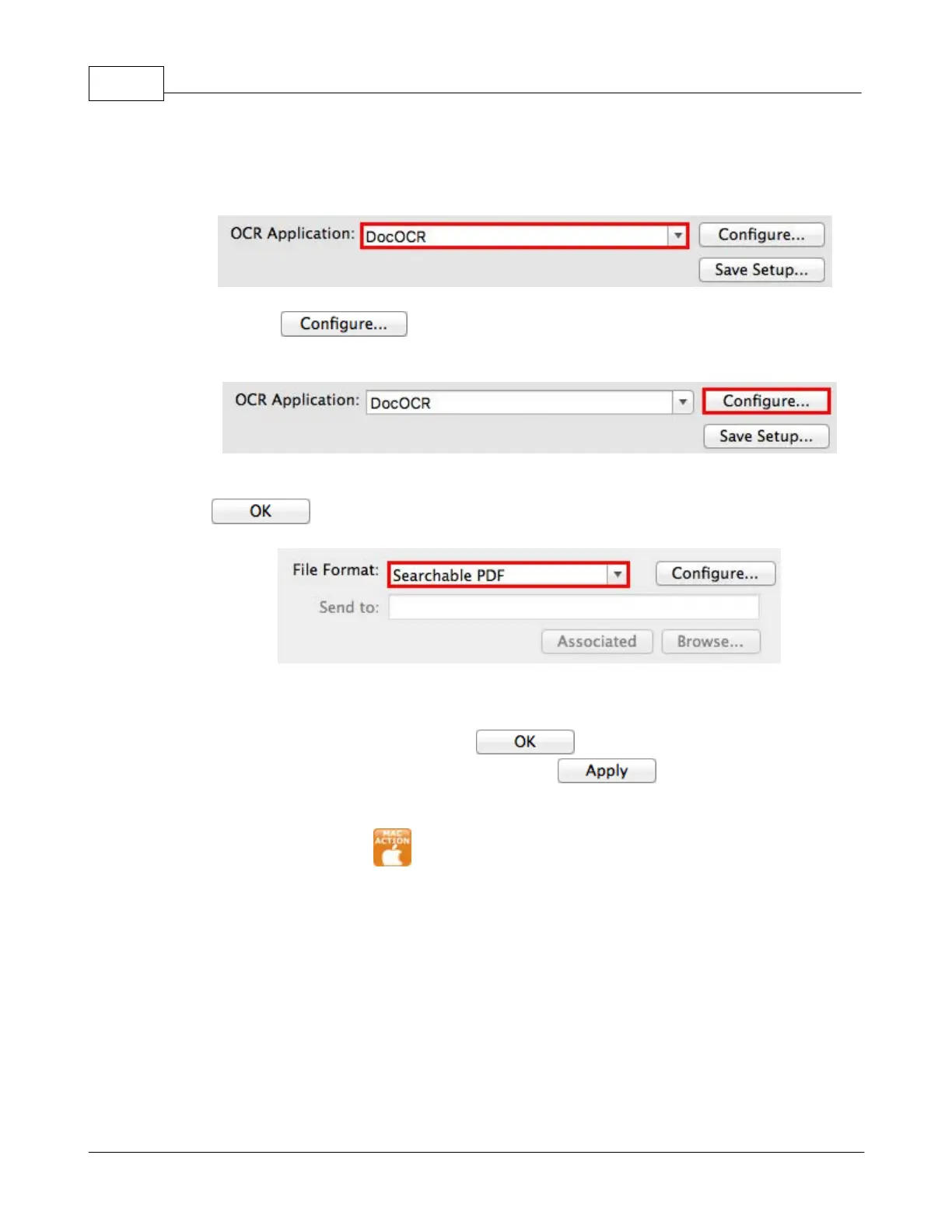
Clicking
opens a configuration window for the selected OCR
application.
5.
Select Searchable PDF from the drop-down list of File Format
and click
.
6.
Check the scan settings and make any required changes.
7.
After all settings are done, click
to accept the settings and exit
this Button Configuration window, or click
to save what you have
configured and continue adjusting other settings.
8.
Right-click the icon
in the
Dock
, and then choose
Execute
in the pop-up
menu that opens.
9.
Click
the configured OCR
button function in the pop-up menu.

Table of Contents

Other manuals for Plustek SmartOffice PS286 Plus

Related product manuals