EasyManua.ls Logo

Plustek SmartOffice PS286 Plus - Page 60

Plustek SmartOffice PS286 Plus
220 pages
Print Icon
To Next Page IconTo Next Page
To Previous Page IconTo Previous Page
Loading...
TWAIN Help12
All rights are reserved.
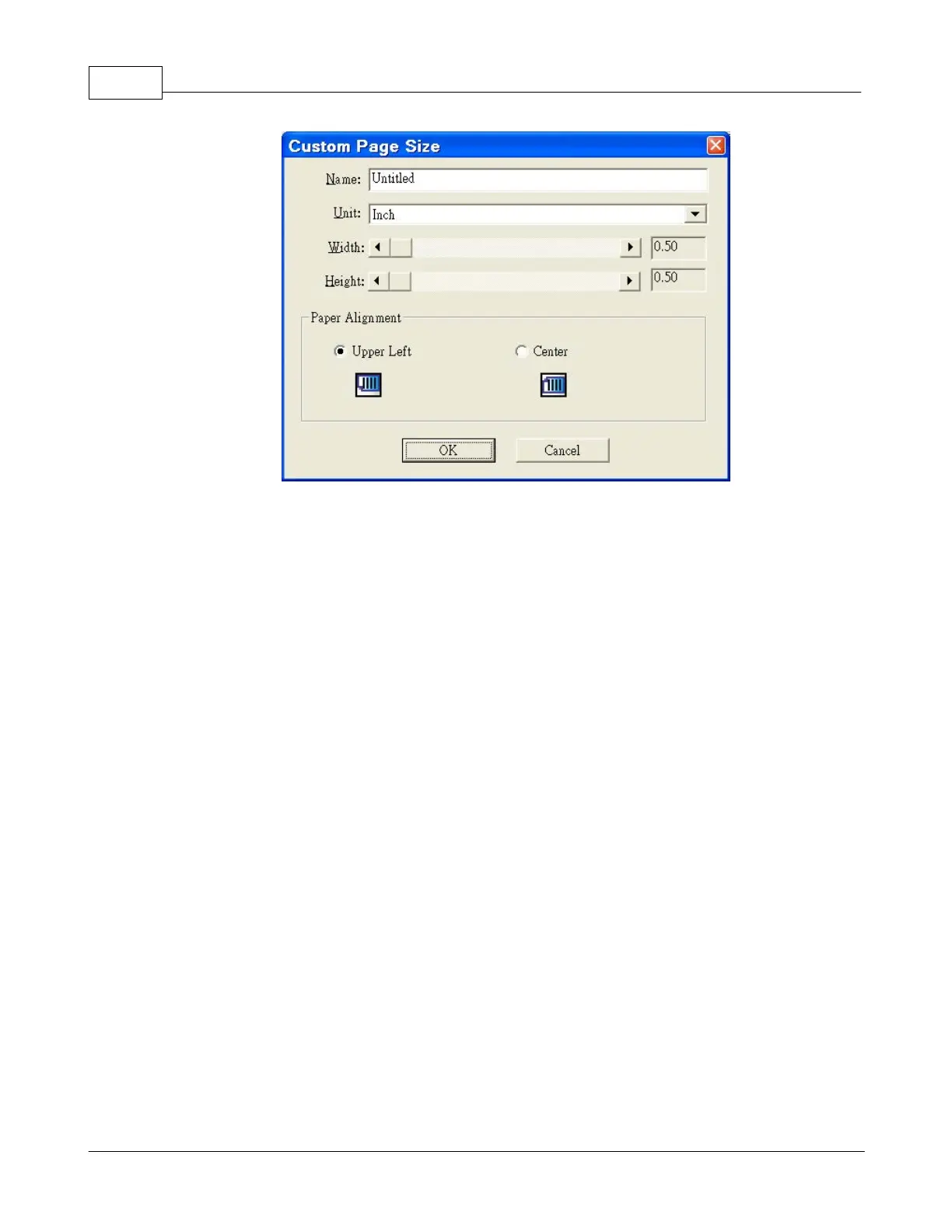
Name:
Give a name to this customized page size. After you configure the page size and
click the
OK
button, this name will appear in the
Page Size
drop-down list.
Unit:
Defines the measurement unit for the page size.
Width, Height:
Specifies the exact width and height of the page area.
Paper Alignment:
This setting tells the scanner how you place the document into the ADF.
·
Upper Left
: P
lace the document
toward
the
left side of the ADF paper chute.
Do not use this setting when scanning smaller document via ADF.

Table of Contents

Other manuals for Plustek SmartOffice PS286 Plus

Related product manuals