EasyManua.ls Logo

Plustek SmartOffice PS286 Plus - Page 80

Plustek SmartOffice PS286 Plus
220 pages
Print Icon
To Next Page IconTo Next Page
To Previous Page IconTo Previous Page
Loading...
TWAIN Help32
All rights are reserved.
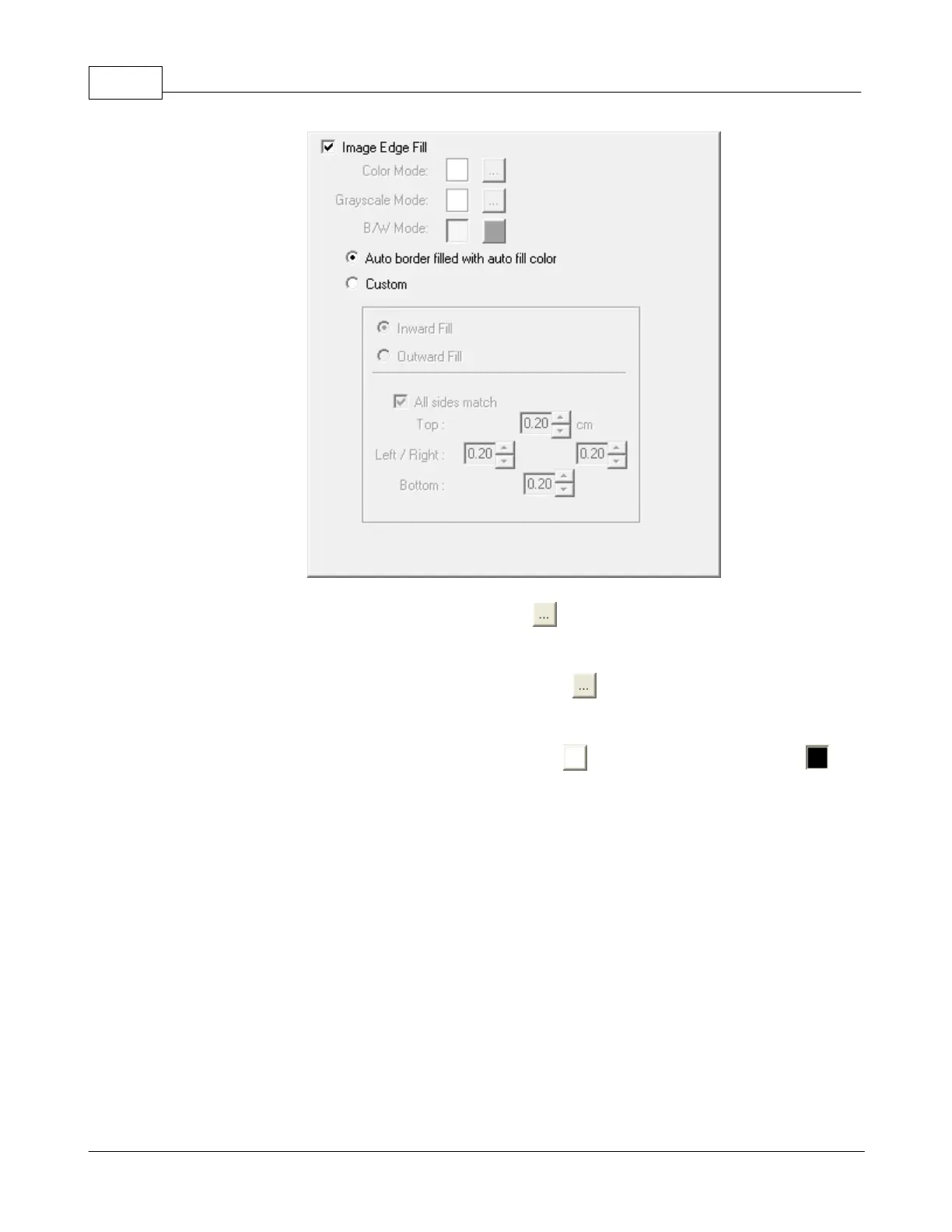
When you scan by the
Color Mode
, clicking
button would allow you to choose the
color you prefer for edge fill.
When you scan by the
Grayscale Mode
, clicking
button would allow you to adjust
the color you prefer for edge fill.
When you scan by the
BW mode
, you may click
button for white edge fill or
button for black edge fill.
·
Auto border filled with auto fill color
When the scanned document size is smaller than the selected page size, select this
option to automatically detect the document edge in the scanned image and fill the
background color around the document edge after the document is scanned.

Table of Contents

Other manuals for Plustek SmartOffice PS286 Plus

Related product manuals