4.
Mount the ieft side cover to the left side of the
PDM
cabinet:
a.
Mount the hanger bracket to the
top
ieft side of the PDM cabinet.
b.
Hang the left side cover on the hanger bracket and align
it
with the front
and rear of the PDM cabinet.
c.
Secure the left side cover at the bottom with screws.
5.
Replace the deadfront on the UPS cabinet. Close the UPS and PDM cabinet
doors.
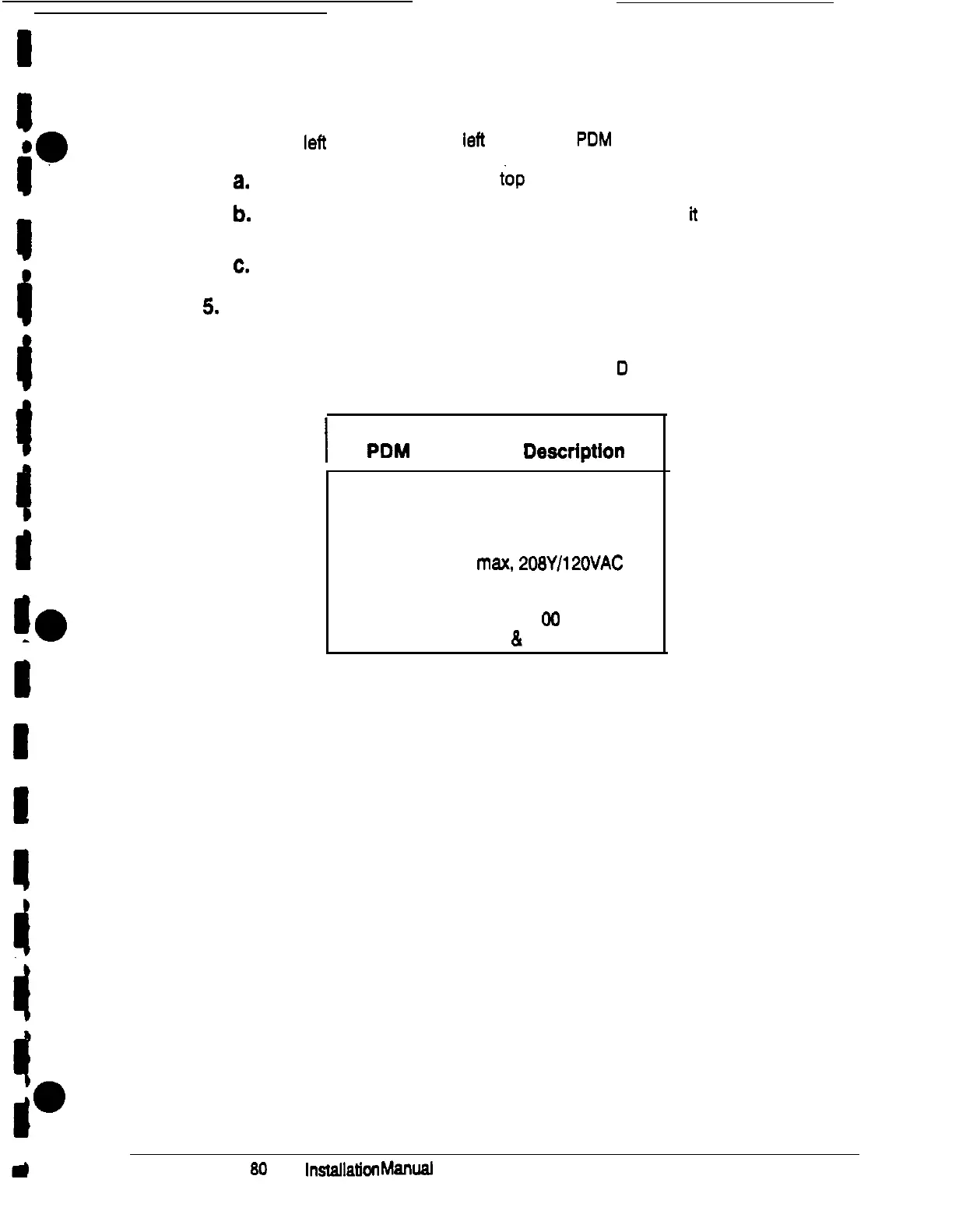
If you would like to buy additional breakers, see Table
D
for descriptions of the
panelboards in the PDM cabinet:
I
Table D.
PDM
Panelboard
Description
Pane/board:
Square-D Series G
Mains (Breaker):
225 Amp max.
2gSYl12OVAC
Output Distribution Breakers:
Square-D Series
00
(Molded case
&
plug on)
Powerware Plus
80
UPS Installation Manuel
45











 To Next Page