Coach Interior
14
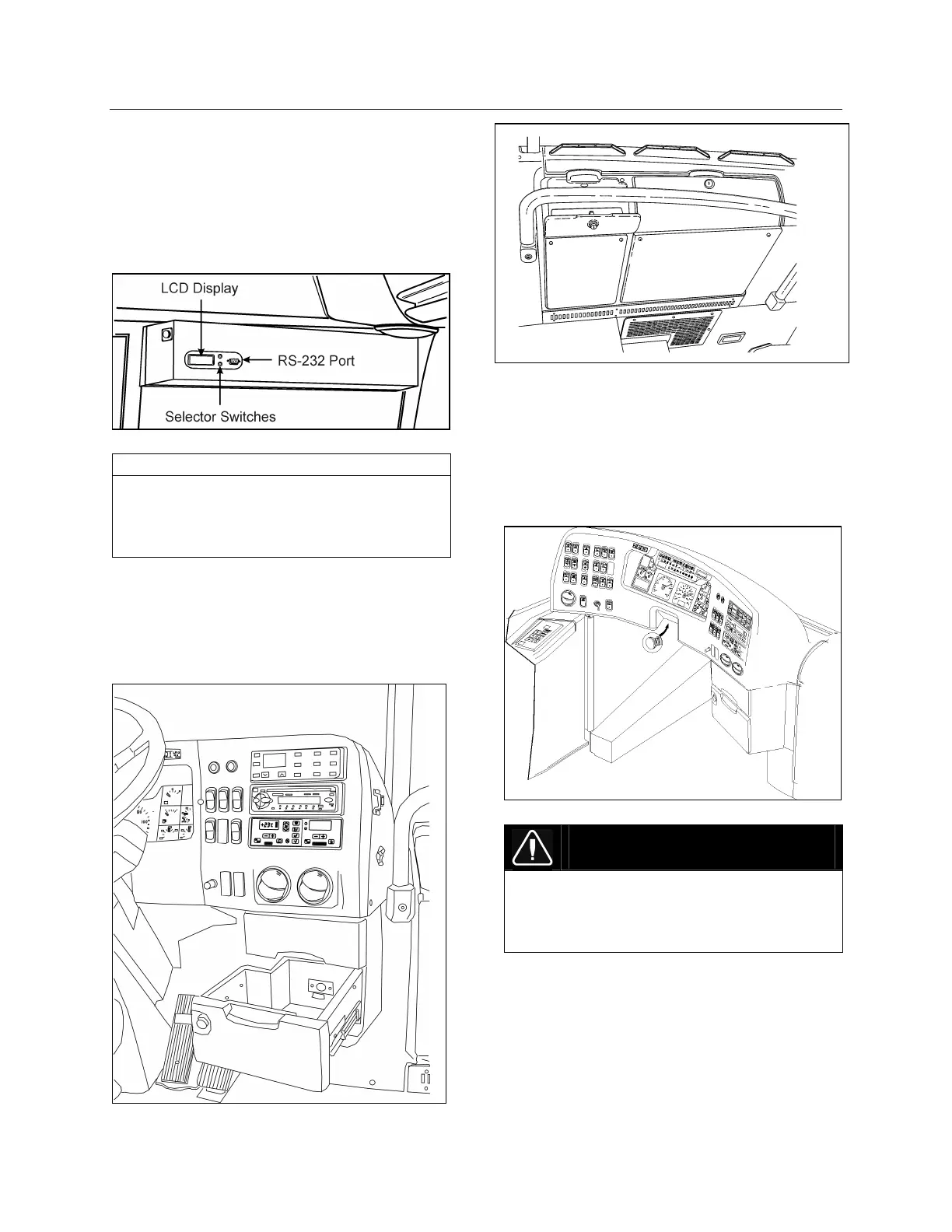
ELECTRONIC DESTINATION SIGN
Turn the optional destination sign lighting on and
off using the rocker switch located on the
dashboard. Refer to Controls & Instruments
chapter.
Depress the selecting switches until the desired
destination appears in the Liquid Crystal Display.
ELECTRONIC DESTINATION SIGN 23123
NOTE
The destination sign must be programmed with
a computer connected to the RS-232 connector
prior to first use. Follow the instructions on the
computer disk to install and run the software.
UTILITY COMPARTMENTS
Two lockable utility compartments are located at
the base of the windshield. Another utility
compartment is located on the console, and
includes a 12 volt appliance socket.
UTILITY COMPARTMENT IN CONSOLE 18556
UTILITY COMPARTMENTS 18602
STEERING WHEEL ADJUSTMENT
Push on the valve button located in the foot-
operated control housing with the left foot to
unlock the steering wheel for tilt and telescopic
adjustment (refer to “Controls and Instruments“
chapter).
TILT AND TELESCOPIC ADJUSTMENT 18600
DANGER
Do not adjust the steering wheel while driving.
Loss of control could result. Park the vehicle
safely and apply parking brakes before
adjusting the steering wheel.
AISLE MIRROR
A central mirror allows the driver to see in the
aisle. Adjust mirror manually.
ADJUSTABLE HVAC REGISTERS
The HVAC system has adjustable registers to
control air flow around the driver’s area. Three








 To Next Page