PathMaster® Manual Rev. H 6/03
- 63 -
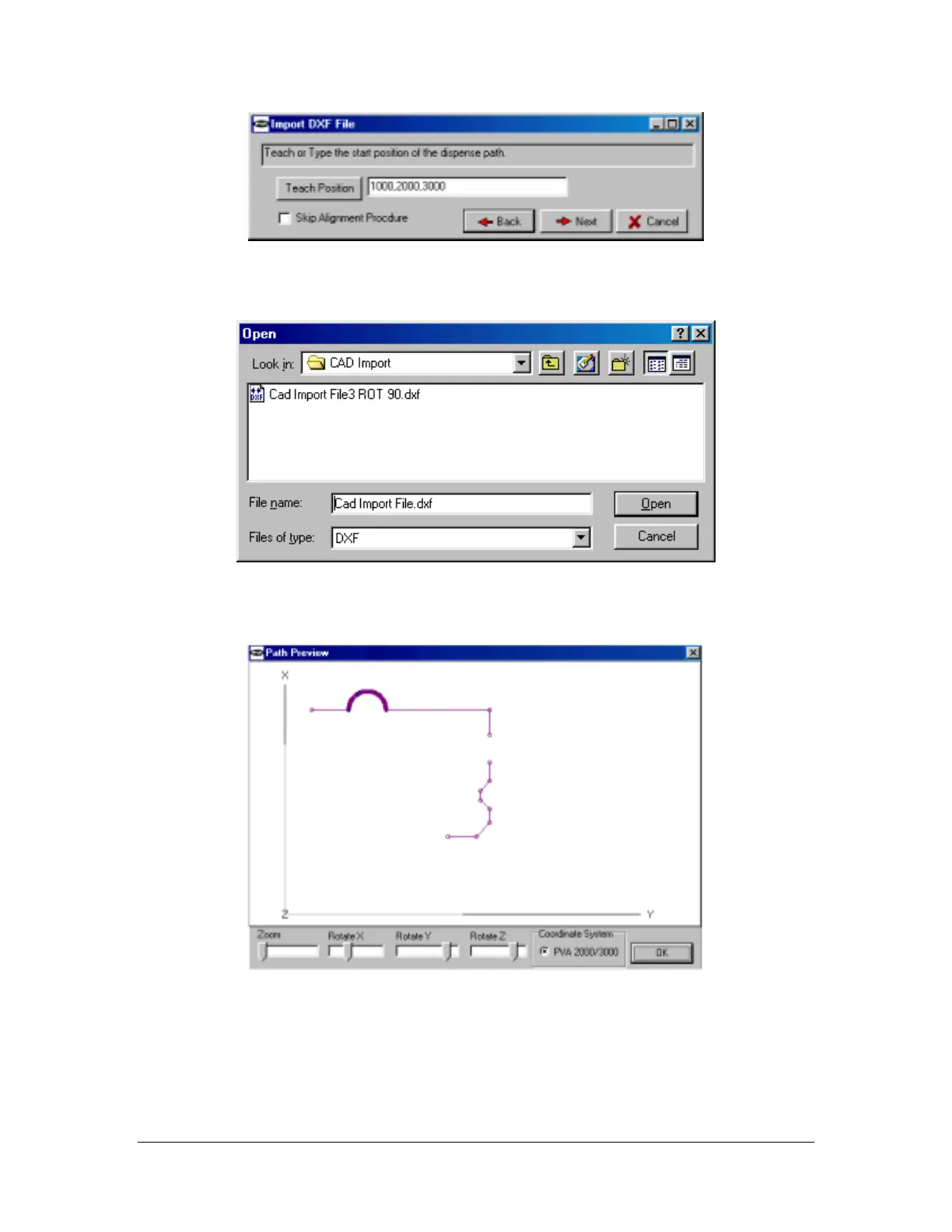
Figure 6: PathMaster import screen #3
Select the file to import. (Figure 7)
Figure 7: PathMaster import screen #4
After a successful import the path will be displayed in a path preview window.
Figure 8: PathMaster import screen #4
The file will be imported as individual paths. (Line, Arc, etc.) The paths are ready for playback or may be
converted to a polyline.



 To Next Page