SECTION 6
TROUBLESHOOTING
120
Errors and Warnings
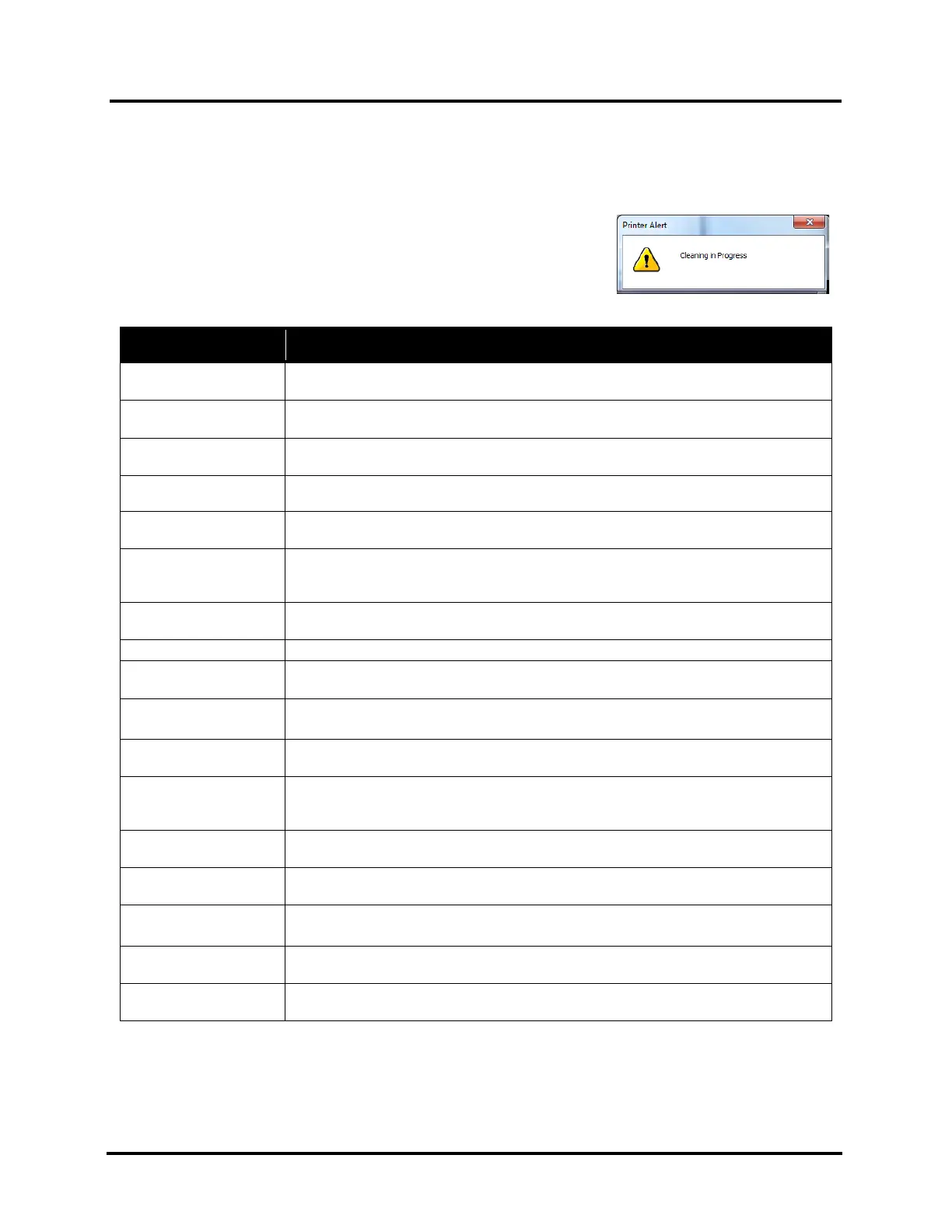
Printer Alert Window Messages
Messages sent from Driver and displayed on PC screen in a small popup
window.
MESSAGE SOLUTION
Cleaning in Progress
Wait until message disappears. Printer will start printing your job once cleaning
process is complete.
Remove and reinsert your Printhead Cartridge. Replace Printhead. Printhead
Cartridges must be purchased from authorized supplier for this printer model.
Incorrect … Ink Tank
Replace Ink Tank. Ink Tanks must be purchased from authorized supplier for this
printer model.
…. Out of Ink
Example: Cyan Ink Out
Replace empty Ink Tank.
Load Paper
Out of Paper. Load media into Printer, tap Clear Error and then tap Resume button,
from Job Menu, to resume printing.
Mechanical Jam
Check for and remove obstruction, then tap Clear Error and then tap Resume
button, from Job Menu, to resume printing.
Check/Clean Sensors. If problem persists, contact technical support.
Missing Printhead
Remove Printhead Cartridge. Check/clean electrical contacts. Reinsert Printhead.
Replace Printhead. If problem persists, contact technical support.
Replace empty Ink Tanks.
Multiple Ink Tanks are
missing
Insert missing Ink Tanks.
Clean electrical contacts and reseat Ink Tanks.
Multiple Unauthorized
Ink Tanks
Remove and reinsert Ink Tank. Replace Ink Tank. Ink Tanks must be purchased from
authorized supplier for this printer model.
Paper Jam
Remove jammed media. Check for proper feed setup, then tap Clear Error and then
tap Resume button, from Job Menu, to resume printing.
Check/Clean Sensors. If problem persists, contact technical support.
Printhead Latch Open
Ensure that Printhead Cartridge is inserted properly, then close Printhead Latch so
that it locks.
Print Zone Assembly
(Clamshell) Open
Check to be sure Clamshell is completely closed and latched.
The … Ink Tank is
missing
Insert missing Ink Tank.
Clean electrical contacts and reseat Ink Tank.
Unauthorized … Ink
Tank Installed
Replace Ink Tank. Ink Tanks must be purchased from authorized supplier for this
printer model.
Replace Printhead Cartridge. Printhead Cartridges must be purchased from
authorized supplier for this printer model.



 To Next Page