SECTION 3
OPERATING PRINTER
62
Using Printer Toolbox
Once the “S Series Driver” is installed, you can access the Printer Toolbox remotely from a computer. You can
check Printer status, monitor ink usage, perform diagnostic checks, print reports and run maintenance tasks on
Printer from your computer. The Toolbox also has a more extensive list of functions not available on the
Touchscreen and password protected access to a range of options for qualified service personnel.
For Touchscreen functions, see previous Section titled “Using Printer Touchscreen”.
Opening the Toolbox
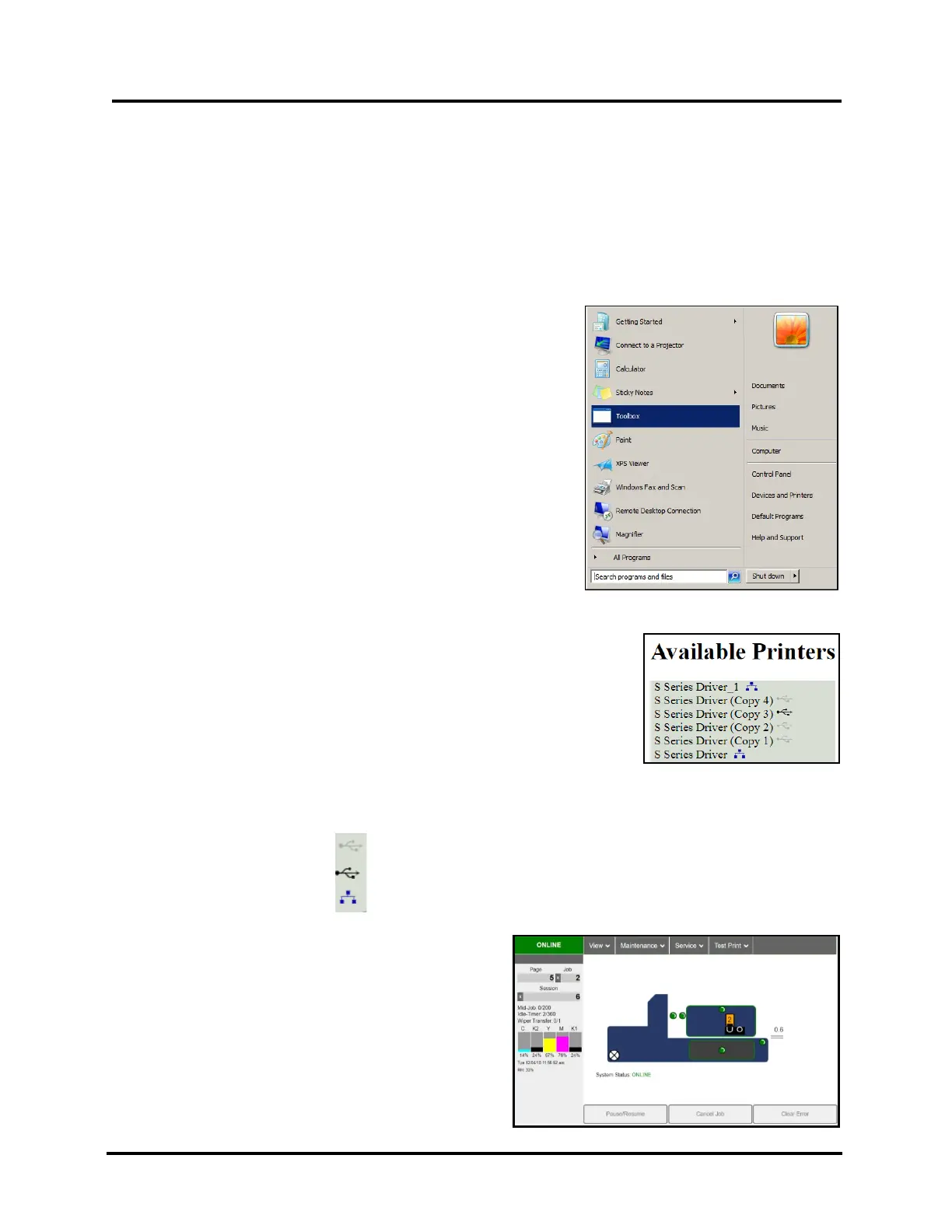
1. From you computer, open Start Menu.
2. Click on Toolbox
3. If prompted, select the desired Printer from the “Available Printers” list
NOTE: If only one “S Series Driver” is installed on your computer, the
“Available Printers” list will not be displayed.
If there is more than one “S Series Driver” installed on your computer,
you will be prompted with a list of Available Printers.
To open the Toolbox for a particular printer, select the desired printer
from this list.
Tip: To help identify the connection type and USB connection status, one of the following symbols will be
displayed next to each of the “Available Printers” in the list. Valid for systems that have “S Series Driver”
version R1.4.0 and higher installed.
USB – Not Connected
USB – Connected
Network (Ethernet)
4. The Toolbox will open in a “web browser” window.



 To Next Page