SECTION 6
TROUBLESHOOTING
121
Toolbox System Status Messages
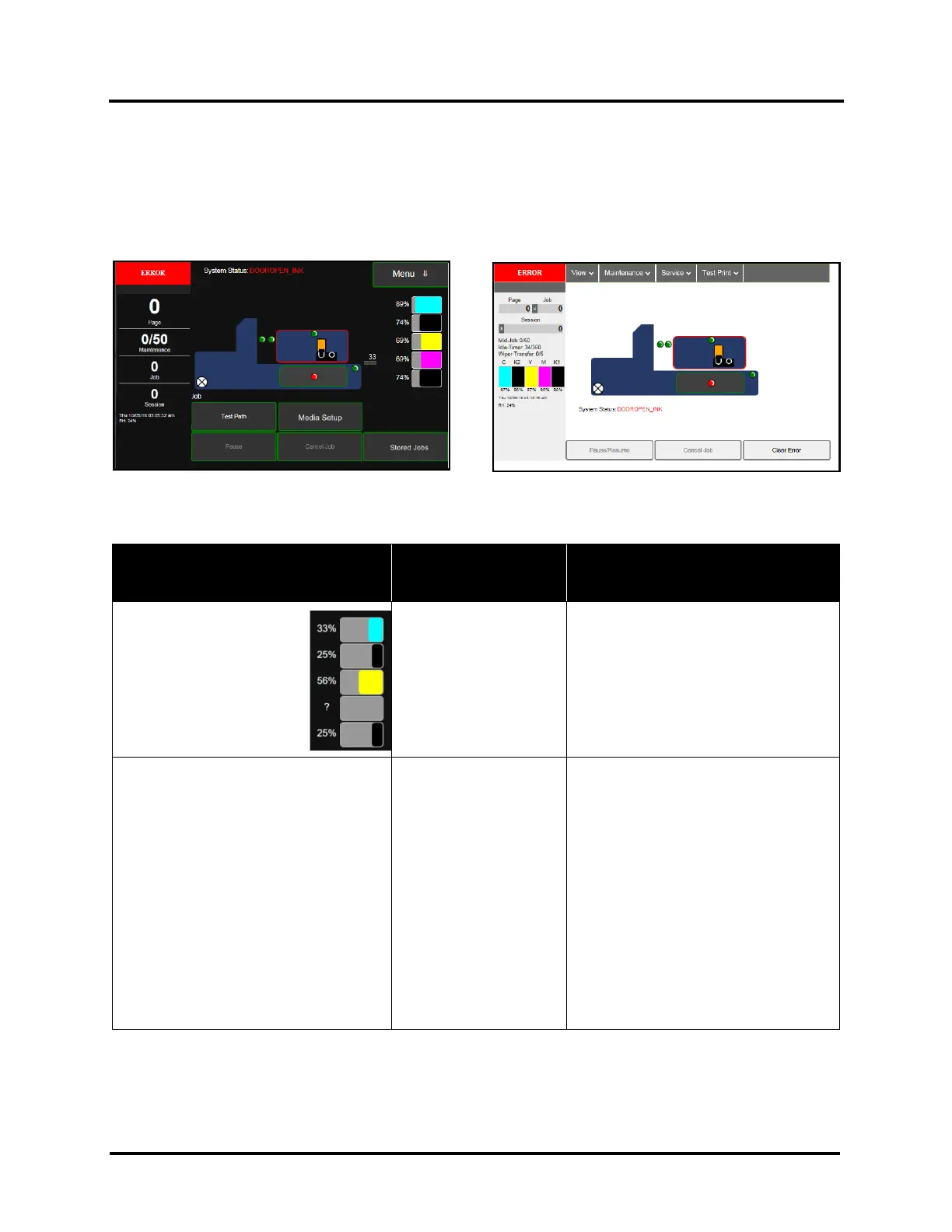
Use the Touchscreen or Toolbox screen to quickly determine and locate a problem in the Printer.
• When a problem is detected, the Status Indicator will show ERROR in a red box.
• System Status will display the basic problem (in red).
• Printer Graphic Icon will highlight item (sensor/switch position in red) and or systems that are affected.
• Ink Levels displays ink status. Ink Tank errors will be shown as “out” or “?” (not recognized, missing).
Listed below are some of the messages that may appear in System Status along with problem/cause and solution.
SYSTEM STATUS
PROBLEM /
CAUSE
SOLUTION
System Status:
CARTRIDGE_MISSING_X
Example:
CARTRIDGE_MISSING_M
or
CARTRIDGE_MISSING_MULT
? = Ink Tank is missing
or not recognized
(obtained from an
unauthorized reseller).
X = color (C M Y K1 K2)
MULT = more than one
Tank color.
Insert missing Ink Tank or pop Ink Tank
in and out to improve connection.
Check/clean Ink Tank contacts.
Tap Clear Error and then tap Resume
button, from Job Menu, to resume
printing.
System Status:
DATA_PATH_UNDERRUN
Running out of data or an underrun of
data.
Media is not moving from
Entry to Exit Sensor with
expected timing.
Media is being delivered
faster than printer can
get image ready to print.
Possible issue with
format or orientation of
job being sent.
Encoder signal is erratic
(not steady).
Check/clean Sensors and Reflector.
Try selecting “Ignore Exit Sensor”.
Try slowing transport. Turn off “Over
Speed”. If using Normal print quality,
select “Half Speed”.
Try increasing media gap. Turn off “Fast
Feeding” or set “Feed Gap” to a higher
value (30 or greater).
Reduce complexity of print job.
Try changing orientation setting in
software/driver or setting a different
media size. Try a job that worked before.
If problem persists, contact technical
support.



 To Next Page