586 Appendix B Image Reference
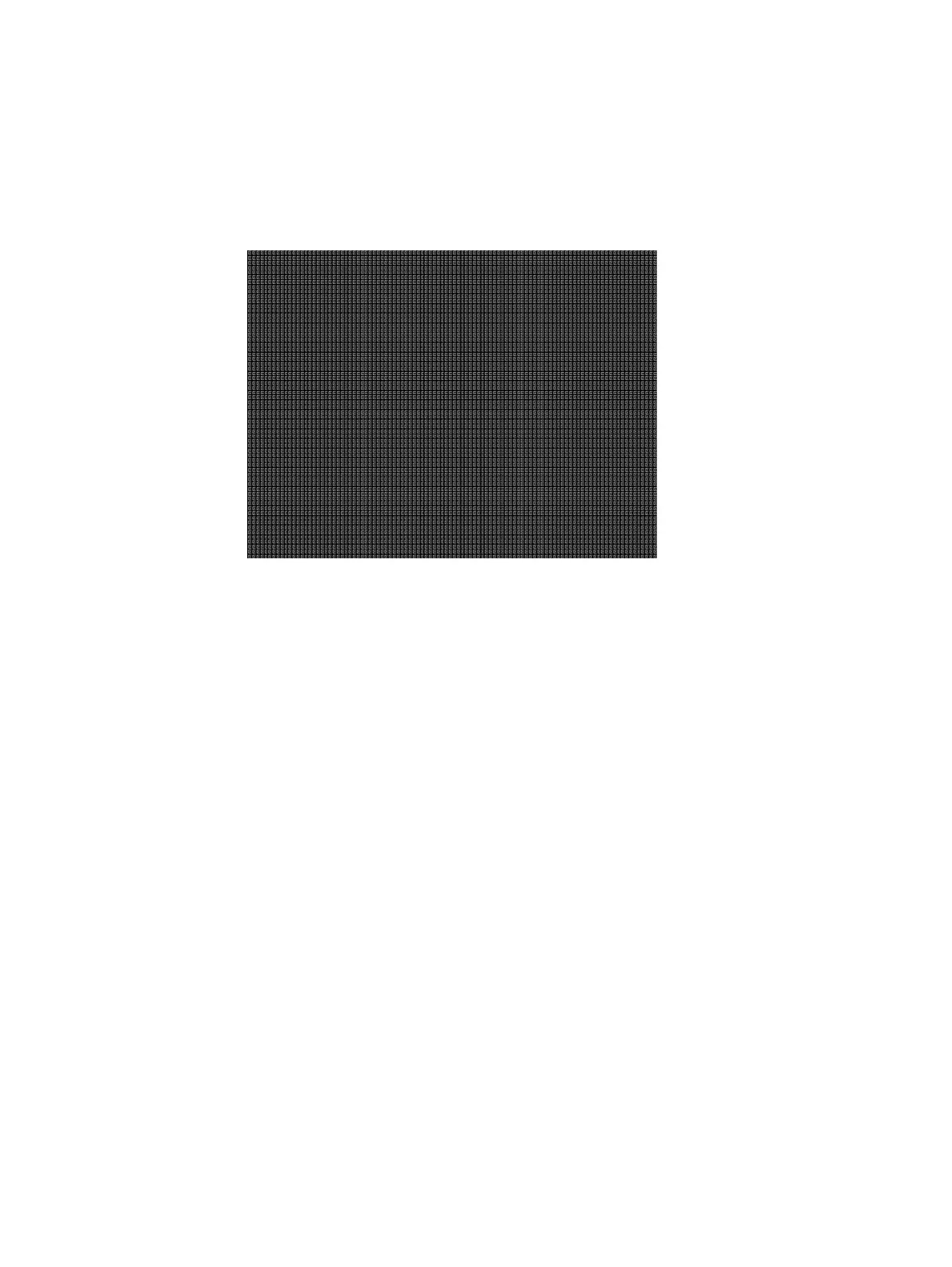
Focus_Cx
Description In the primary version (shown below), the screen is filled with white Cx characters on a
black background. The secondary version is drawn with black characters on a white
background.
Test Focus adjustments
Purpose An out-of-focus monitor displays fuzzy graphic images and poorly formed, hard-to-read
text characters.
Method On monitors with a single (static) focus adjustment, adjust the control for the best average
focus over the entire screen. The focus at certain locations of the screen should be within
specified limits.
Some monitors have a static and one or more dynamic focus controls. The sequence for
adjusting them and the areas of the screen that they affect depend on the monitor under
test.



 To Next Page