882 Video Test Instrument User Guide (Rev A.35) 193
Creating a new format using the Format Editor
The procedure below describes how to create a new format using the Format Editor.
To create a new format using the Format Editor:
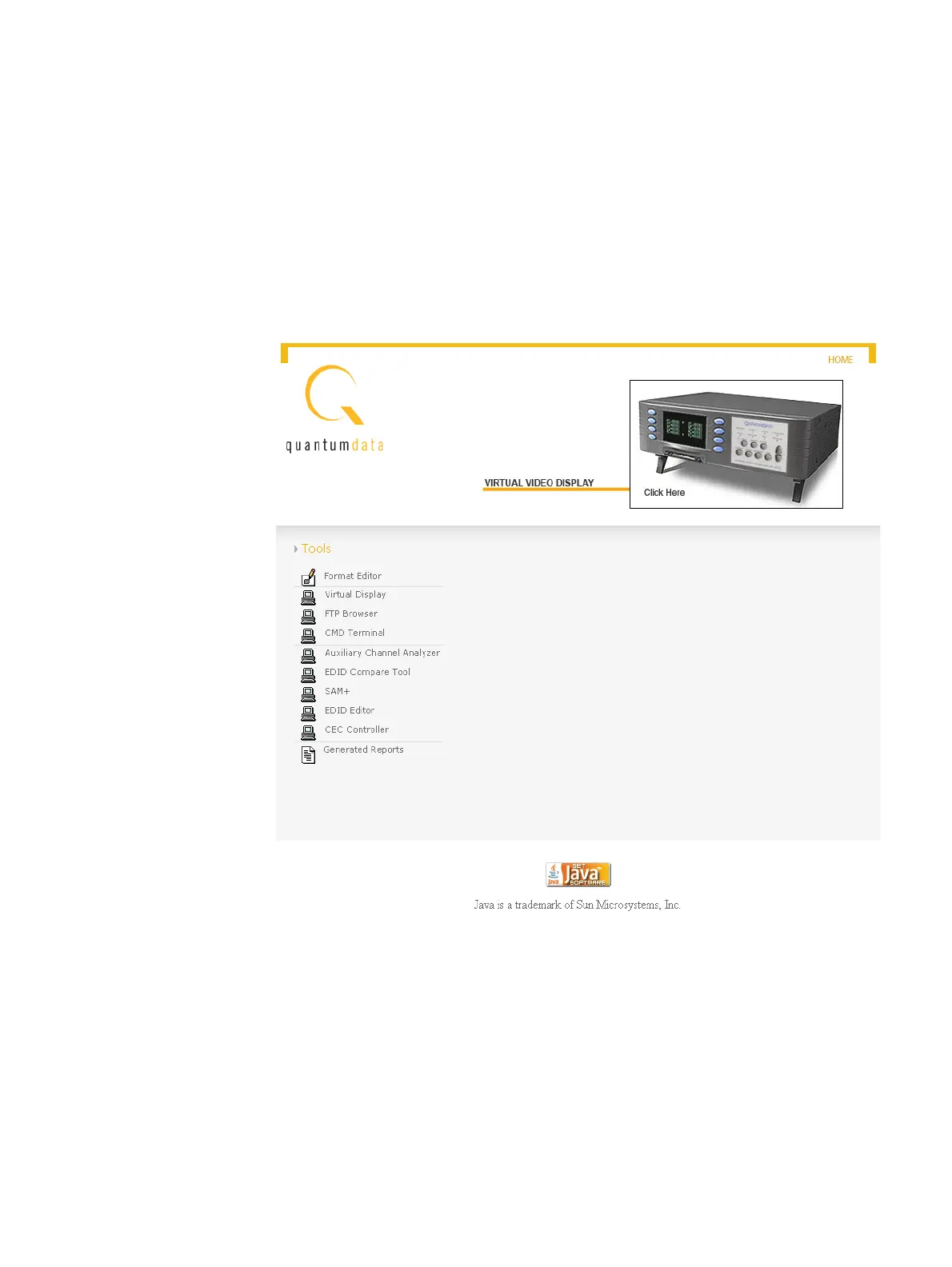
1. Open a Web browser (such as Internet Explorer) and type the generator’s IP address
in the address entry field. For example, enter the following: http://206.135.215.189/
The generator home page appears in the browser.
Note: You can add the page to your list of favorite pages in your Web browser to avoid
retyping the IP address each time you want to access the page.
2. Select Format Editor. The Format Editor appears.



 To Next Page