882 Video Test Instrument User Guide (Rev A.35) 53
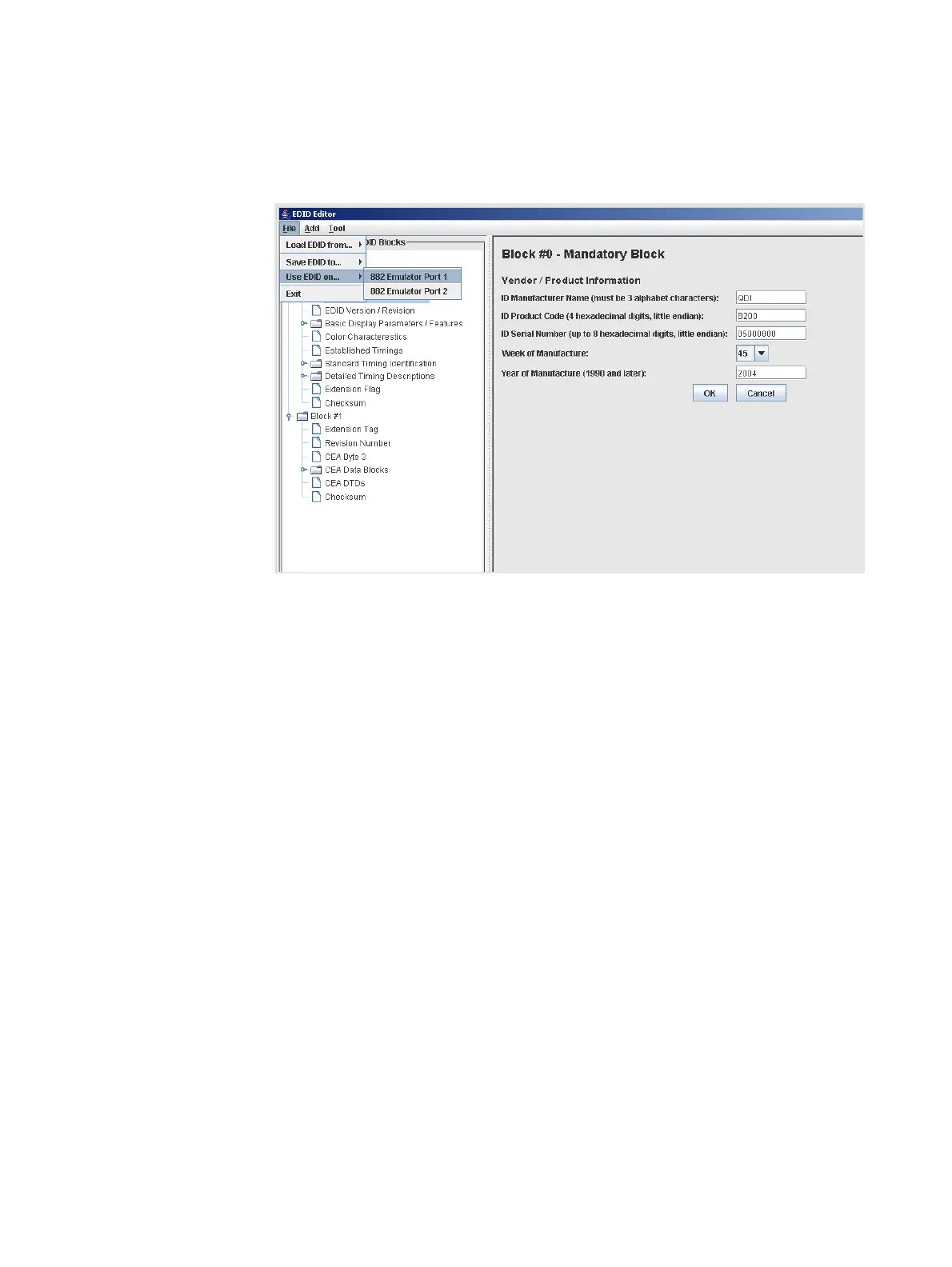
2. Select Use EDID on... from the File pull down menu.
The example below shows how you would configure the EDID loaded into the editor on
HDMI Rx port 1.
The EDID that was loaded into the EDID Editor tool is now configured on the HDMI Rx
port you selected (882 HDMI Rx 1 port in the example above).
Running an EDID HDMI compliance test
You can run the EDID HDMI compliance test on an HDMI EDID that is loaded into the
EDID Editor. When you run the test, the tool automatically generates the HTML report as
well. When you run this test the CDF that is used is the one that is currently saved in the
882. The procedures below provide instructions on running the EDID HDMI compliance
test from the EDID Editor.
To run an EDID HDMI compliance test:
1. Load an existing EDID using the procedures described in “Loading EDIDs with the
EDID Editor” on page 34.
2. Configure the CDF in accordance with the procedures in “Testing HDMI sink device for
EDID compliance” on page 12.



 To Next Page