882 Video Test Instrument User Guide (Rev A.35) 319
Testing display (sink) devices
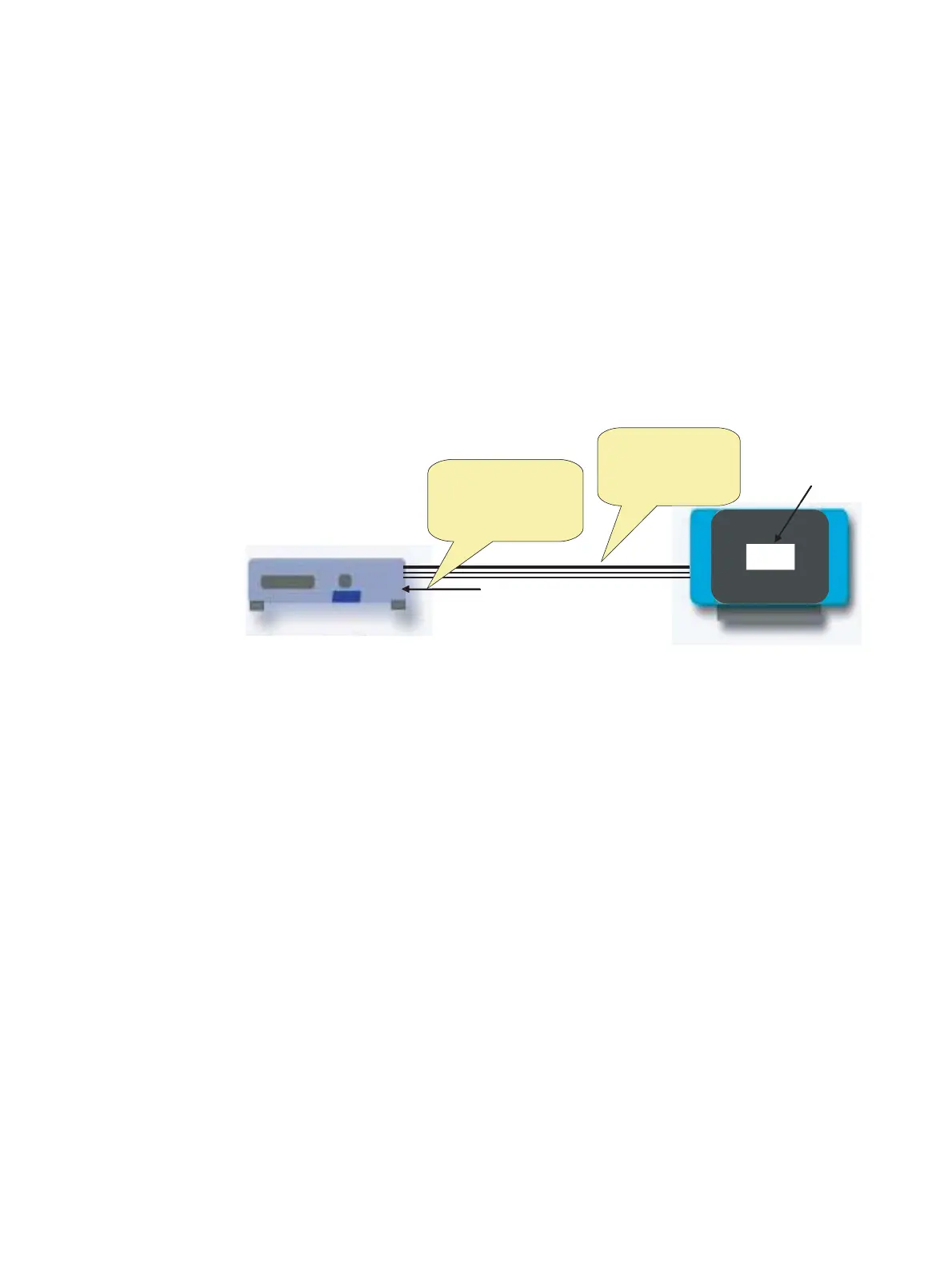
The 882 can emulate a source device in order to test an HDMI display device’s auto
lipsync correction handling. With this capability, an HDMI display device can be tested for
proper audio and video synchronization using a lipsync test image.
A display's EDID provides audio and video latency fields in the HDMI vendor specific data
block of the CEA extension block. Upon reading the EDID, the 882 uses an embedded
application to process the audio and video latency values and compensates for the
difference within a generated lipsync test image. Using a blinking white box and an audible
beep, the lipsync test image allows you to assess proper audio/video synchronization at
the display. The illustration below depicts this application.
To test display device auto lipsync correction:
1. Establish a session with the 882 using either HyperTerminal over a serial connection or
Telnet over an Ethernet LAN. See “Establishing a terminal session with the 882” on
page 30 or “Establishing a Telnet session with the 882” on page 33.
2. Connect the 882 HDMI output (Tx) port to the display device.
&$
'79
(','''&
70'6
/LSV\QF,PDJH
(','LVUHDGIURP
WKHGLVSOD\/LSV\QF
ODWHQF\YDOXHVDUH
SURFHVVHGDQG
FRPSHQVDWHGIRU
7KHFRUUHFWHG
DXGLRDQGYLGHRLV
WUDQVPLWWHGRXWWKH
+'0,SRUWLQD/LS
V\QFWHVWLPDJH
&$
'79
(','''&
70'6
/LSV\QF,PDJH
(','LVUHDGIURP
WKHGLVSOD\/LSV\QF
ODWHQF\YDOXHVDUH
SURFHVVHGDQG
FRPSHQVDWHGIRU
7KHFRUUHFWHG
DXGLRDQGYLGHRLV
WUDQVPLWWHGRXWWKH
+'0,SRUWLQD/LS
V\QFWHVWLPDJH



 To Next Page