8 Chapter 11 Testing EDID for HDMI
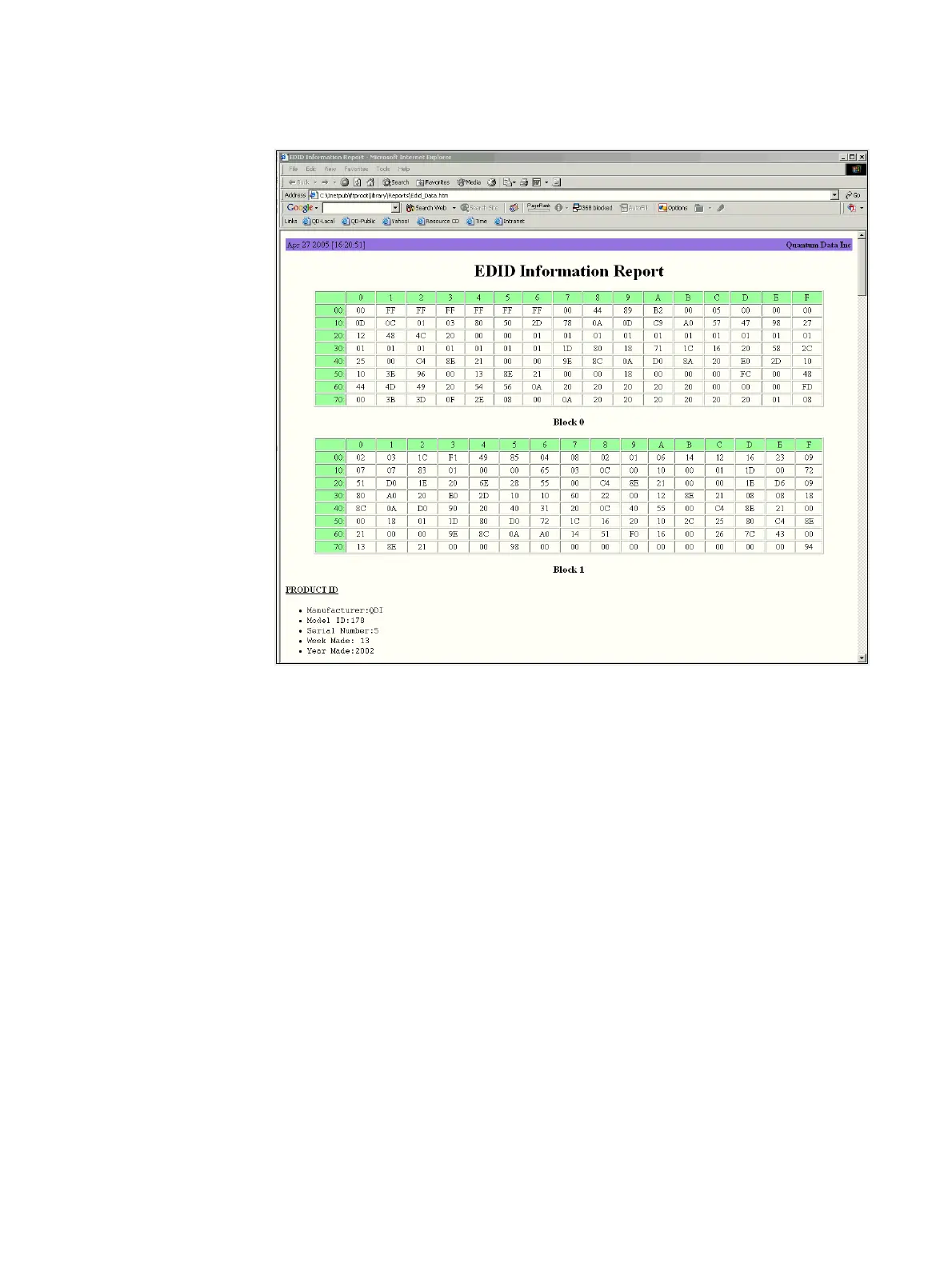
8. Navigate to your PC and double click on the report. A sample is shown below.
Modifying EDID in a display
If the EEPROM in the display is writable, you can write a new EDID to the device. Follow
the procedure to overwrite the EDID structure stored in the connected display device with
a new EDID structure.
Important: Be sure to save a backup copy of the EDID stored on the display device.
Writing an EDID using this procedure will overwrite the EDID currently stored on the display
device.
To write an EDID to the display device:
1. Establish a session with the 882 using either HyperTerminal over a serial connection or
Telnet over an Ethernet LAN. See “Establishing a terminal session with the 882” on
page 30 or “Establishing a Telnet session with the 882” on page 33.
2. Connect the display under test to the 882.
3. Load an EDID from the 882 using the following command:
DIDL filename



 To Next Page