22 Chapter 1 Getting Started
Note: You can add the page to your list of favorite pages in your Web browser to avoid
retyping the IP address each time you want to access the page.
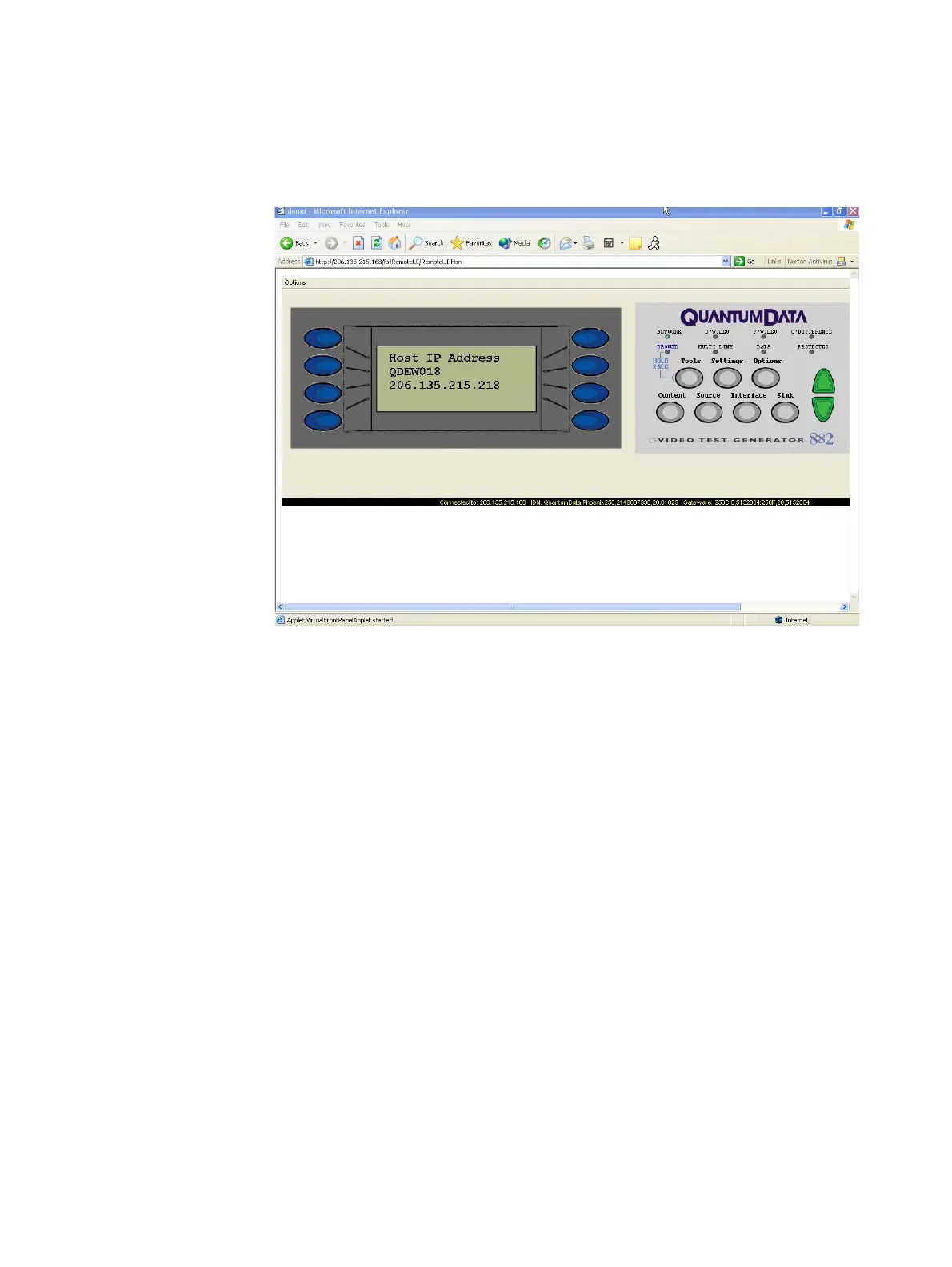
2. Click the Virtual Front Panel link. The Virtual Front Panel appears.
3. Use your mouse to click the virtual keys, which function the same as if you pressed the
physical keys on the 882.
Working with the CMD (Command) Terminal
The CMD Terminal allows you to send commands to the 882 using the command line
interface.
To use the CMD Terminal:
1. Access the Virtual Front Panel page. See “To use the Virtual Front Panel:” on page 21.
2. Click the CMD Terminal link. The CMD Terminal window appears.



 To Next Page