50 Chapter 11 Testing EDID for HDMI
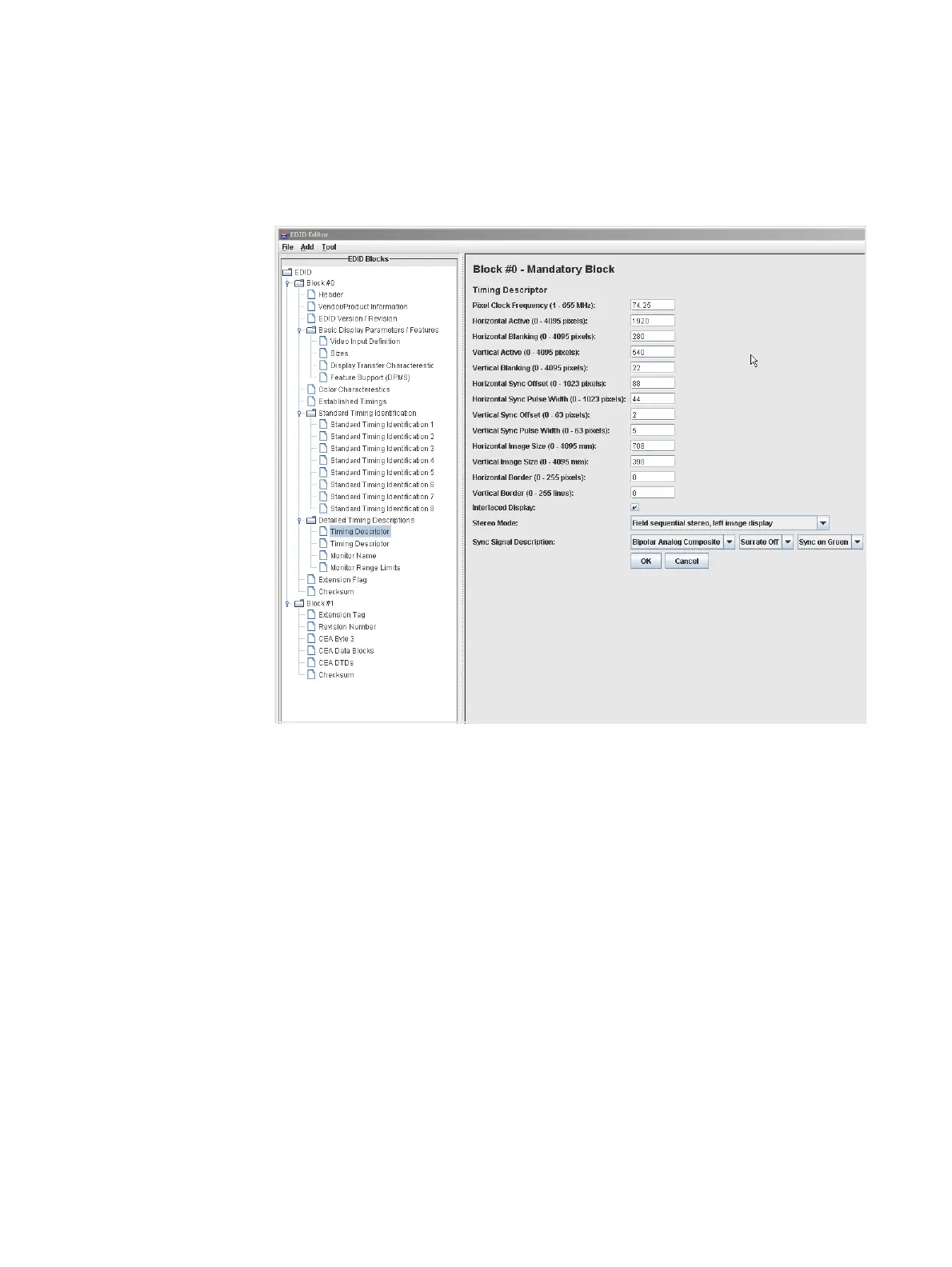
9. Complete your edits by double clicking on the EDID data blocks you wish to modify.
Edit the pull down select boxes, text fields and check boxes in accordance with the
requirements of the EDID you are creating. The screen shot below shows a typical
dialog box for editing the Timing Descriptor Detailed Timing Descriptor.
10. Save the modified EDID using the procedures described in “Saving an EDID to a file”
on page 50.
Saving an EDID to a file
The procedure below provide instructions on saving an EDID to an EDID XML file used by
the 882 generator.
To save an EDID to a file:
1. If not already loaded in the Editor, load the EDID using the procedure “Loading EDIDs
with the EDID Editor” on page 34.



 To Next Page