54 Chapter 11 Testing EDID for HDMI
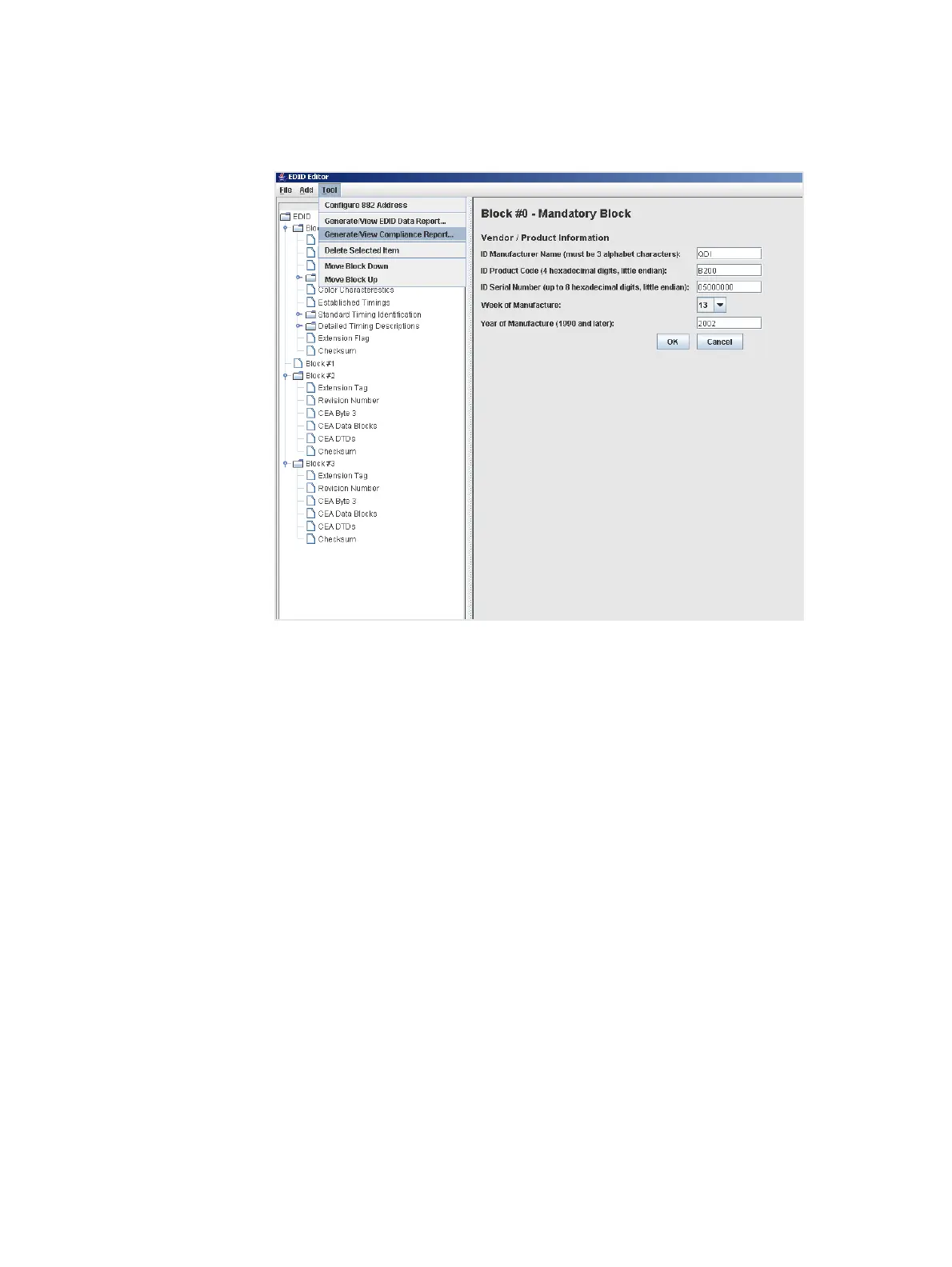
3. Select Generate/View Compliance Test from the Tools pull down menu as shown
below.
The EDID HDMI Compliance test report appears in the window.
Running an EDID data report
You can run the EDID data report in an HDMI EDID that is loaded into the EDID Editor.
This function generates an HTML report that appears in the window when compete. The
procedures below provide instructions on running the EDID data report from the EDID
Editor.
To run an EDID data report:
1. Load an existing EDID using the procedures described in “Loading EDIDs with the
EDID Editor” on page 34.



 To Next Page