56 Chapter 11 Testing EDID for HDMI
Using the EDID Compare tool
The 882 provides an EDID Compare tool. This tool allows you to capture an EDID from a
connected display, then compare its contents to subsequent EDID readings. This allows
you to verify the display device is consistently generating an identical EDID.
Comparing EDIDs
Follow this procedure to verify the display device is generating an identical EDID:
To compare EDIDs:
1. Connect an HDMI-to-HDMI cable between the HDMI OUT connector on the 882 and
the HDMI connector on the display under test.
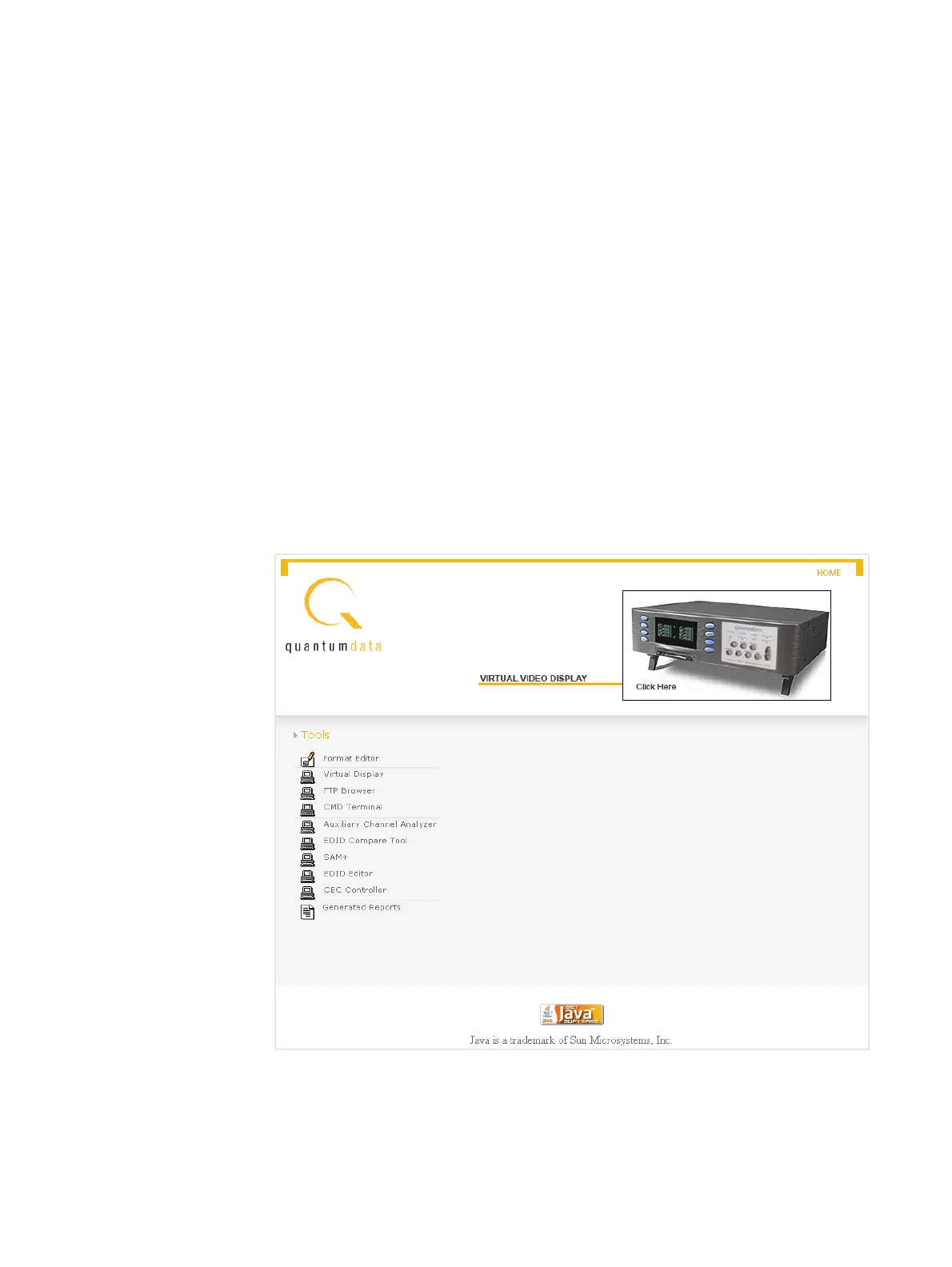
2. Open a Web browser (such as Internet Explorer) and type the 882’s IP address in the
address entry field. For example, enter the following: http://206.135.215.189/
The 882 home page appears in the browser.



 To Next Page