164 Chapter 5 Working with Formats
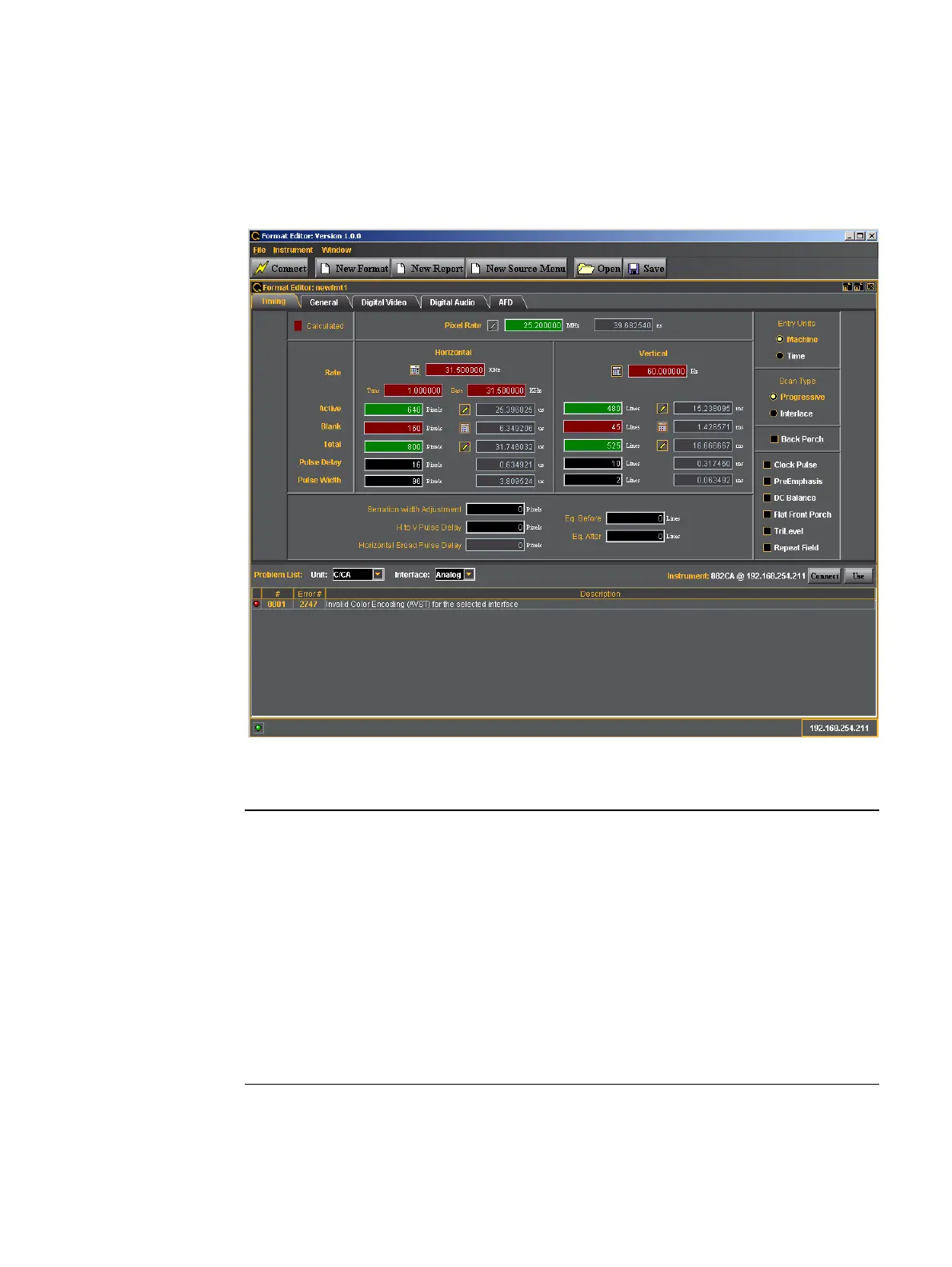
Format Editor - New Format
This subsection defines the tabs and status panels available with the New Format screen
shown below.
The table below describes the tabs available for the New Format window.
Tab Description / Function
Timing Selecting the Timing tab opens up an application screen that enables you to
define the timing parameters for a custom format or modify the timing
parameters of an existing format. (See “New Format - Timing Tab” on page
166 below for details on each of the parameters.)
General Selecting the General tab opens up an application screen that enables you
to define the sync, level, pixel depth, gamma and pedestal parameters for a
custom format or modify these parameters of an existing format. (See “New
Format - General Tab” on page 170 below for details on each of the
parameters.)
Digital Video Selecting the General tab opens up an application screen that enables you
to define the digital video parameters for a custom format or modify these
parameters of an existing format. (See “New Format - Digital Video Tab” on
page 178 below for details on each of the parameters.)



 To Next Page