178 Chapter 5 Working with Formats
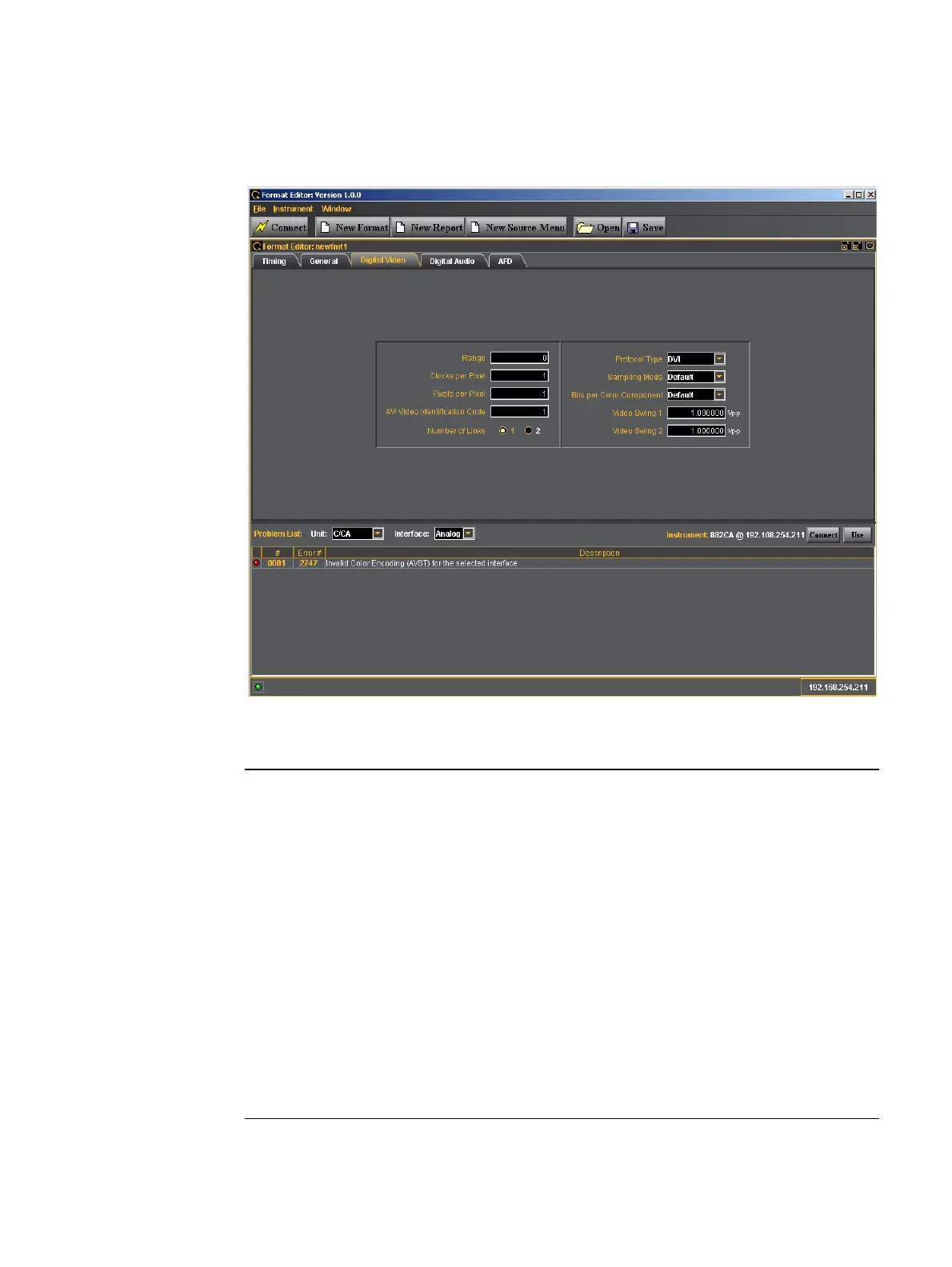
New Format - Digital Video Tab
The Format Editor Digital Video tab is shown below.
The table that follows describes each of the fields in the Digital Video tab.
Entity / Field Type Description / Function
Range Entry field
Clocks per Pixel Entry field Specifies the number of clocks per pixel (double
clocking factor for whole line. This parameter is used to
boost the clock rate to the minimum supported by
TMDS interface. Allowable values are:
• 1 - one clock per pixel
• 2 - two clocks per pixel
Parameter: NCPP.
Pixels per Pixel Entry field Specifies the number of pixels per pixel. This parameter
specifies the pixel repetition factor for the active portion
of the line. Allowable values are:
• 0 - disables repetition mode
• 1 to 10 - enables pixel repetition (inserts extra left and
right pixel repetition bars)
Parameter: NPPP.



 To Next Page