882 Video Test Instrument User Guide (Rev A.35) 51
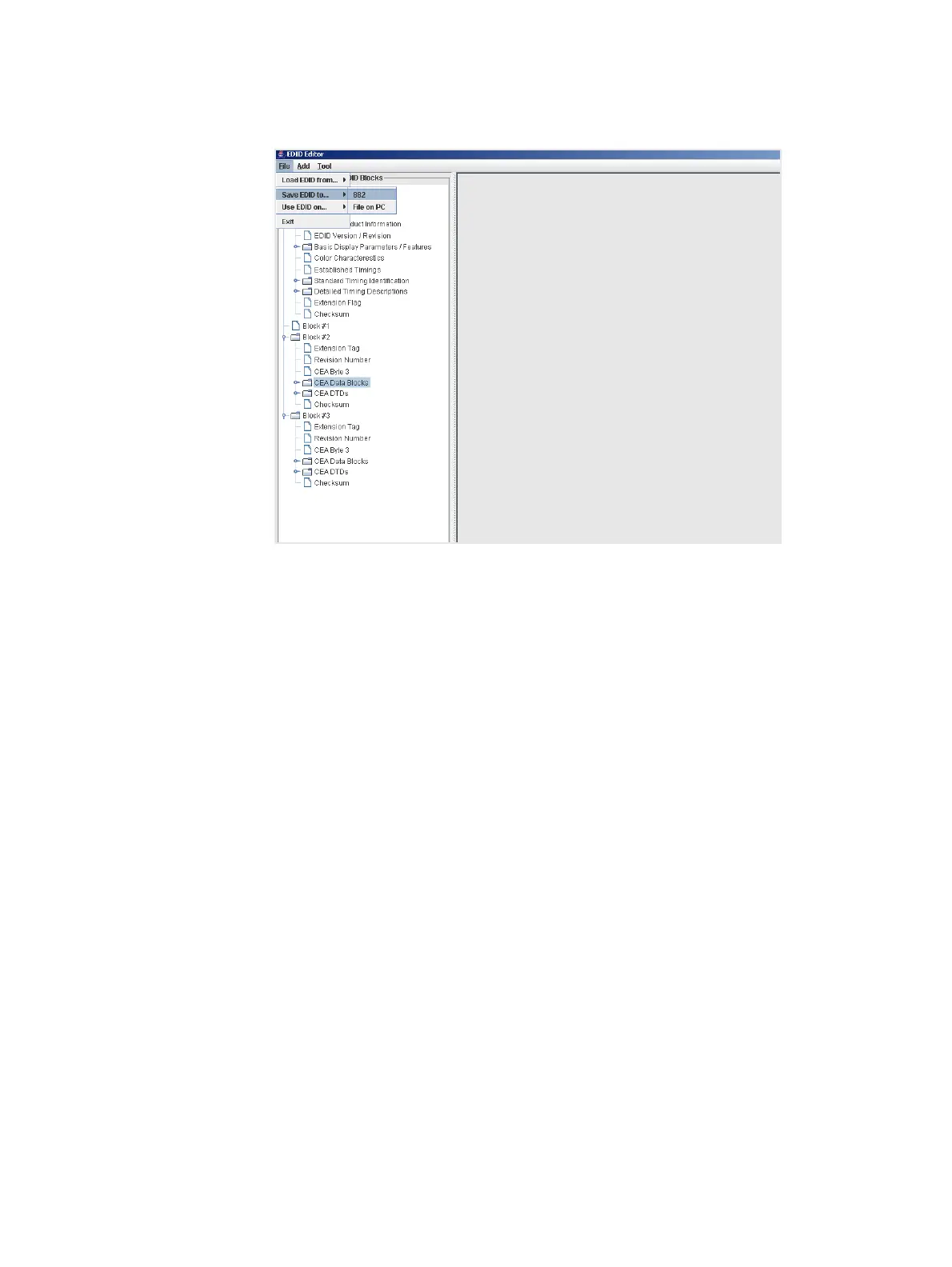
2. Select Save EDID to... from the File pull down menu as shown below.
3. Select the location you want to store the file.
a. If you are saving the EDID to the 882 file system, select 882 and enter a filename.
The EDID XML file is stored in flash memory.
b. If you are saving the EDID to the host PC, select File on PC and enter a filename.
The EDID XML file is stored on the PC.
The EDID is saved to a EDID XML file used by the 882 generator.
Putting (Writing) EDID to a display
Note: The connected display device must have writable EEPROM to use this feature.
Important: This procedure will overwrite the EDID contents of your display device.
The procedure below provide instructions on putting (writing) an EDID to a display device
connected to one of the 882’s HDMI Tx ports.
To put (write) an EDID to a connected display device:
1. If not already connected, connect an HDMI-to-HDMI cable between the OUT
connector on the 882 and the HDMI connector on the display device.



 To Next Page