882 Video Test Instrument User Guide (Rev A.35) 27
Note: Please note that you must us a PCMCIA card that is formatted in FAT16
filesystem. If you use an card that is formatted in FAT32, the 882 will not boot.
4. Locate the file or folder you want to copy in the source window.
5. Locate and open the destination folder in the destination window.
6. Drag the file or folder from the Instrument Files area of the source window to the
Instrument Files area of the destination window.
Copying files between 882s
To copy files between 882s:
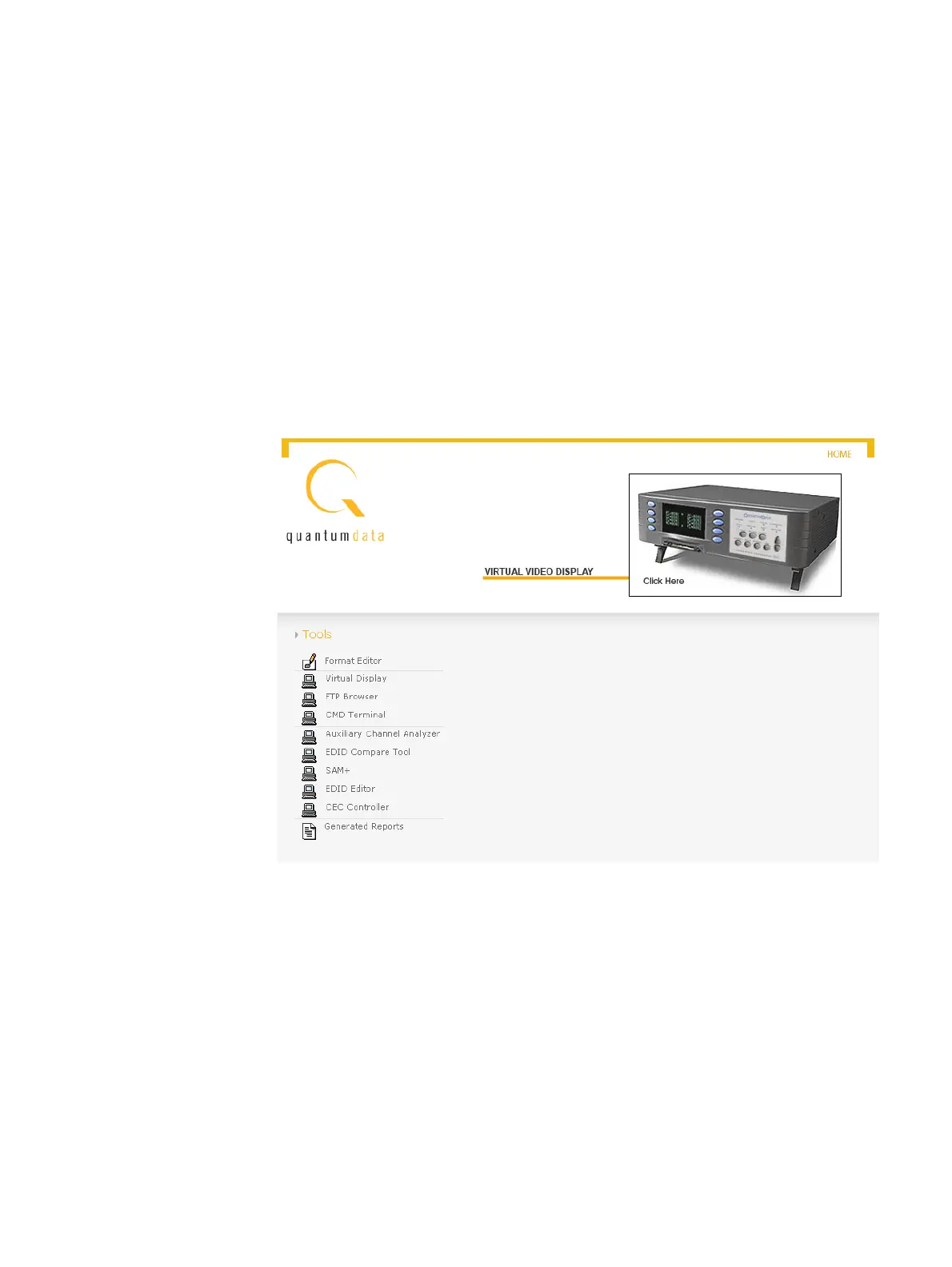
1. Open a Web browser (such as Internet Explorer) and type the source 882’s IP address
in the address entry field. The source 882’s home page appears in the browser.



 To Next Page