130 Chapter 15 Script SDK
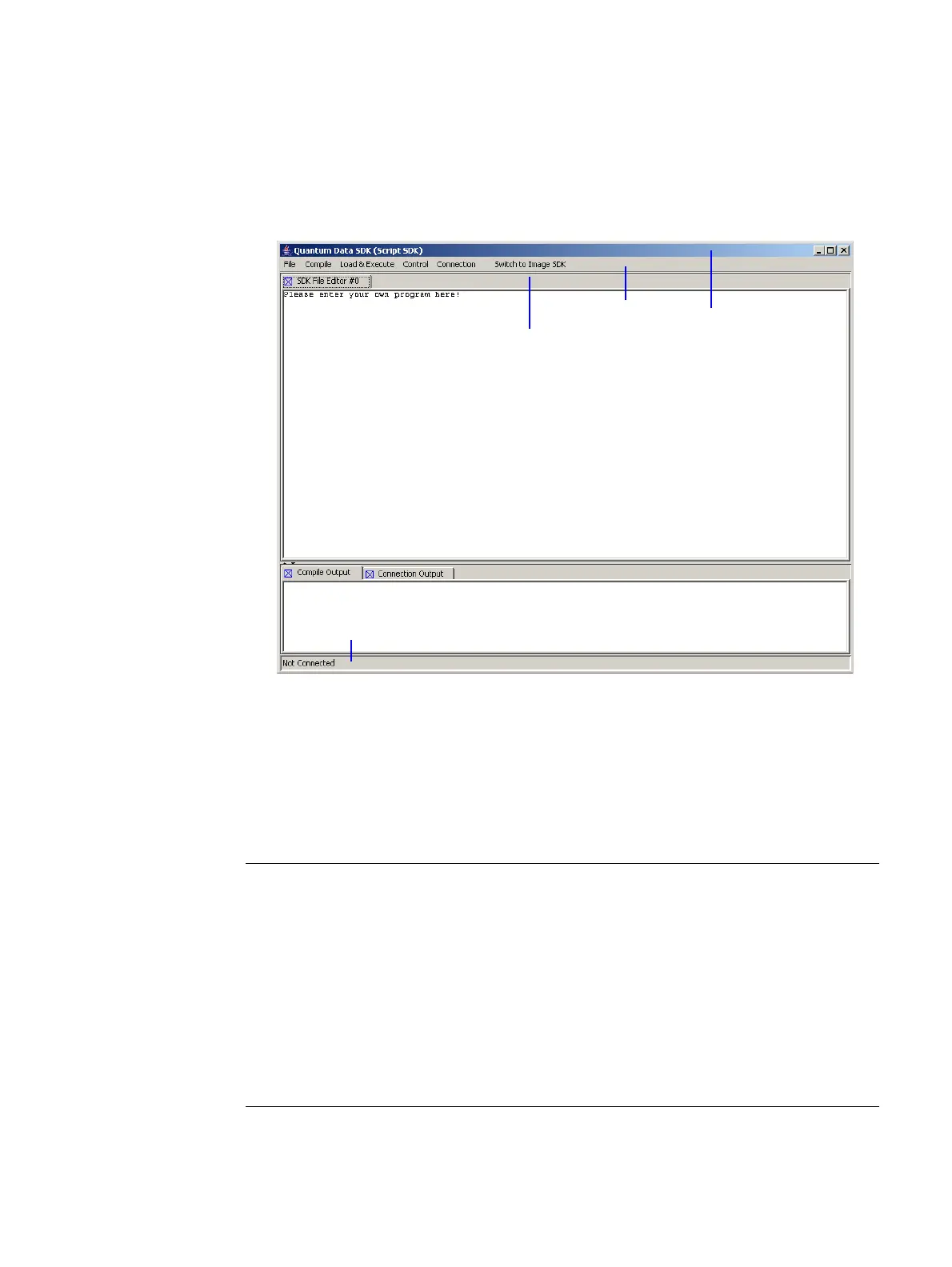
Under the menu bar is the main section of the GUI, the tabbed Editor pane. Multiple files
can be edited, and each file has its own tab. Under the Editor pane is the output pane.
The two tabs in this pane contain compiler output and connection output. Finally, the
status bar at the bottom of the window shows the IP address of the 880 series generator
that is currently connected.
ScriptSDK menu summary
Refer to the table below for a list of menu commands.
title bar
menu bar
Editor pane
Output pane
Image/Script
SDK toggle
status bar
Menu Command Description
File New Opens a new empty file in the tabbed editor pane.
New File from Template Only active in ScriptSDK mode, this selection pre-
sents a dialog for opening a template file from the
script_templates folder.
Open
Presents a dialog for opening an existing
source file. In ScriptSDK mode the default
folder is scripts; in ImageSDK mode the default
folder is examples
.
Close File Closes the file in the current editor tab.
Save Saves the file in the current editor tab.



 To Next Page